Does Snapchat save what you send to my AI?
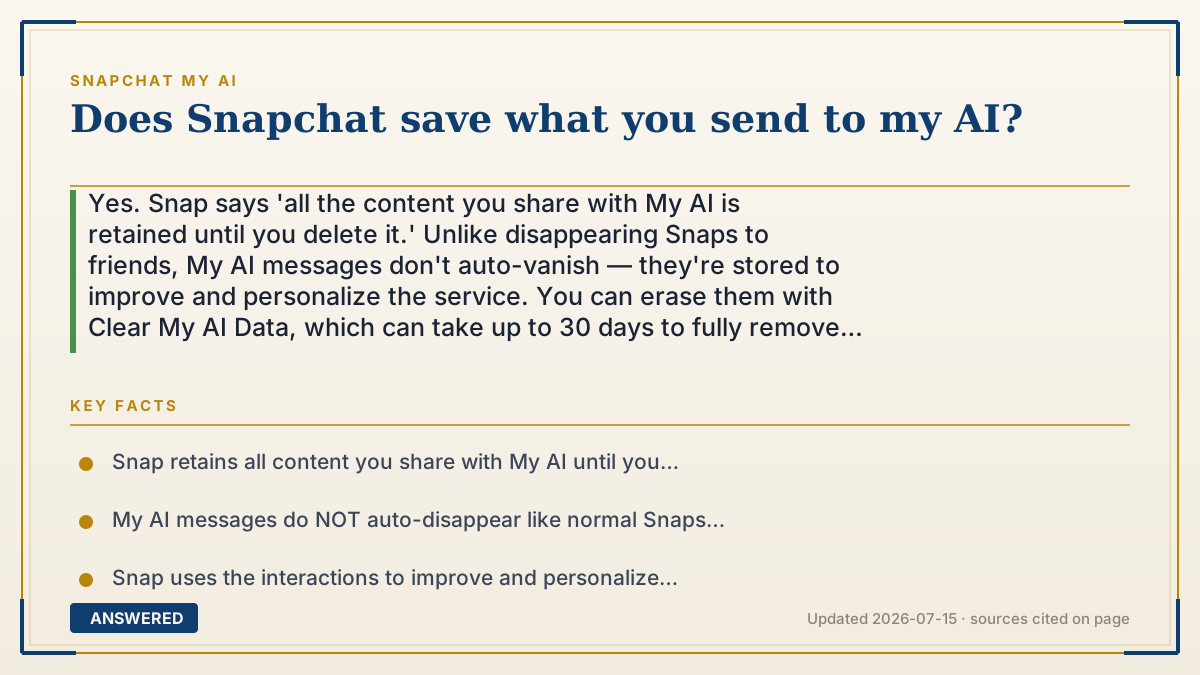
Yes. Snap says 'all the content you share with My AI is retained until you delete it.' Unlike disappearing Snaps to friends, My AI messages don't auto-vanish — they're stored to improve and personalize the service. You can erase them with Clear My AI Data, which can take up to 30 days to fully remove from Snap's servers.
Why — the first-principles explanation
Regular Snaps are built to disappear, which is Snapchat's whole identity. But My AI works differently: the content you send it is retained until you delete it. That's a deliberate design choice, because the assistant and Snap need the text to generate answers and to study how the feature is used and improve it.
So the mental model should flip. With a friend, the default is 'this goes away.' With My AI, the default is 'this is kept.' Snap is explicit: 'All the content you share with My AI is retained until you delete it.' It uses these interactions to improve the service and personalize your experience.
That's why the practical advice is to treat the My AI chat like a saved document, not a whisper. Don't put passwords, financial details, health specifics, or identifying information into it. And if you've already shared things you'd rather remove, Snap gives you a delete control — but note that clearing can take up to 30 days to fully process on their servers, and it won't remove My AI messages posted in group chats.
An example that makes it click
When you text a friend on Snapchat, it's like writing a message on a foggy mirror that wipes clean. But when you type to My AI, it's like writing in a notebook that stays on the shelf. The words don't evaporate — they sit there until you tear the page out.
So before you 'write in the notebook,' ask: would I be okay with this being kept? A recipe question, sure. Your bank PIN or a private worry — better left out, because that page doesn't disappear on its own.
How to do it
- Assume everything you send My AI is saved — avoid passwords, financial info, and personal details.
- To delete: iOS — Settings > Privacy Controls > Clear Data > 'Clear My AI Data'.
- Android — Settings > Account Actions > 'Clear My AI Data', then confirm.
- To remove a single message quickly, long-press it within 24 hours and tap Delete twice.
- Allow up to 30 days for the data to fully clear from Snap's servers.
Key facts
- Snap retains all content you share with My AI until you delete it.
- My AI messages do NOT auto-disappear like normal Snaps to friends.
- Snap uses the interactions to improve and personalize the service.
- Clear My AI Data removes your history, but it can take up to 30 days on servers.
- Clearing 1:1 data does not remove My AI messages posted in group chats.
▶ The 60-second explainer (script)
Does Snapchat save what you send to My AI? Yes — and this is the opposite of how normal Snaps work. Messages to friends are designed to disappear. But Snapchat says clearly that all the content you share with My AI is retained until you delete it. It stays on their servers, and Snap uses it to improve and personalize the assistant. So flip your thinking: with a friend, the default is 'this vanishes.' With My AI, the default is 'this is kept.' That's why you should never type passwords, bank details, or private personal information into My AI. If you've already shared something you want gone, you can delete it. On iPhone, go to Settings, Privacy Controls, Clear Data, then Clear My AI Data. On Android, it's under Account Actions. You can also long-press a single message within 24 hours and delete it. Just know full removal from Snap's servers can take up to 30 days.
What authoritative sources say
People also ask
Do My AI messages disappear like normal Snaps?
No. Unlike Snaps to friends, My AI content is retained until you delete it. It doesn't auto-vanish.
How do I delete what I sent My AI?
Use Clear My AI Data in Settings (Privacy Controls on iOS, Account Actions on Android). Removal can take up to 30 days.
Does deleting cover group chats?
No. Clearing your data affects 1:1 conversations. My AI messages in group chats are not removed by that action.