How long can Luma Dream Machine videos be?
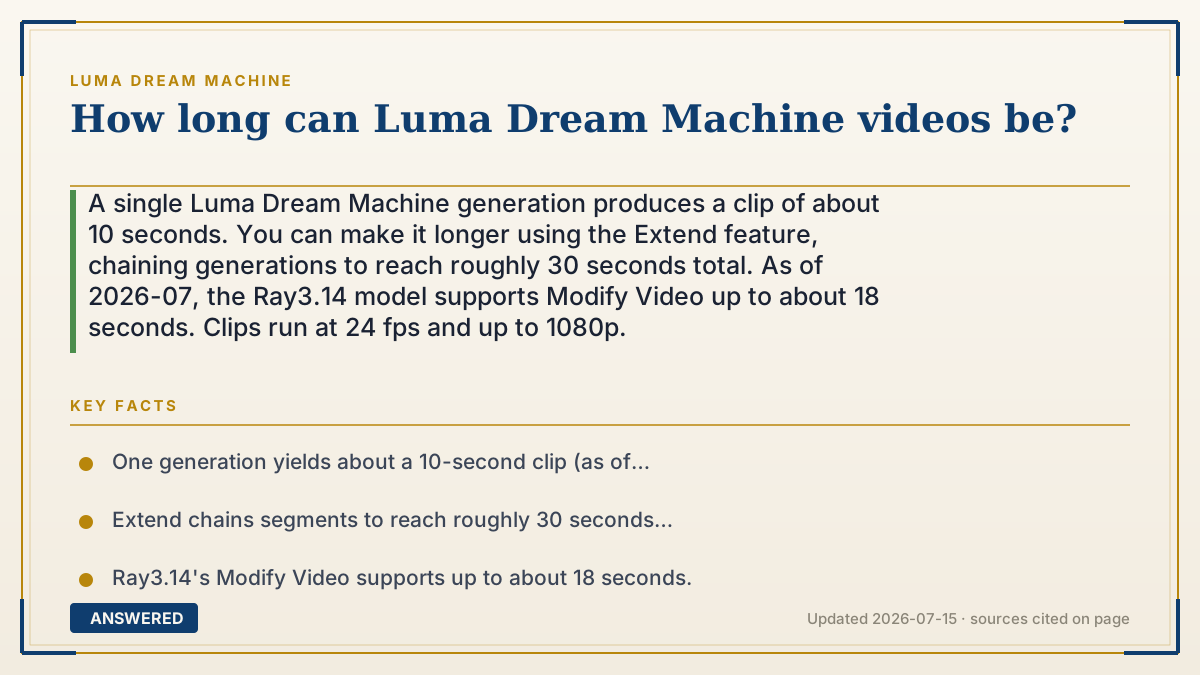
A single Luma Dream Machine generation produces a clip of about 10 seconds. You can make it longer using the Extend feature, chaining generations to reach roughly 30 seconds total. As of 2026-07, the Ray3.14 model supports Modify Video up to about 18 seconds. Clips run at 24 fps and up to 1080p.
Why — the first-principles explanation
The ~10-second limit is a compute and coherence trade-off. Generating video means predicting every frame, and the longer the clip, the more the model can drift, so a character slowly morphs or the scene loses consistency. Keeping each generation short protects quality and keeps the GPU cost per render manageable.
To get past that ceiling, Luma uses Extend instead of one giant render. Extend takes the last frame of your clip as the new starting point and generates the next segment, so you stitch several ~10-second pieces into one longer video. This keeps each piece coherent while letting the total run to roughly 30 seconds.
The reason there is not a simple '60-second' button is that quality would suffer and credits would balloon. Longer videos cost more credits and more time, so Luma's design nudges you toward short, controlled segments you extend deliberately, which is also how real editors build a sequence: shot by shot, not in one endless take.
An example that makes it click
Think of it like taking photos with a flip-book instead of a movie camera. Each flip-book you draw is short, about ten seconds of action, because if you drew too many pages your character would slowly start looking wrong. To make a longer story, you draw a second flip-book that begins exactly where the first one ended, then a third, and tape them together. String three together and you have thirty seconds that still looks consistent, because each little book was kept short enough to stay neat.
How to do it
- Generate your first clip, which will be about 10 seconds long.
- Select the clip and choose Extend to continue from its final frame.
- Add a prompt for the next segment and generate again.
- Repeat Extend to reach roughly 30 seconds total.
- Use Loop if you instead want a short clip that repeats seamlessly.
Key facts
- One generation yields about a 10-second clip (as of 2026-07).
- Extend chains segments to reach roughly 30 seconds total.
- Ray3.14's Modify Video supports up to about 18 seconds.
- Clips render at 24 fps and up to 1080p resolution.
- Longer videos consume more credits and more processing time.
Open the official product site and confirm the current access, plans and terms.
▶ The 60-second explainer (script)
How long can Luma Dream Machine videos be? A single generation gives you a clip of about ten seconds. That length isn't random. Generating video means the AI predicts every frame, and the longer it runs, the more the picture can drift, so your character or scene slowly loses consistency. Keeping each clip short protects the quality. But you're not stuck at ten seconds. Luma has a feature called Extend that takes the last frame of your clip and generates the next segment from there. Chain a few of these together and you can reach roughly thirty seconds total, with each piece staying clean because it was kept short. As of 2026, the newer Ray3.14 model can also modify video up to about eighteen seconds. Everything runs at 24 frames per second and up to 1080p. Just remember: longer videos use more credits and take more time, so Luma nudges you to build in short, controlled segments, exactly like a real editor cutting shot by shot rather than one endless take.
What authoritative sources say
People also ask
Can I make a 1-minute video in one go?
No. Each generation is about 10 seconds; you chain Extends to reach roughly 30 seconds.
What is the maximum length?
Around 30 seconds by extending; Ray3.14's Modify Video handles up to about 18 seconds in one pass.
Does a longer video cost more?
Yes. More seconds mean more credits and longer processing time.
How do I loop a short clip instead?
Use the Loop feature, which makes a clip repeat seamlessly rather than extending its length.