How many AI credits do you get in Canva free?
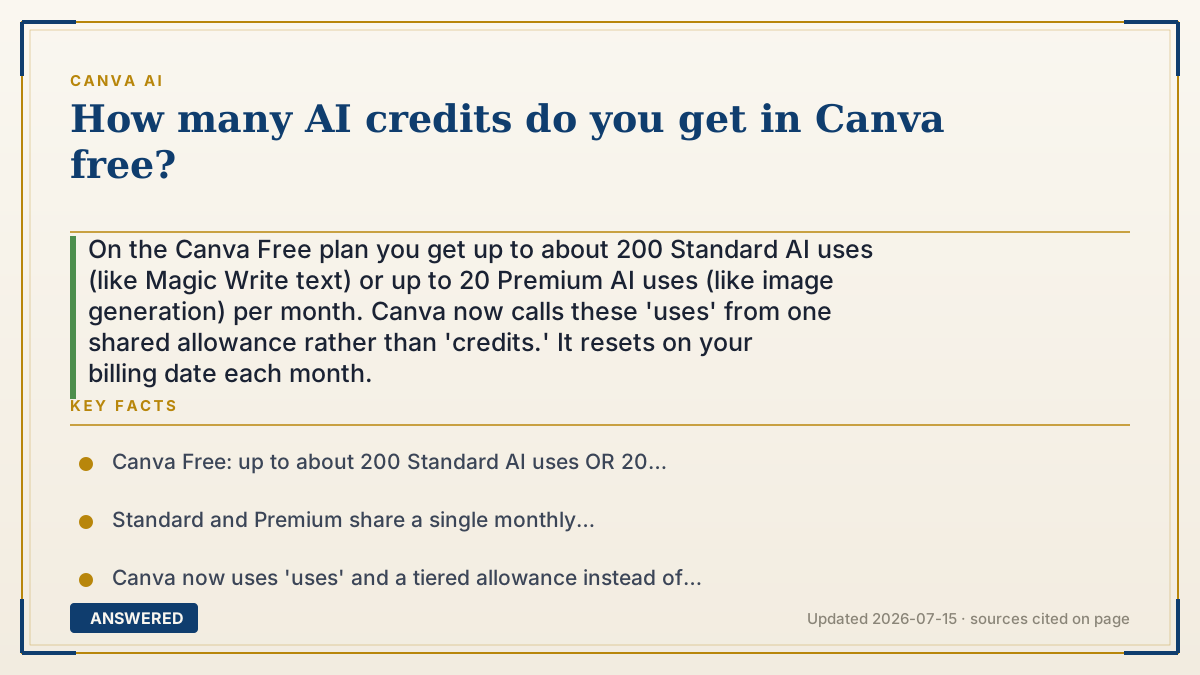
On the Canva Free plan you get up to about 200 Standard AI uses (like Magic Write text) or up to 20 Premium AI uses (like image generation) per month. Canva now calls these 'uses' from one shared allowance rather than 'credits.' It resets on your billing date each month.
Why — the first-principles explanation
Canva retired the old fixed-'credits' language in favor of a shared monthly allowance measured in 'uses'. The reason is that not all AI tasks cost the same, so a single credit number was misleading. Now the Free plan gives you a pool you can spend as either many cheap tasks or a few expensive ones.
The split is by tier. Standard uses (mostly text, like Magic Write) are cheap, so Free allows up to ~200 of them. Premium uses (image and video generation) are pricier, so the same pool caps them near ~20. These aren't additive—it's one budget, so 200 and 20 are the ceilings for doing only that single kind of task. Do a mix and they draw from the same pool.
Why so limited on Free? Because each generation costs Canva GPU time. The free allowance is a genuine sample—enough to try everything and cover light use—while the paid plans multiply it (Pro is roughly 10x). The pool refills automatically on your billing date, so a light user effectively gets a fresh ~200/20 every month at no cost.
An example that makes it click
Think of Free Canva as a monthly $20 gift card where text snacks cost about a dime each (so ~200 snacks) and image meals cost about a dollar each (so ~20 meals). It's one card—buy meals and you have less for snacks. Empty it, and next month on your billing day it magically reloads to $20.
Want a bigger card? Canva Pro is like a $200 version—roughly ten times the spending power plus access to the premium menu.
How to do it
- Sign up for the Free plan—no payment required.
- Check Settings to see your current monthly AI allowance.
- Use Standard tools (Magic Write) freely—you get up to ~200 a month.
- Save Premium tasks (image/video generation) for when needed—you get up to ~20.
- Remember it's one shared pool; mixing task types uses the same budget.
- Wait for the monthly reset on your billing date, or upgrade to Pro for about 10x more.
Key facts
- Canva Free: up to about 200 Standard AI uses OR 20 Premium AI uses per month.
- Standard and Premium share a single monthly allowance—the numbers are not additive.
- Canva now uses 'uses' and a tiered allowance instead of a single 'credits' number.
- Image and video generation count as Premium uses; text (Magic Write) is Standard.
- The allowance resets on your billing date each month; Pro raises it to ~2,000 Standard/200 Premium.
Check whether a free tier or trial is available, then confirm current credits and limits.
▶ The 60-second explainer (script)
How many AI credits do you get on Canva Free? Here's the current answer. Canva actually stopped using a single 'credits' number—now it's a shared monthly allowance measured in 'uses.' On the Free plan, you get up to about 200 Standard uses, which covers text tools like Magic Write, or up to 20 Premium uses, which covers image and video generation. The important thing: those aren't added together. It's one pool, so if you generate a bunch of images, you'll have fewer uses left for everything else. Why so limited? Every AI generation costs Canva real computing power, so the free amount is a sample—plenty for light use. The best part is it refills automatically on your billing date every month, so a casual user basically gets a fresh batch for free forever. Need more? Canva Pro gives you roughly ten times the allowance plus the premium tools.
What authoritative sources say
People also ask
How many free AI images can I make in Canva?
Up to about 20 per month, because image generation is a Premium use and Free allows roughly 20 Premium uses.
Are Canva credits and uses the same thing?
Roughly. Canva replaced fixed 'credits' with a shared monthly allowance of 'uses' split into Standard, Premium, and Ultra tiers.
Do free AI uses roll over?
No. The allowance resets on your billing date each month; unused amounts don't carry over.
How do I get more free AI use?
Wait for the monthly reset, or upgrade to Pro (~10x the allowance). Nonprofits and eligible schools can get Pro-level access free.