How does Canva AI usage allowance work?
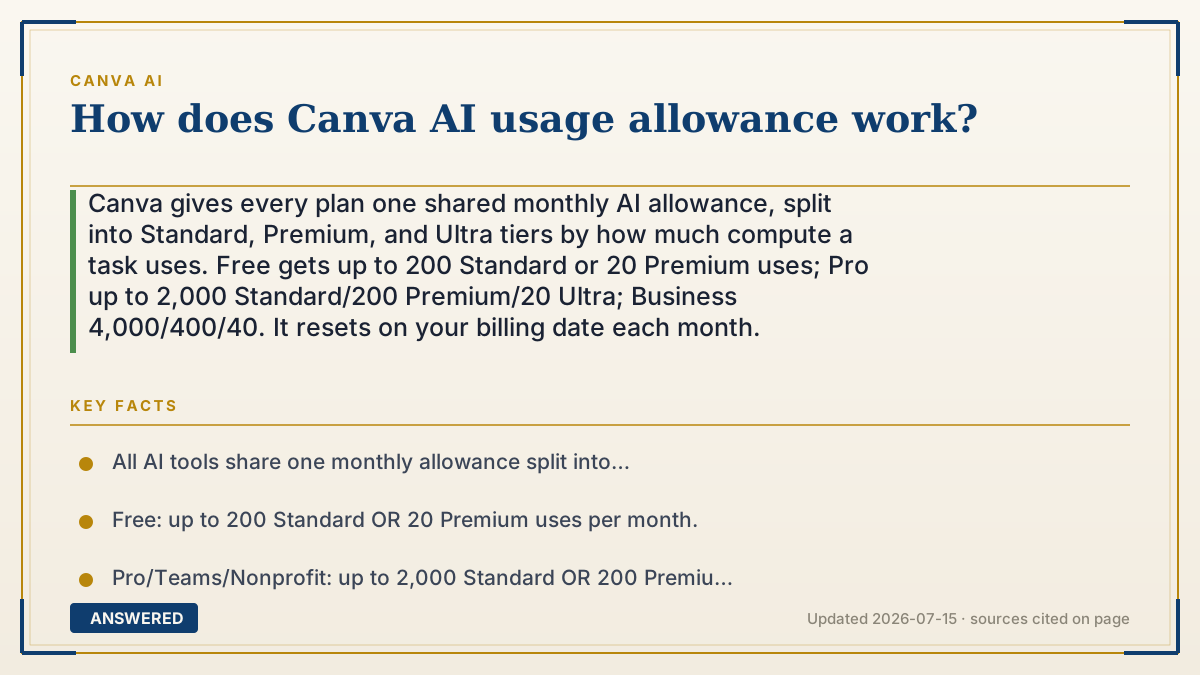
Canva gives every plan one shared monthly AI allowance, split into Standard, Premium, and Ultra tiers by how much compute a task uses. Free gets up to 200 Standard or 20 Premium uses; Pro up to 2,000 Standard/200 Premium/20 Ultra; Business 4,000/400/40. It resets on your billing date each month.
Why — the first-principles explanation
The allowance exists because AI is pay-per-use on the back end. Every generation runs on GPUs that cost Canva money, so instead of charging you per click, Canva bundles a monthly pool into your plan. You spend from that pool as you use AI, and it refills on schedule. This keeps pricing predictable for you and costs sustainable for Canva.
The clever part is that it's one shared pool, drained at different rates. Tasks are sorted into three tiers by expense. Standard (mostly text, like Magic Write) costs the least, so your plan allows the most of them. Premium (image, video, design generation) costs more, so you get fewer. Ultra (the newest, most powerful models) costs the most and drains fastest. The per-plan numbers—like '2,000 Standard or 200 Premium'—are ceilings for if you only did that one kind of task; mix them and they share the same budget.
Two practical wrinkles: complexity matters (a big, detailed prompt can cost more than a simple one), and the pool resets on your billing date, not the calendar first of the month. Heavy users who exhaust the pool can buy the AI Pass add-on for a much larger allowance rather than waiting for the reset.
An example that makes it click
Picture a monthly gift card that all your AI tools share. Cheap snacks (text) cost 1 point each, so you can grab hundreds. Full meals (images and video) cost more, so you get fewer. The fanciest chef's specials (Ultra) cost the most and empty the card quickest. It's all the same card—buy more meals and you have fewer points left for snacks.
Every month on your billing day the card reloads to full. If you're always running out mid-month, you can top it up with the AI Pass instead of waiting.
How to do it
- Find your allowance in Canva Settings under your plan or billing area.
- Note the three tiers: Standard (text) is cheapest, Premium (images/video) costs more, Ultra costs most.
- Spend from the single shared pool—mixing task types draws from the same budget.
- Keep prompts focused; very complex tasks can use more allowance.
- Watch your billing date—that's when the allowance resets, not the 1st of the month.
- If you run out often, consider the AI Pass add-on for a much larger allowance.
Key facts
- All AI tools share one monthly allowance split into Standard, Premium, and Ultra tiers.
- Free: up to 200 Standard OR 20 Premium uses per month.
- Pro/Teams/Nonprofit: up to 2,000 Standard OR 200 Premium OR 20 Ultra uses per month.
- Business/Enterprise: up to 4,000 Standard OR 400 Premium OR 40 Ultra uses per month.
- The allowance resets on your billing date; prompt complexity affects how much each task uses.
Open the official product site and confirm the current access, plans and terms.
▶ The 60-second explainer (script)
How does Canva's AI usage allowance work? Think of it as one monthly pool of AI you share across every tool. Here's the key idea: tasks cost different amounts. Writing text with Magic Write is cheap—that's a Standard use, and you get lots of them. Making images or video costs more—those are Premium uses. And the newest, most powerful models are Ultra uses, which drain the pool fastest. On the Free plan you get up to 200 Standard or about 20 Premium uses a month. Pro jumps to 2,000 Standard, 200 Premium, or 20 Ultra. Business doubles that. But remember—it's one shared pool, so mixing images and text pulls from the same budget, and a really complex prompt can cost more than a simple one. Your allowance refills automatically on your billing date each month. And if you keep running dry, Canva's AI Pass add-on gives you a much bigger pool without waiting for the reset.
What authoritative sources say
People also ask
When does my Canva AI allowance reset?
On your billing date each month—monthly even for annual subscribers—not the calendar 1st.
What's the difference between Standard, Premium, and Ultra uses?
Standard (like text) costs the least, Premium (images/video) costs more, and Ultra (newest models) costs the most and drains fastest. They share one pool.
What happens if I run out?
You wait for the monthly reset, upgrade your plan, or buy the AI Pass add-on for a much larger allowance.
Why did one image cost more allowance than another?
Prompt and task complexity affect the cost—bigger, more detailed jobs use more of your allowance.
The same question, asked other ways
- When does Canva AI allowance reset?