How to cancel ChatGPT subscription?
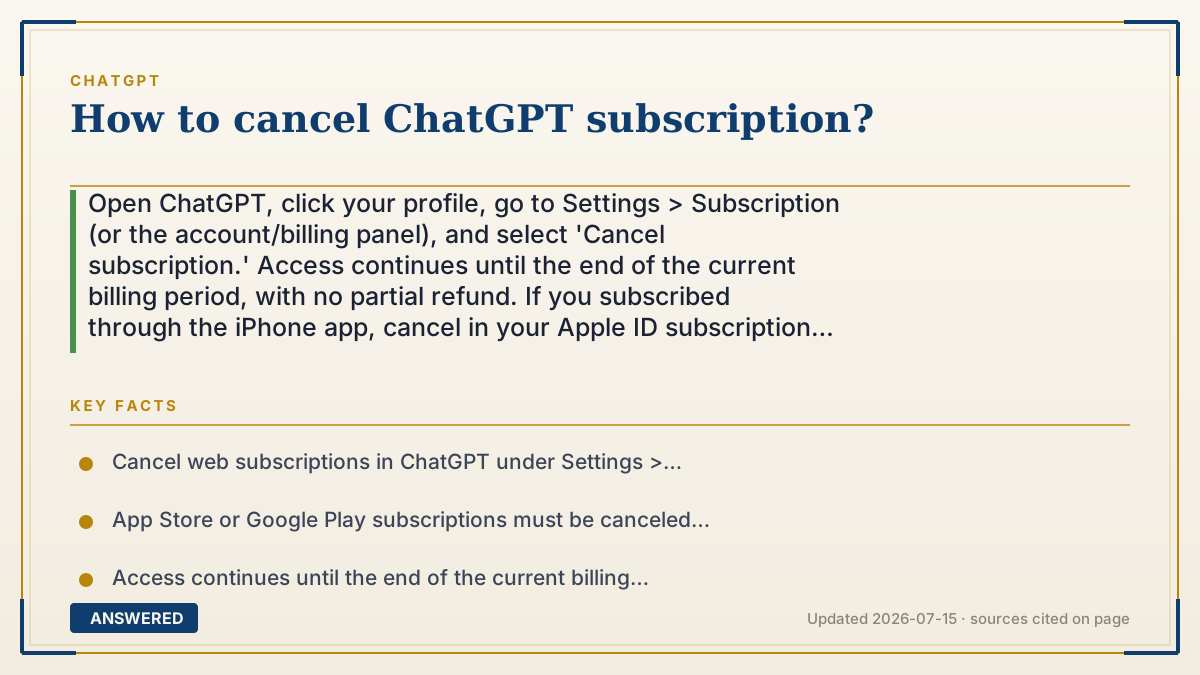
Open ChatGPT, click your profile, go to Settings > Subscription (or the account/billing panel), and select 'Cancel subscription.' Access continues until the end of the current billing period, with no partial refund. If you subscribed through the iPhone app, cancel in your Apple ID subscription settings instead, not inside ChatGPT.
Why — the first-principles explanation
Canceling is simple, but where you cancel depends on where you paid. If you subscribed directly on the web at chatgpt.com, OpenAI bills you through its own payment processor, so you cancel inside ChatGPT's settings. If you subscribed through the Apple App Store or Google Play, that store handles the billing, and only the store can cancel it, ChatGPT can't reach into Apple's or Google's payment system.
The second principle is how the billing cycle works. ChatGPT Plus and Pro are prepaid monthly subscriptions. When you cancel, you're really turning off the next automatic renewal. You keep the paid features until the end of the period you already paid for, and OpenAI generally does not refund the unused days. So canceling early doesn't lose you access immediately; it just stops the next charge.
Third, canceling is not the same as deleting. Ending your subscription downgrades you to the free plan, but your account, chat history, and data remain. If you want your data gone too, that's a separate step (delete your chats or your whole account). Knowing these three things, pay location, cycle timing, and cancel-versus-delete, means you can stop billing cleanly and avoid a surprise charge next month.
An example that makes it click
It's like a monthly magazine subscription. If you signed up directly with the publisher (the web), you call the publisher to stop it. If you signed up through a newsstand bundle (the Apple App Store), you have to cancel with the newsstand, because they're the ones charging your card. Either way, you still get the issues you already paid for this month, they don't come to your house and take the magazine back, but no new issue ships next month.
How to do it
- Web: open chatgpt.com, click your profile, then Settings.
- Go to 'Subscription' (or the account/billing section) and click 'Cancel subscription,' then confirm.
- iPhone/iPad: instead go to iOS Settings > your Apple ID > Subscriptions > ChatGPT > Cancel.
- Android: open Google Play > Menu > Subscriptions > ChatGPT > Cancel.
- Verify you receive a cancellation confirmation and that auto-renew is now off.
- Keep using Plus/Pro features until the current billing period ends, then you revert to the free plan.
Key facts
- Cancel web subscriptions in ChatGPT under Settings > Subscription.
- App Store or Google Play subscriptions must be canceled in Apple ID or Google Play settings, not in ChatGPT.
- Access continues until the end of the current billing period; OpenAI generally issues no partial refund.
- Canceling downgrades you to the free plan but keeps your account, history, and data.
- Canceling stops the next auto-renewal charge; it does not delete your account.
Open the vendor's official cancellation guide; the correct steps depend on where you subscribed.
▶ The 60-second explainer (script)
Here's how to cancel your ChatGPT subscription. The key thing is: cancel where you paid. If you subscribed on the website, open chatgpt.com, click your profile, go to Settings, then Subscription, and hit Cancel subscription. Done. But if you subscribed through your iPhone, ChatGPT can't cancel it, because Apple handles that billing. Go to your iOS Settings, tap your Apple ID, then Subscriptions, find ChatGPT, and cancel there. On Android, it's in the Google Play app under Subscriptions. A couple of things to know. Canceling just turns off the next renewal. You keep Plus or Pro until the end of the period you already paid for, and there's usually no refund for the unused days. And canceling only downgrades you to the free plan; it doesn't delete your account or your chats. If you want your data gone too, that's a separate step. Always check for a cancellation confirmation so you're not charged again.
What authoritative sources say
People also ask
Will I get a refund if I cancel early?
Generally no. You keep access until the end of the current billing period, but unused days are not refunded.
I canceled but still see Plus features. Why?
That's normal. Access continues until your paid period ends, then your account reverts to the free plan.
I can't find the cancel button in ChatGPT.
You likely subscribed through the App Store or Google Play. Cancel in your Apple ID or Google Play subscription settings instead.
Does canceling delete my account and chats?
No. Canceling only ends billing and downgrades you to free. Deleting your data or account is a separate action.