How to cancel HeyGen subscription?
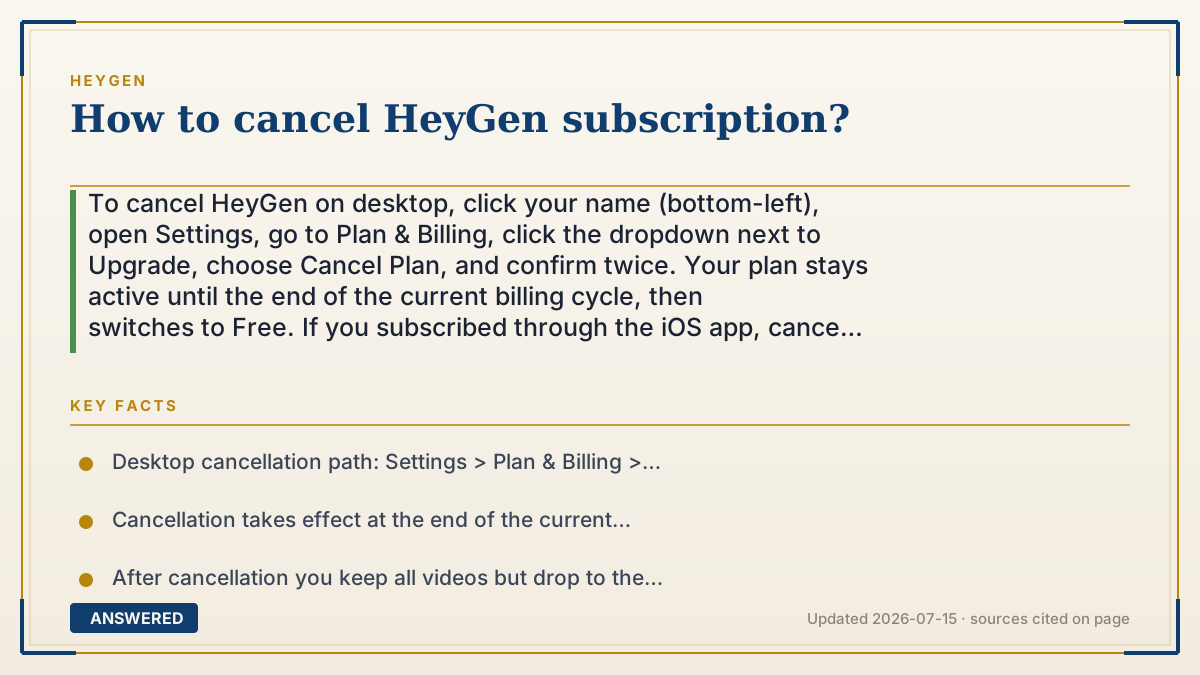
To cancel HeyGen on desktop, click your name (bottom-left), open Settings, go to Plan & Billing, click the dropdown next to Upgrade, choose Cancel Plan, and confirm twice. Your plan stays active until the end of the current billing cycle, then switches to Free. If you subscribed through the iOS app, cancel in Apple Subscriptions instead.
Why — the first-principles explanation
Canceling a subscription is really about stopping the auto-renewal that charges your card each cycle. Cancellation does not delete your account or wipe your videos; it just tells the billing system not to bill you again. That is why HeyGen keeps your plan running until the end of the period you already paid for, then quietly downgrades you to the Free tier.
There is an important payment-channel rule. Where you cancel depends on where you originally paid. If you subscribed on the HeyGen website, you cancel inside HeyGen's own billing settings. If you subscribed through the Apple App Store, Apple, not HeyGen, controls the billing, so you must cancel through iOS Subscriptions. Canceling in the wrong place is the number-one reason people keep getting charged after they think they quit.
HeyGen also separates pausing from canceling. Pausing freezes your plan and billing temporarily while keeping your setup, whereas canceling ends it and moves you to Free at cycle end. On the Free tier your content stays in Projects, but your custom avatar allowance shrinks from 3 back to 1, and any unused credits are forfeited, so time your cancellation for after you have exported what you need.
An example that makes it click
Canceling HeyGen is like turning off automatic renewal on a gym membership. You do not get kicked out the moment you click cancel; you keep going until the month you paid for runs out, then the door badge stops working. And just like a gym you joined through a third-party app, if you signed up via Apple, you have to cancel at Apple's front desk, not the gym's, or the charges keep coming.
How to do it
- On desktop, click your name in the bottom-left corner and open Settings.
- Select 'Plan & Billing' from the left-hand menu.
- Click the dropdown arrow next to the Upgrade button.
- Choose 'Cancel Plan' (or 'Pause Plan' to keep the account frozen).
- Complete the short survey and click 'Continue Cancelling' twice to confirm.
- If you subscribed via the iOS app, cancel instead under iPhone Settings > Apple ID > Subscriptions > HeyGen.
Key facts
- Desktop cancellation path: Settings > Plan & Billing > dropdown next to Upgrade > Cancel Plan.
- Cancellation takes effect at the end of the current billing cycle, not immediately.
- After cancellation you keep all videos but drop to the Free tier with 1 custom avatar instead of 3.
- App Store subscribers must cancel through Apple Subscriptions, not HeyGen's website.
- If you are still charged while showing a Free account, contact [email protected].
Open the vendor's official cancellation guide; the correct steps depend on where you subscribed.
▶ The 60-second explainer (script)
Need to cancel your HeyGen subscription? Here's the exact path. On desktop, click your name in the bottom-left corner, open Settings, then go to Plan and Billing. Click the little dropdown arrow next to the Upgrade button, choose Cancel Plan, fill out the quick survey, and confirm by clicking Continue Cancelling twice. Your subscription doesn't stop right away. It stays active until the end of the billing period you already paid for, then automatically drops to the Free tier. Your videos stay safe in Projects, but your custom avatars go from three back to one, so export anything important first. One big warning: if you originally subscribed through the Apple App Store, you can't cancel on HeyGen's website. You have to go to iPhone Settings, tap your Apple ID, open Subscriptions, and cancel HeyGen there. And if you keep getting charged after canceling, email support at heygen dot com.
What authoritative sources say
People also ask
Will I lose my videos if I cancel?
No. Your videos stay accessible in Projects, but you drop to the Free tier and your custom avatar count falls from 3 to 1.
Does canceling give me an immediate refund?
No. Your plan stays active through the period you already paid for, then switches to Free at the cycle's end.
What's the difference between pausing and canceling?
Pausing temporarily freezes billing and your plan, while canceling ends the subscription and moves you to the Free tier.
I canceled but I'm still being charged. Why?
You likely subscribed through the Apple App Store; cancel via Apple Subscriptions, or email [email protected] if charges continue.
The same question, asked other ways
- How to cancel HeyGen subscription on iPhone?