How to download songs from Suno?
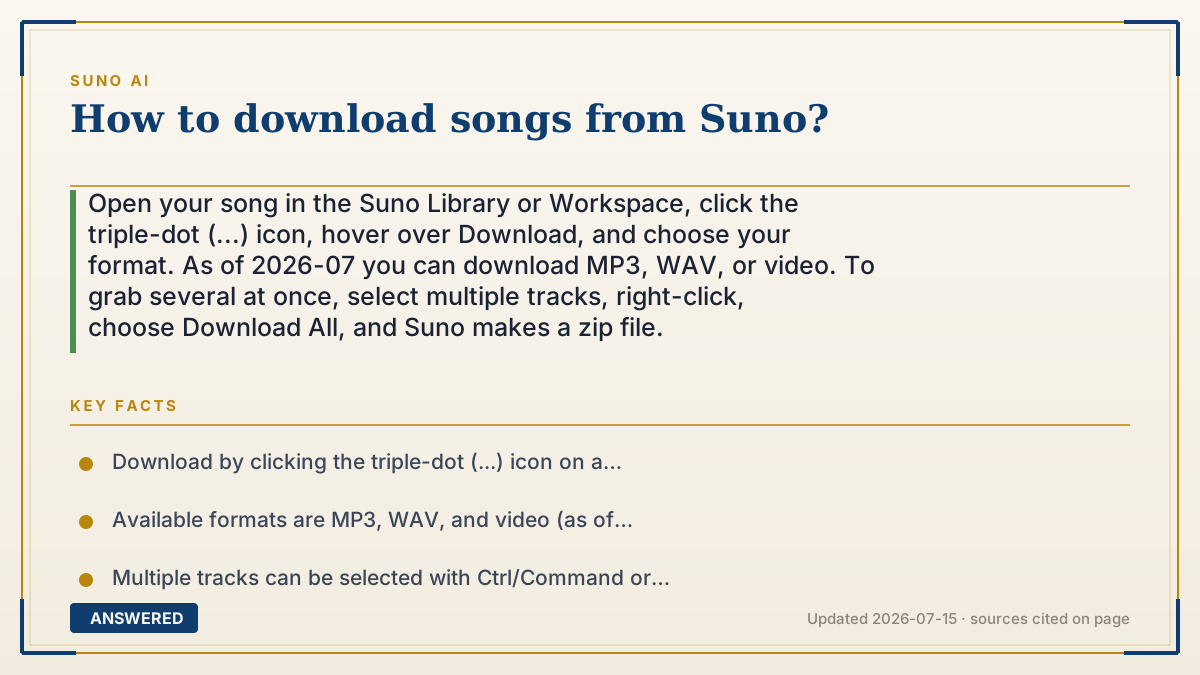
Open your song in the Suno Library or Workspace, click the triple-dot (...) icon, hover over Download, and choose your format. As of 2026-07 you can download MP3, WAV, or video. To grab several at once, select multiple tracks, right-click, choose Download All, and Suno makes a zip file.
Why — the first-principles explanation
Downloading is how you move a song out of Suno's cloud and onto your device so you can edit, share, or distribute it. Suno stores your generations on its servers, and the download button simply exports a copy in a standard audio format your other apps understand.
Format matters because of quality versus size. MP3 is compressed and small, fine for casual sharing. WAV is uncompressed and higher quality, which is what you want for professional editing or distribution to platforms like Spotify. Suno also offers a video export for social platforms that need a visual. Picking the right format up front saves re-exporting later.
Your ability to download and how you may use the file connects back to your plan and rights. Anyone can download their songs, but free-plan tracks remain non-commercial and owned by Suno, while paid-plan tracks come with a commercial license. So downloading a free song is fine for personal use, but you'd need a paid-plan version to legally publish or sell it.
An example that makes it click
Think of Suno's Library like a photo booth that keeps your pictures on its screen. Downloading is pressing 'print' to take a copy home. You choose the paper: a quick small print (MP3) for your fridge, or a high-quality glossy print (WAV) for framing or selling. And if you want a bunch at once, you tick several photos, hit 'print all,' and the booth hands you one envelope (a zip file) with everything inside.
How to do it
- Open your song in the Suno Library or Workspace.
- Click the triple-dot (...) icon on the track.
- Hover over Download to see the format options.
- Choose MP3 for small size, WAV for high quality, or Video for social platforms.
- For multiple songs, hold Ctrl (Windows) or Command (Mac) to select several, or Shift for a range.
- Right-click a selected song, choose Download All, pick a format, and Suno delivers a zip file.
Key facts
- Download by clicking the triple-dot (...) icon on a track and hovering over Download.
- Available formats are MP3, WAV, and video (as of 2026-07).
- Multiple tracks can be selected with Ctrl/Command or Shift, then Download All creates a zip file.
- WAV is uncompressed and preferred for editing or distribution; MP3 is smaller for casual use.
- Free-plan downloads remain non-commercial; paid-plan downloads carry a commercial license.
Open the official product site and confirm the current access, plans and terms.
▶ The 60-second explainer (script)
How do you download songs from Suno? It's quick. Open your song in the Library or Workspace, click the triple-dot icon, then hover over Download and pick your format. You get three choices: MP3, which is small and great for casual sharing; WAV, which is high quality and what you want for editing or uploading to Spotify; and video, for social platforms. Need several at once? Hold Ctrl on Windows or Command on Mac to select multiple songs, or Shift for a range, then right-click and choose Download All, Suno bundles them into a zip file. One important note: downloading a free-plan song is fine for personal use, but only paid-plan songs come with a commercial license, so grab the paid version if you plan to publish or sell it.
What authoritative sources say
People also ask
What file formats can I download from Suno?
MP3, WAV, and video. Use WAV for the best quality and MP3 for smaller, shareable files.
How do I download multiple songs at once?
Select several with Ctrl/Command or Shift, right-click, choose Download All, and Suno creates a zip file.
Can I download songs on the free plan?
Yes, but free-plan downloads are for personal, non-commercial use only, since Suno owns those songs.
Which format should I use for Spotify?
WAV, because it's uncompressed and higher quality, which distributors and streaming platforms prefer.
The same question, asked other ways
- How to download wav files from Suno?