How to fix Janitor AI not loading?
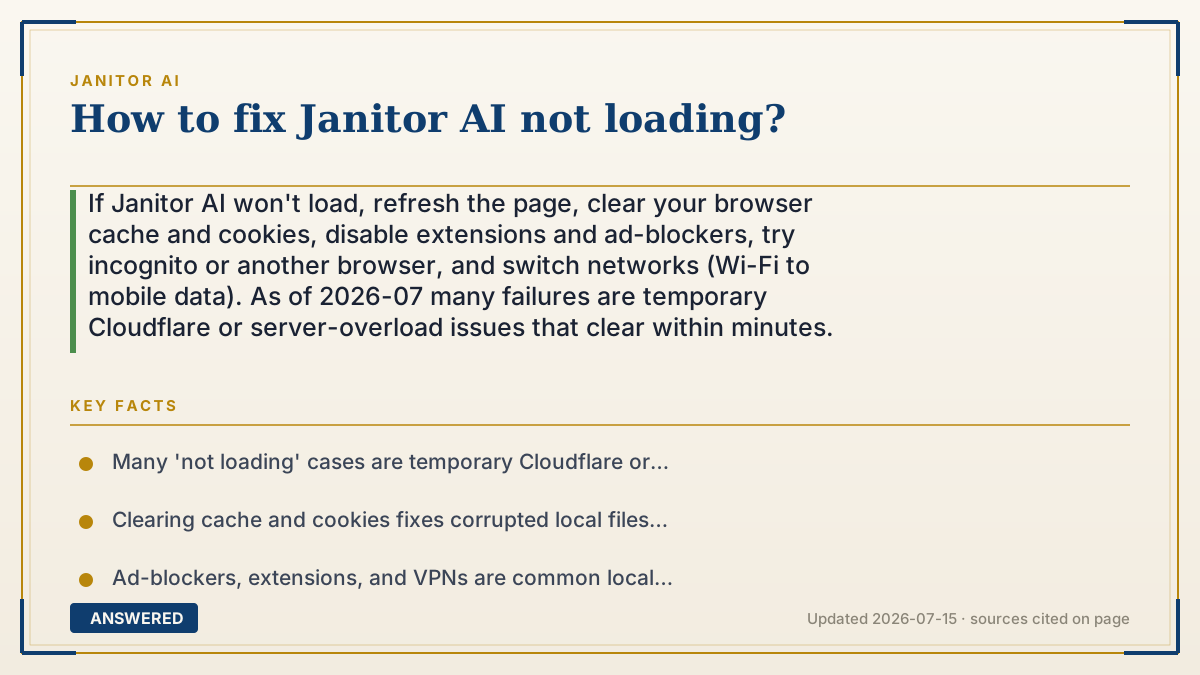
If Janitor AI won't load, refresh the page, clear your browser cache and cookies, disable extensions and ad-blockers, try incognito or another browser, and switch networks (Wi-Fi to mobile data). As of 2026-07 many failures are temporary Cloudflare or server-overload issues that clear within minutes.
Why — the first-principles explanation
A page that won't load fails at one of three points. The platform: if Janitor AI's servers or Cloudflare gateway are overwhelmed, the site won't render for anyone, and no local fix helps, you wait. Your connection: a spotty network, a VPN, or a blocked IP can stop the page from reaching you. Your browser: a corrupted cache, an aggressive extension, or an ad-blocker can break the scripts the site needs to draw itself.
The reason the standard fixes work is that they each reset one of those layers. Clearing cache and cookies forces the browser to fetch fresh, uncorrupted files. Incognito or a different browser bypasses bad extensions and cached junk. Switching networks sidesteps a blocked IP or a Cloudflare block on your VPN.
So the smart order is cheapest first: refresh, then check if it's down for everyone (if so, stop and wait), then work through the local resets. Most "not loading" cases are either a passing platform hiccup or a stale cache, both fixable in under a minute.
An example that makes it click
A page not loading is like a jammed vending machine. First, is every machine in the hallway jammed? Then it's the supplier's problem, just wait (platform outage). If only yours is stuck, give it a firm nudge (refresh), clear the coin slot (clear cache), or use the machine next door (another browser). Sometimes your dollar bill is too crumpled to read (a VPN or blocked network), so try a fresh one (switch networks). One of these almost always gets your snack out.
How to do it
- Refresh the page once and wait a minute for a possible momentary hiccup.
- Check an outage tracker or search to see if the site is down for everyone (if so, wait).
- Clear your browser cache and cookies, then reload.
- Open the site in incognito/private mode or a different browser.
- Disable ad-blockers, extensions, and any VPN, then reload.
- Switch networks, for example from Wi-Fi to mobile data, to bypass a blocked IP.
Key facts
- Many 'not loading' cases are temporary Cloudflare or server-overload issues on Janitor AI's side.
- Clearing cache and cookies fixes corrupted local files that block the page from rendering.
- Ad-blockers, extensions, and VPNs are common local causes; disabling them often restores access.
- Incognito mode or a different browser bypasses bad extensions and stale cache.
- If the site is down for everyone, no local fix works, waiting is the only option.
▶ The 60-second explainer (script)
Janitor AI won't load? Let's fix it, fastest steps first, as of July 2026. A page that won't load usually fails at one of three points: the platform, your connection, or your browser. So start cheap. Step one: refresh once and wait a minute. Step two: check if it's down for everyone, search an outage tracker. If lots of people report it, it's a Cloudflare or server overload on their side, and you just have to wait; no local fix will help. If it's only you, keep going. Step three: clear your browser's cache and cookies, then reload, this fixes corrupted files that block the page. Step four: try incognito mode or a different browser to skip bad extensions. Step five: turn off any ad-blocker, extensions, and your VPN, since Cloudflare sometimes blocks VPN addresses. Step six: switch networks, Wi-Fi to mobile data, to dodge a blocked IP. Work down that list and one of them almost always brings the site back.
What authoritative sources say
People also ask
Why does the page load blank or stall?
Usually a stale cache or a blocked script; clear cache and cookies or try incognito to fix it.
Could my VPN stop it from loading?
Yes. Cloudflare sometimes blocks VPN or shared IP addresses, so turn the VPN off and reload.
How do I know it's not my fault?
Check an outage tracker; if many users report it down, the problem is platform-wide and you just wait.
Does switching browsers help?
Often yes. A different browser bypasses corrupted cache and problem extensions in your main one.