How to opt out of Meta AI training?
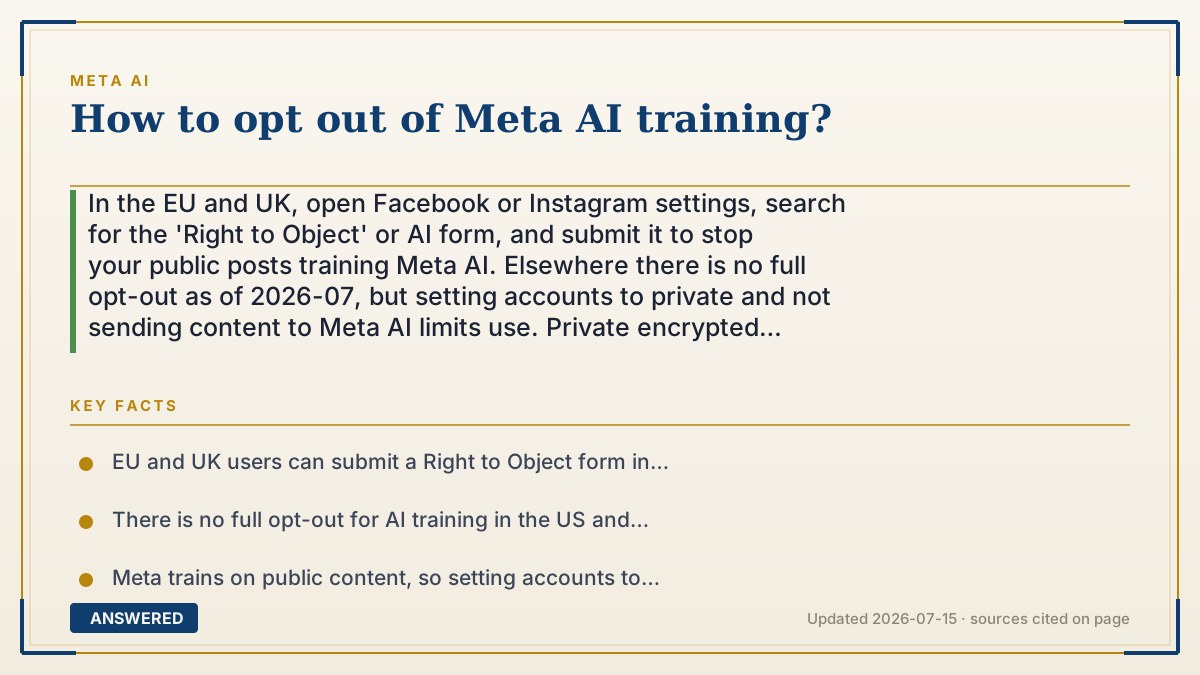
In the EU and UK, open Facebook or Instagram settings, search for the 'Right to Object' or AI form, and submit it to stop your public posts training Meta AI. Elsewhere there is no full opt-out as of 2026-07, but setting accounts to private and not sending content to Meta AI limits use. Private encrypted WhatsApp chats are never used.
Why — the first-principles explanation
Whether you can opt out depends on the law where you live. Meta trains its models on public content, your public Facebook and Instagram posts, plus licensed data and your interactions with Meta AI. In the EU and UK, data protection law (GDPR) gives you a legal 'right to object' to this processing, so Meta is required to offer a form that, once accepted, stops your public posts from being used going forward.
Outside those regions, there's usually no equivalent legal requirement, so Meta doesn't provide a universal opt-out button. That doesn't leave you powerless, it just changes the tools. Since Meta trains on public content, the most effective lever everywhere is to make that content not public: set your accounts to private or friends-only, and delete or restrict old public posts.
The second lever is what you hand the assistant. Your interactions with Meta AI can be used to improve its models, so avoiding sending it anything sensitive keeps that data out of training. And one category is protected by design: end-to-end encrypted WhatsApp messages are unreadable to Meta, so they're never used. Opting out is less a single switch and more a combination: file the form if you're eligible, go private, prune public posts, and be careful what you tell the assistant.
An example that makes it click
Think of Meta's training data like a chef gathering ingredients from a public garden anyone can pick from, that's your public posts. In Europe, there's a sign-up sheet where you can write 'don't pick from my plot,' and the chef must honor it, that's the Right to Object form. Everywhere else, there's no sign-up sheet, so the move is to fence off your plot by making it private, so the chef simply can't reach it.
How to do it
- In the EU or UK, open Facebook or Instagram Settings and search for 'AI' or the 'Right to Object' form.
- Fill in the objection form and submit it to stop your public posts being used for AI training.
- Everywhere, set your Facebook and Instagram accounts to private or friends-only.
- Delete or restrict old public posts you don't want included in Meta's public content pool.
- Avoid sending sensitive text or images to Meta AI, since your interactions with it can be used to improve models.
- Keep private conversations in end-to-end encrypted WhatsApp chats, which are never used for training.
Key facts
- EU and UK users can submit a Right to Object form in Facebook/Instagram settings to stop public posts training Meta AI.
- There is no full opt-out for AI training in the US and many other regions as of 2026-07.
- Meta trains on public content, so setting accounts to private limits what can be used.
- Interactions you have with Meta AI can be used to improve its models.
- End-to-end encrypted WhatsApp messages are unreadable to Meta and are never used for training.
Open the official product site and confirm the current access, plans and terms.
▶ The 60-second explainer (script)
How do you opt out of Meta AI training? It depends where you live. Meta trains its models on public content, your public Facebook and Instagram posts, plus what you send the assistant. If you're in the EU or UK, the law gives you a right to object: open your Facebook or Instagram settings, search for 'AI' or the 'Right to Object' form, and submit it. Meta must then stop using your public posts. Outside those regions there's no single opt-out button, but you're not stuck. Since Meta trains on public content, make yours private, set your accounts to friends-only and prune old public posts. Be careful what you send the assistant, since that can train it too. And know that your end-to-end encrypted WhatsApp chats are never used. So: file the form if you can, go private, and mind what you share.
What authoritative sources say
People also ask
Can everyone opt out of Meta AI training?
No. A formal opt-out form is guaranteed in the EU and UK. Elsewhere you limit use by going private and pruning public posts.
Where is the Right to Object form?
In Facebook or Instagram Settings; search 'AI' or 'Right to Object'. It applies to EU and UK users as of 2026-07.
Does opting out delete data already used?
The objection stops future use of your public posts. Data already trained into a model generally cannot be pulled back out.
Are my WhatsApp chats affected?
No. End-to-end encrypted WhatsApp messages are never readable by Meta and are not used for training.