How to remove Meta AI button from WhatsApp?
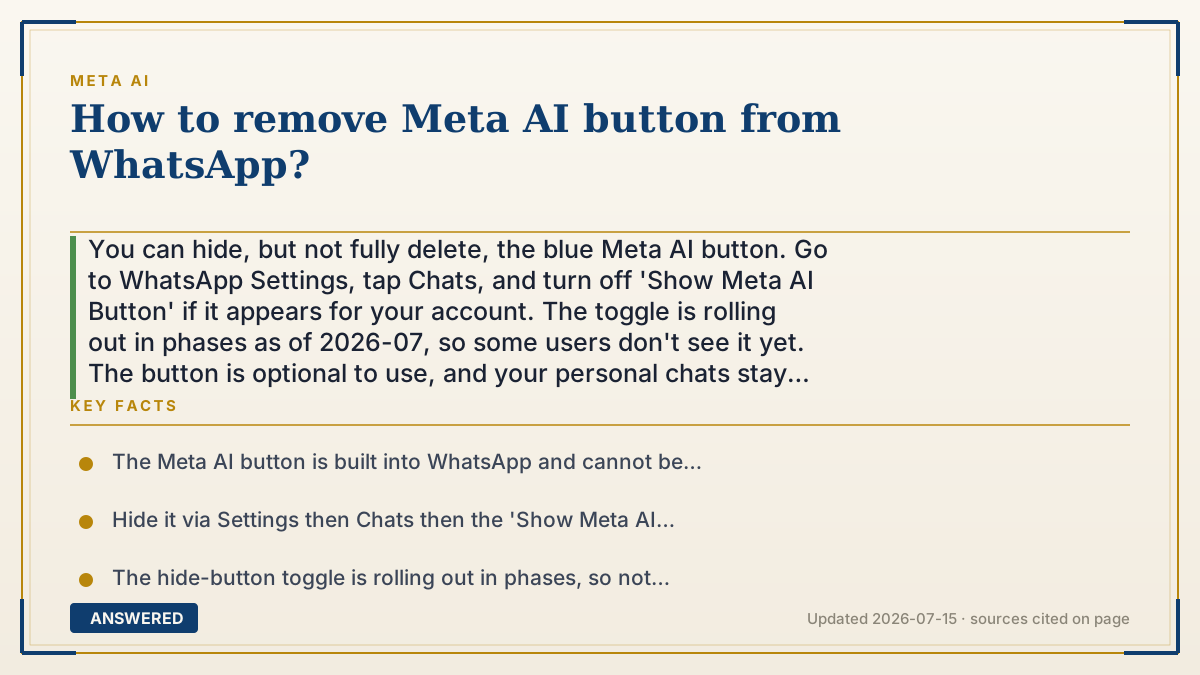
You can hide, but not fully delete, the blue Meta AI button. Go to WhatsApp Settings, tap Chats, and turn off 'Show Meta AI Button' if it appears for your account. The toggle is rolling out in phases as of 2026-07, so some users don't see it yet. The button is optional to use, and your personal chats stay encrypted.
Why — the first-principles explanation
The blue Meta AI circle is part of WhatsApp's built-in code, so there's no way to uninstall just that feature. Meta placed its assistant inside WhatsApp on purpose and won't let you remove the underlying function. After user complaints, though, Meta added a way to hide the button so it stops cluttering your chat list, distinct from deleting the assistant.
That distinction matters because a visible button is not the same as active surveillance. WhatsApp's normal chats are end-to-end encrypted, and Meta says they're not seen by Meta AI. The assistant only reads a message when you tap it or tag @Meta AI. So even if you can't hide the button yet, it isn't listening in the background, it's just an icon waiting for you to press it.
The reason not everyone can hide it is a staged rollout. Meta ships features to accounts in waves, so the 'Show Meta AI Button' toggle appears for some users before others. If you don't have it, keeping your app updated increases the odds it arrives, and until then the practical fix is simply not tapping the button. Removing it entirely is not an option Meta offers.
An example that makes it click
The Meta AI button is like a intercom buzzer your building super installed by your door. You can't rip it out, but the building now offers a little cover plate you can slide over it so you stop noticing it, that's the 'Show Meta AI Button' toggle. Not every apartment has gotten the cover plate yet. And importantly, the buzzer isn't recording you; it only does anything when you actually press it.
How to do it
- Open WhatsApp and make sure the app is updated to the latest version.
- Go to Settings, then tap Chats.
- Find the 'Show Meta AI Button' toggle and switch it off to hide the blue circle.
- If the toggle isn't there yet, know it's rolling out in phases; check again after future updates.
- Until then, simply avoid tapping the button; it stays idle and doesn't read your other chats.
Key facts
- The Meta AI button is built into WhatsApp and cannot be fully removed, only hidden (as of 2026-07).
- Hide it via Settings then Chats then the 'Show Meta AI Button' toggle where available.
- The hide-button toggle is rolling out in phases, so not every account has it yet.
- Personal WhatsApp chats stay end-to-end encrypted and are not seen by Meta AI.
- The button does nothing until you tap it or tag @Meta AI; it does not read your other conversations.
Open the official product site and confirm the current access, plans and terms.
▶ The 60-second explainer (script)
Want to remove the Meta AI button from WhatsApp? You can hide it, though not delete it entirely. Open WhatsApp, go to Settings, tap Chats, and look for the 'Show Meta AI Button' toggle. Switch it off and the blue circle disappears from your chat list. Here's the catch: Meta is rolling this toggle out in waves, so if you don't see it yet, update your app and check again later. And don't worry that the button is spying on you, it isn't. Your personal chats are end-to-end encrypted and not seen by Meta AI. That button does absolutely nothing until you tap it or tag it in a group. So hide it if you can, and if you can't yet, just ignore it, it's only an icon waiting for a press.
What authoritative sources say
People also ask
Can I delete the Meta AI button completely?
No. It's built into WhatsApp. You can only hide it with the 'Show Meta AI Button' toggle where that option is available.
Why don't I have the toggle?
The hide option is rolling out in phases. Keep your app updated and check Settings then Chats again after updates.
Does the button listen to my chats?
No. Your chats are end-to-end encrypted. The button only does something when you tap it or tag @Meta AI.
Is there any harm in leaving it there?
No. If you never tap it, the assistant stays idle and doesn't read your conversations.
The same question, asked other ways
- Why can't I remove Meta AI from WhatsApp?