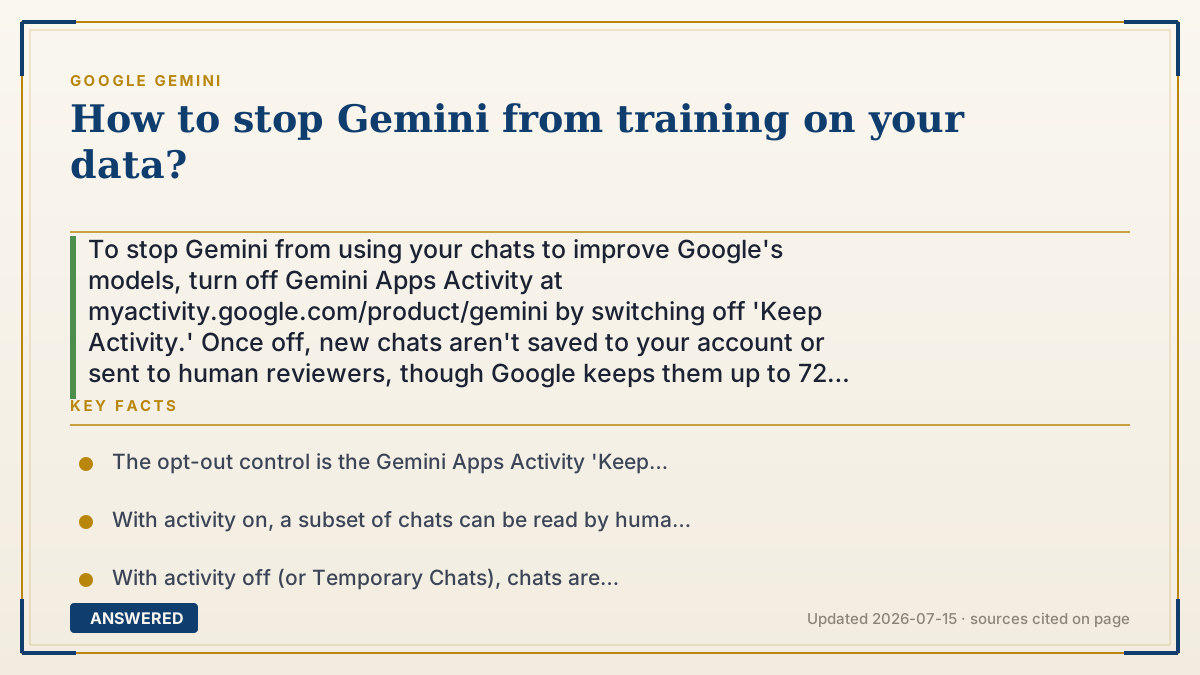
How to stop Gemini from training on your data?
To stop Gemini from using your chats to improve Google's models, turn off Gemini Apps Activity at myactivity.google.com/product/gemini by switching off 'Keep Activity.' Once off, new chats aren't saved to your account or sent to human reviewers, though Google keeps them up to 72 hours for safety and to run the service.
Why — the first-principles explanation
AI models get better by learning from examples, and real human conversations are the most valuable examples. So by default Google saves a record of your Gemini chats (called Gemini Apps Activity) and lets a small, random subset be read by human reviewers who rate answer quality. Those reviewed samples can shape future models.
The key mechanism is a single switch: Gemini Apps Activity. When it's on, your chats are stored and eligible for human review and model improvement. When it's off, Google stops saving new chats to your account and stops using them to train models. This is a real setting, not a marketing promise, because regulators require an opt-out.
There's one important catch rooted in how the service actually runs. Even with the setting off, Google temporarily holds your recent chats for up to 72 hours. That short window isn't for training; it's so the system can generate a reply, catch abuse, and keep things working. "Off" means "not saved long-term and not used for training," not "instantly vanished."
An example that makes it click
Imagine a language tutor who normally keeps a notebook of everything you say to study your mistakes and get better at teaching. You can tell the tutor: "Stop writing in the notebook." From then on, they still hear your question and answer it, and they may remember it for a few minutes to finish the lesson, but nothing goes into the permanent notebook and nothing gets shared with the other tutors in training. Flipping the 'Keep Activity' switch to off is you telling Gemini to close the notebook.
How to do it
- Go to myactivity.google.com/product/gemini (or open the Gemini app, tap your profile, then Gemini Apps Activity).
- Sign in with the Google account you use for Gemini.
- Find the 'Keep Activity' (Gemini Apps Activity) toggle and switch it off.
- Confirm the change when prompted; future chats will no longer be saved to your account or used to improve models.
- Optional: click 'Delete' to remove past chats, and set auto-delete to 3 months if you want stored chats purged automatically.
- For sensitive one-off questions, start a Temporary Chat, which isn't saved to your history or used for training.
Key facts
- The opt-out control is the Gemini Apps Activity 'Keep Activity' toggle at myactivity.google.com/product/gemini.
- With activity on, a subset of chats can be read by human reviewers and kept up to 3 years, disconnected from your account.
- With activity off (or Temporary Chats), chats are retained only up to 72 hours and are not used to train Google's models.
- Default retention when activity is on is 18 months, adjustable to 3 or 36 months (as of 2026-07).
- Turning the setting off does not delete past chats automatically; you must delete them separately.
Open the official product site and confirm the current access, plans and terms.
▶ The 60-second explainer (script)
Want to stop Gemini from using your chats to train Google's AI? Here's the one setting that matters. Go to myactivity.google.com/product/gemini, sign in, and find the Keep Activity toggle. Switch it off. That's it. From now on, your chats won't be saved to your account, won't be read by human reviewers, and won't be used to improve Google's models. One catch: Google still holds recent chats for up to seventy-two hours just to run the service and catch abuse, but that data isn't used for training. Want to also erase your past chats? Hit Delete in that same screen. And for a quick sensitive question, use a Temporary Chat, which is never saved.
What authoritative sources say
People also ask
Does turning off Gemini Apps Activity delete my old chats?
No. It stops new chats from being saved, but you must delete past chats separately from the same activity page.
Is my data really deleted after 72 hours if activity is off?
Chats are kept up to 72 hours to run the service and catch abuse, then removed from your account; they aren't used to train models.
What is a Temporary Chat?
A Temporary Chat isn't saved to your history and isn't used to improve Google's models, ideal for sensitive one-off questions.
Do human reviewers see my chats if activity is on?
A small random subset can be reviewed by humans to rate quality, disconnected from your account, and kept up to 3 years.
The same question, asked other ways
- How to revoke Gemini permission to train on my data?