How to turn off Meta AI on Facebook?
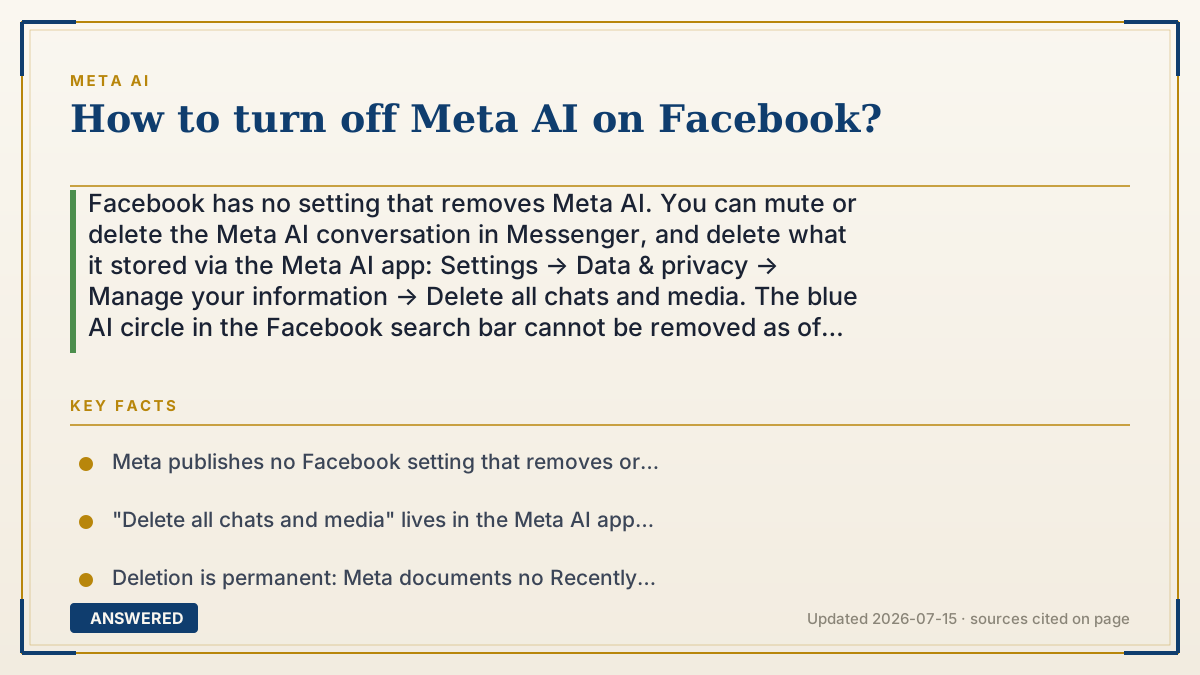
Facebook has no setting that removes Meta AI. You can mute or delete the Meta AI conversation in Messenger, and delete what it stored via the Meta AI app: Settings → Data & privacy → Manage your information → Delete all chats and media. The blue AI circle in the Facebook search bar cannot be removed as of 2026-07.
Why — the first-principles explanation
Facebook put Meta AI in the search bar on purpose, and that single decision is why there's no off switch. Search is where intent lives. It's the one place in the app where you've stopped scrolling and typed what you actually want. That's the most valuable square inch Facebook owns, and it's exactly where a company that has a good-enough model but not a destination product would place its assistant. Meta's advantage over OpenAI was never model quality — it was shelf space. Giving you a button to clear the shelf would defeat the entire reason the product shipped.
So be precise about what "turn off" means to you, because three different things hide behind the phrase. One: stop the chat pestering me. Solvable — mute or delete the thread and it stops generating notifications. Two: stop AI features in my feed. Not solvable. Comment summaries, ranking, and suggestions aren't an assistant you talk to; they're how the app works now, and Meta ships no toggle. Three: stop Meta training on my posts. Also not a Facebook setting — that's the right-to-object form, it lives in Privacy Center, and whether it's honored depends on what country you're in.
One mechanical detail worth knowing, because it trips people up: deleting the thread and deleting the data are different actions in different places. Swiping the conversation away in Messenger clears your inbox. The chats Meta stored are cleared from a control inside the Meta AI app — Delete all chats and media — and that one is permanent, with no recovery folder documented.
An example that makes it click
Imagine your bank moved the customer-service desk directly into the doorway. Every time you walk in for cash, someone cheerfully asks if you need help. You can say no thanks and walk past — every single time, forever. What you can't do is ask them to move the desk. They put it in the doorway because that's where everyone walks.
That's Meta AI in the Facebook search bar. Walking past is free and unlimited. Redecorating isn't on offer.
How to do it
- Open Facebook or Messenger and find the Meta AI conversation in your chat list.
- Long-press (or swipe) the conversation, then tap Mute to stop notifications, or Delete to remove the thread from your inbox. Deleting only clears your copy; the AI reappears if you tap it again.
- The blue Meta AI circle in the Facebook search bar has no hide or remove option. Type your search normally and ignore the AI suggestion.
- To clear the chats and media Meta stored: open the Meta AI app → Settings → Data & privacy → Manage your information → "Delete all chats and media" → Delete all. This is permanent — there's no Recently Deleted folder.
- To object to your public posts being used for AI training: Settings & privacy → Privacy Center → the generative AI section → "Learn more about your right to object." Also reachable at facebook.com/privacy/genai.
- Setting your posts to Friends instead of Public limits what Meta can use going forward. It does not remove past public content from training data.
- Menu names shift between app versions. If a path doesn't match, search Facebook's Help Center for "Meta AI."
Key facts
- Meta publishes no Facebook setting that removes or disables the Meta AI assistant (as of 2026-07) — its documented controls cover muting, deleting threads, and deleting stored data.
- "Delete all chats and media" lives in the Meta AI app under Settings → Data & privacy → Manage your information, not in Facebook's own settings.
- Deletion is permanent: Meta documents no Recently Deleted folder, restore option, or retention window for Meta AI content.
- Meta began using public Facebook and Instagram posts to train its generative AI on June 26, 2024.
- Meta states it does not use the content of private messages for AI training.
- The right to object is regional: EU and UK users have a GDPR-backed right and requests often process within minutes; US users have no dedicated opt-out and Meta only says it reviews requests in accordance with relevant data protection laws.
Open the official product site and confirm the current access, plans and terms.
▶ The 60-second explainer (script)
Facebook has no setting that turns Meta AI off. Not a hidden one, not a buried one — it doesn't exist. Here's what you can actually do, and why the rest isn't on offer. Meta put the AI in the search bar deliberately, because search is where intent lives. It's the one spot where you've stopped scrolling and typed what you actually want. Meta's edge over ChatGPT was never a better model — it was shelf space. So a button to clear the shelf would defeat the whole point. Now, three different things hide behind turn it off. If you mean stop it pestering me: open Messenger, find the Meta AI chat, long-press it, and hit Mute or Delete. That works. If you mean get AI out of my feed and search: there's no toggle. Comment summaries and ranking aren't an assistant, they're how the app works now. And if you mean stop Meta training on my posts — that's a completely different control. Go to Settings and privacy, Privacy Center, find the generative AI section, and look for learn more about your right to object. Here's the catch: in the EU and UK that's a real legal right and requests often clear in minutes. In the US, Meta says it reviews requests, but there's no dedicated opt-out and no guarantee. One last thing: to wipe what it already stored, that lives in the Meta AI app, under Data and privacy, Delete all chats and media. It's permanent.
What authoritative sources say
People also ask
Can I remove the blue Meta AI circle from Facebook search?
No. There's no hide or remove option for the search-bar icon as of 2026-07. You can type your search and ignore the AI suggestion, but the icon stays.
Does deleting the Meta AI chat delete my data?
No — those are two different actions. Deleting the Messenger thread clears your inbox copy. To clear what Meta stored, use the Meta AI app: Settings → Data & privacy → Manage your information → Delete all chats and media.
Will muting Meta AI stop AI from appearing in my feed?
No. Muting only silences the chat thread. AI-driven ranking, comment summaries, and suggestions are built into how Facebook works and have no user toggle.
How do I stop Facebook using my posts to train AI?
Use the right-to-object form via Settings & privacy → Privacy Center → the generative AI section. In the EU and UK it's a GDPR right and usually processes quickly. In the US there's no guaranteed opt-out.
If I make my account private, does that undo the training?
No. Going private limits what Meta can use from your future posts. It does not pull past public content out of models that already trained on it.