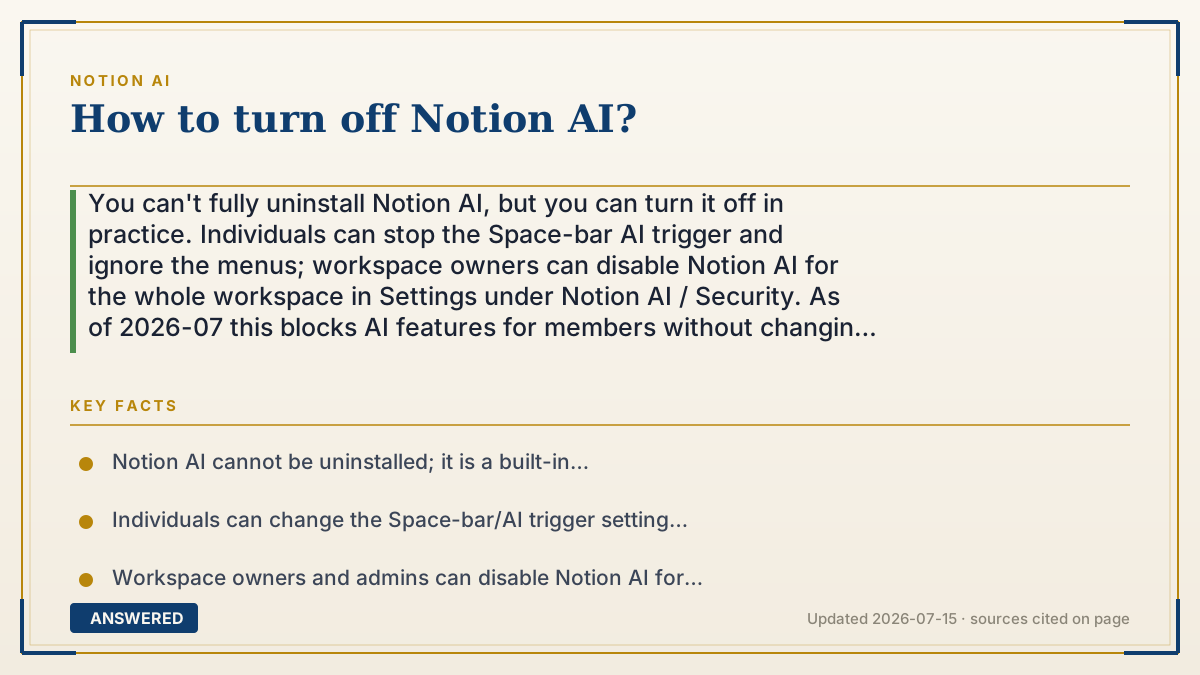
How to turn off Notion AI?
You can't fully uninstall Notion AI, but you can turn it off in practice. Individuals can stop the Space-bar AI trigger and ignore the menus; workspace owners can disable Notion AI for the whole workspace in Settings under Notion AI / Security. As of 2026-07 this blocks AI features for members without changing your plan price.
Why — the first-principles explanation
Notion AI is a feature layer, not a separate app you can delete. So 'turning it off' means one of two different things depending on who you are: quieting the AI prompts for yourself, or disabling the feature for everyone in a workspace. Knowing which one you want saves confusion.
For an individual, the AI mostly appears through triggers — pressing Space on an empty line, or the 'Ask AI' option on selected text. You can change the Space-bar behavior in your settings so it no longer opens AI, and simply not click the AI menu items. This does not remove AI from the workspace; it just stops it from getting in your way.
For a workspace owner or admin, there is a real switch. In workspace settings, under the Notion AI or Security section, an admin can disable Notion AI for the entire workspace. When off, members no longer see or use AI features. This is the option companies use for compliance or focus. Importantly, turning AI off does not lower your plan price — you still pay for Business or Enterprise; you just stop using the AI you are entitled to.
An example that makes it click
Think of a car with lane-assist. You cannot rip the system out of the car, but you have two levels of control. As the driver, you can flick the button on your dashboard so it stops nudging your wheel. As the fleet manager, you can go into the settings and disable lane-assist on every company car at once.
Notion AI is lane-assist. As a solo user, quiet the Space-bar trigger for yourself. As a workspace admin, flip the master switch in settings to turn it off for the whole team.
How to do it
- As an individual: open Settings, find the setting that controls the Space bar / AI trigger, and switch it so Space no longer opens Notion AI.
- Stop using the 'Ask AI' menu and AI blocks; without triggering them, AI stays inactive for you.
- As a workspace owner/admin: open Settings for the workspace and go to the Notion AI (or Security) section.
- Toggle off Notion AI for the entire workspace so members can no longer access AI features.
- Save; note that disabling AI does not reduce your plan price, since AI is bundled into Business and Enterprise.
Key facts
- Notion AI cannot be uninstalled; it is a built-in feature you disable rather than remove.
- Individuals can change the Space-bar/AI trigger setting to stop AI from opening.
- Workspace owners and admins can disable Notion AI for the entire workspace in Settings (Notion AI / Security).
- Disabling AI blocks AI features for members but does not change or lower your plan price.
- Full AI is bundled into Business and Enterprise plans, so turning it off is about control, not cost savings.
Open the official product site and confirm the current access, plans and terms.
▶ The 60-second explainer (script)
How do you turn off Notion AI? You can't uninstall it, but you can shut it off in practice — and there are two levels. If you're a solo user, the AI mostly pops up when you press the Space bar on an empty line, or click 'Ask AI' on selected text. Go into Settings and change that Space-bar trigger so it stops opening AI, then just don't use the AI menus. If you're a workspace owner or admin, there's a real master switch. Open your workspace Settings, find the Notion AI or Security section, and toggle Notion AI off for the whole workspace. Now nobody sees AI features. One thing to know: turning AI off doesn't lower your bill, because AI is bundled into the Business and Enterprise plans.
What authoritative sources say
People also ask
Can I completely uninstall Notion AI?
No. It is a built-in feature layer; you disable it in settings rather than removing it.
How do I stop AI popping up when I press Space?
Change the Space-bar/AI trigger in your settings so pressing Space no longer opens the AI menu.
Can an admin turn off AI for everyone?
Yes. A workspace owner or admin can disable Notion AI for the whole workspace in Settings.
Will turning off AI lower my subscription cost?
No. AI is bundled into Business and Enterprise, so disabling it does not reduce the price.
The same question, asked other ways
- Can you disable Notion AI on a personal account?
- How to hide AI in Notion?