How to use Notion AI for note taking?
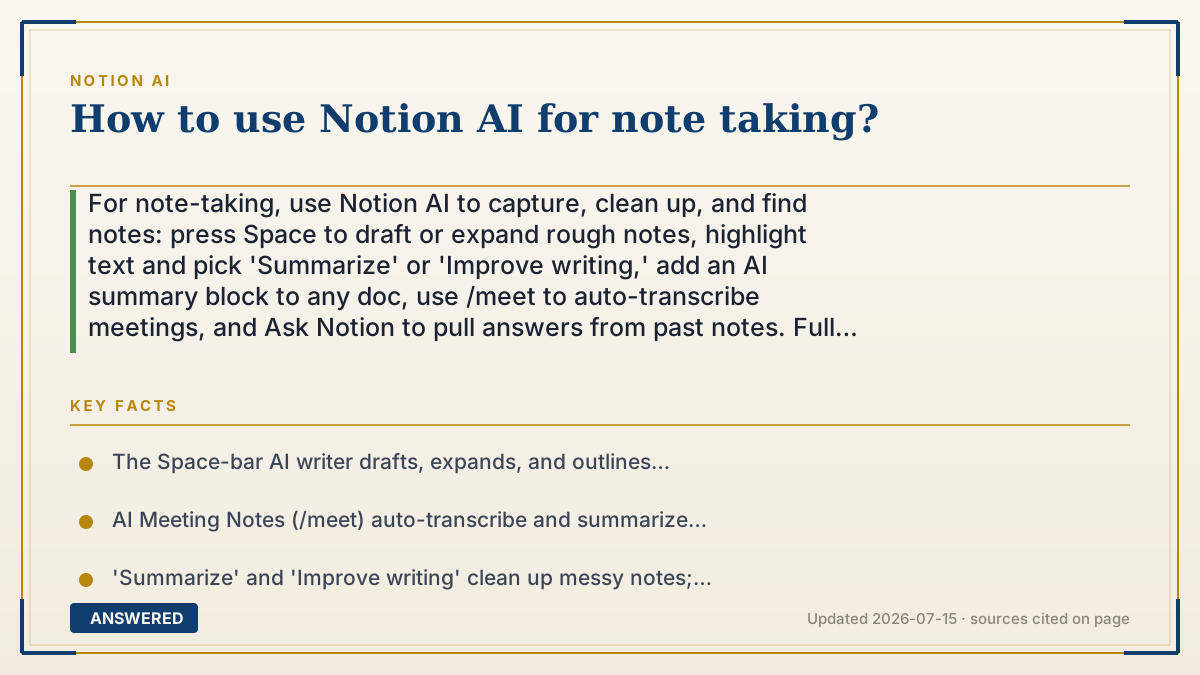
For note-taking, use Notion AI to capture, clean up, and find notes: press Space to draft or expand rough notes, highlight text and pick 'Summarize' or 'Improve writing,' add an AI summary block to any doc, use /meet to auto-transcribe meetings, and Ask Notion to pull answers from past notes. Full features need a Business or Enterprise plan.
Why — the first-principles explanation
Good note-taking has three jobs: capture ideas fast, organize them so they are readable later, and retrieve them when you need them. Notion AI helps with all three because it sits inside the same page where your notes live, so it can act on what you type without any copy-pasting.
For capture, the AI writer (Space bar) turns fragments into full sentences, expands bullet points, or drafts an outline so you are not staring at a blank page. For meetings, the /meet command transcribes speech to text automatically, so you can listen instead of scribble. For organize, you highlight messy notes and use 'Improve writing' or 'Summarize,' or drop an AI summary block that keeps a tidy recap at the top of a long doc.
The part a normal notebook cannot do is retrieve. Because Notion AI can search across all your pages, Ask Notion answers questions like 'what did we decide about the launch date?' by reading your old notes. This closes the loop: capture with AI, tidy with AI, and later find the answer with AI. The main limit is the plan — regular use of these features requires Business or Enterprise, since Free and Plus only include a small trial.
An example that makes it click
Imagine a notebook that also has a helpful assistant living inside the spine. When you scribble half-thoughts in a meeting, the assistant rewrites them into neat sentences. At the top of each page, it pins a three-line summary. And months later, when you ask 'where did I write about the dentist bill?', it flips straight to the right page and reads it back to you.
That living-notebook assistant is Notion AI for notes: it writes with you, tidies as you go, and remembers where everything is.
How to do it
- Create a new page for your notes, or open an existing one.
- Press Space (or type /ai) to draft, expand bullet points, or outline a topic quickly.
- During a meeting, type /meet in the desktop app to auto-transcribe and summarize what's said.
- Highlight rough notes and choose 'Improve writing' or 'Summarize' to clean them up.
- Add an AI summary block (type /summary) at the top of long notes for a quick recap.
- Later, use Ask Notion or the search bar to ask questions and get answers pulled from your past notes.
Key facts
- The Space-bar AI writer drafts, expands, and outlines notes from rough input.
- AI Meeting Notes (/meet) auto-transcribe and summarize meetings on the desktop app.
- 'Summarize' and 'Improve writing' clean up messy notes; AI summary blocks keep recaps pinned in docs.
- Ask Notion retrieves answers from across your notes and connected apps (Business/Enterprise).
- Full note-taking AI features require Business ($20/user/month annual) or Enterprise; Free/Plus get a limited trial.
Open the official product and verify the active account, workspace and data settings before you begin.
▶ The 60-second explainer (script)
Here's how to use Notion AI for note-taking, in three jobs: capture, organize, and retrieve. To capture fast, open a page and press the Space bar — the AI writer turns your rough bullets into full sentences or drafts an outline so you never face a blank page. In meetings, type slash-meet on the desktop app and it transcribes and summarizes everything while you just listen. To organize, highlight messy notes and pick 'Improve writing' or 'Summarize,' or drop a summary block at the top of a long doc for a quick recap. And the magic trick a paper notebook can't do: retrieve. Use Ask Notion to search all your past notes and answer questions like 'what did we decide about the deadline?' Just note, regular use of these features needs a Business or Enterprise plan.
What authoritative sources say
People also ask
How do I take meeting notes with Notion AI?
In the desktop app, type /meet to transcribe the meeting live and generate a summary with action items.
Can Notion AI clean up my messy notes?
Yes. Highlight the text and choose 'Improve writing' or 'Summarize' to tidy and condense it.
How do I find something in my old notes?
Use Ask Notion or the search bar to ask a question; it answers from across your pages and connected apps.
Is note-taking AI free?
Only within the limited trial on Free and Plus; regular use requires Business or Enterprise.