How to use Canva AI?
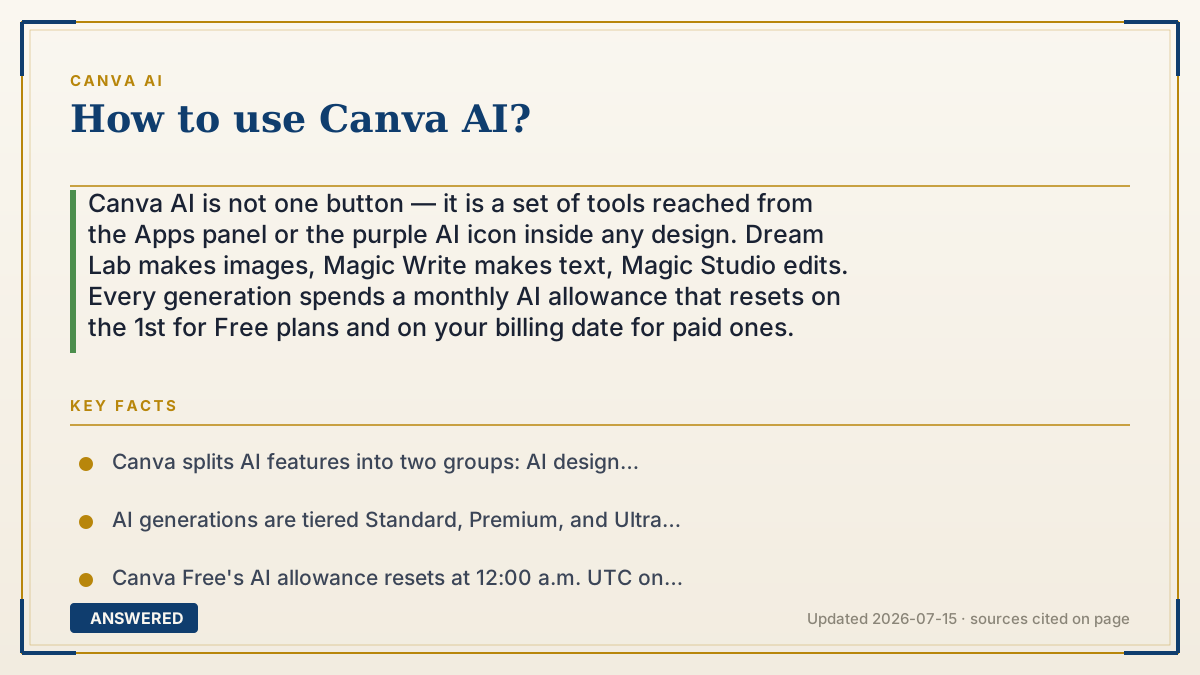
Canva AI is not one button — it is a set of tools reached from the Apps panel or the purple AI icon inside any design. Dream Lab makes images, Magic Write makes text, Magic Studio edits. Every generation spends a monthly AI allowance that resets on the 1st for Free plans and on your billing date for paid ones.
Why — the first-principles explanation
The single most confusing thing about Canva AI is why some features feel unlimited and others run out. The answer is marginal cost. A Canva template is a static file: when you open it, Canva sends you bytes it already made, costing a fraction of a cent of bandwidth. That is why you can browse templates all day. An AI generation is the opposite — it runs a large neural network on a rented GPU for seconds of real compute that Canva pays for the moment you press the button. A design tool can give away storage. It cannot give away compute.
So Canva does the only thing the economics allow: it meters. Canva's own docs split the tools into two buckets — AI design tools, which are included with your plan and do not touch your allowance, and tools that share a single monthly AI allowance. Within that allowance, generations are priced by how expensive the underlying model is, tiered as Standard, Premium, and Ultra, with Ultra using the newest, heaviest models and eating the most allowance. This is not arbitrary product design. It is a direct pass-through of what different models cost to run. Understanding this one fact tells you how to use Canva AI well: spend cheap generations exploring, save expensive ones for the final version.
The second thing worth knowing is what the models actually do, because it predicts where they will fail. Dream Lab generates images by starting from noise and denoising toward your prompt — it is superb at look, mood, and composition, and unreliable at anything requiring exactness, like legible text inside the image, a specific person's face, or a precise count of objects. Magic Write is a language model predicting plausible next words — excellent at drafts and tone, indifferent to whether a fact is true. Tools like Magic Eraser and Magic Expand are inpainting: the model invents pixels that fit the surroundings, which is why they shine on plain backgrounds and struggle on busy ones. Ask each tool for the kind of thing it is built to guess.
Finally, everything you generate arrives labeled. Canva attaches a visible AI marker and provenance metadata to AI-generated images, and its AI Product Terms prohibit removing that metadata or presenting AI output as human-made. The terms also state plainly that outputs may not be unique — someone typing a similar prompt can get a similar picture. Plan around that if you are making a logo or a brand asset.
An example that makes it click
Think of Canva as an all-you-can-eat buffet that added a sushi chef. The buffet trays — templates, fonts, stock photos — are already cooked and sitting there, so nobody counts how many times you go back. The chef makes each piece to order, by hand, right now. So the restaurant gives you a card: twenty pieces a month, and the fancy toro counts as three while the cucumber roll counts as one.
That card is your AI allowance, and it explains every rule you will bump into. Free diners get a small card that resets on the 1st. Paid diners get a bigger card that resets on their billing date. And nobody, on any plan, gets to pretend the sushi came off the buffet — it goes out with a little flag on it that you are not allowed to pull off.
How to do it
- Open any Canva design, then find AI in one of two places: the purple AI icon or assistant in the editor, or the Apps button in the left-hand panel.
- To make an image, launch Dream Lab and write a prompt that names the subject, the setting, the lighting, and the art style — vague prompts produce generic stock-looking results.
- Optionally add a reference image and choose from the dropdown how Canva should use it (look/feel or composition). This also spends allowance.
- To write copy, highlight a text box and use Magic Write to draft, rewrite, shorten, or change the tone. Treat every output as a first draft and check the facts yourself.
- To edit photos, select an image and use the Magic tools: Magic Eraser to remove an object, Magic Expand to extend the frame, and background removal to cut out a subject.
- To resize a finished design for another platform, use Magic Switch instead of rebuilding it — this is where Canva AI saves the most real time.
- Watch your quality tier. Use Standard generations to explore ideas cheaply and save Premium or Ultra for the version you will actually publish.
- Check your remaining allowance in your account settings before a big project, and remember it resets monthly — on the 1st UTC if you are on Free, on your billing date if you pay.
- Before publishing, leave the AI label and metadata in place, and verify any facts, names, numbers, or in-image text the model produced.
Key facts
- Canva splits AI features into two groups: AI design tools included with your plan that do not consume your shared allowance, and AI tools that draw from a single monthly AI allowance (Canva Help Center, as of 2026-07).
- AI generations are tiered Standard, Premium, and Ultra by model cost; Ultra tools use the newest models and consume the most allowance (Canva Help Center, as of 2026-07).
- Canva Free's AI allowance resets at 12:00 a.m. UTC on the 1st of each month; paid and Canva for Nonprofits plans reset on the billing date, including yearly plans, which still reset monthly.
- AI Pass is an optional paid add-on requiring an existing Canva Pro or Business subscription; Canva markets it as "40x more AI than Canva Pro, and 20x more AI than Canva Business." Canva states you do not need AI Pass to access AI features.
- Canva Pro lists at roughly $15 per month or about $120 per year for one person as of 2026-07, but the exact figure varies by region and billing cycle — check canva.com/pricing for your own country before quoting it.
- Canva's AI Product Terms prohibit removing, altering, or disabling provenance or metadata tags "including but not limited to C2PA metadata," and prohibit misleading anyone that AI output is human-generated.
- Dream Lab runs on Leonardo.AI's Phoenix model; Canva acquired Leonardo.AI in 2024.
Open the official product and verify the active account, workspace and data settings before you begin.
▶ The 60-second explainer (script)
Canva AI is not one button. It is a set of tools you reach from the Apps panel or the purple AI icon inside any design. Dream Lab makes images. Magic Write makes text. Magic Eraser and Magic Expand edit photos. Magic Switch resizes a finished design for another platform. Here is the part that confuses everyone: why do templates feel unlimited while AI runs out? Marginal cost. A template is a file Canva already made — sending it to you costs a fraction of a cent. An AI generation runs a big model on a GPU for seconds of real compute the instant you click. Canva can give away storage. It cannot give away compute. So it meters. Some AI design tools are included and never touch your quota. The rest share one monthly allowance, priced by tier — Standard, Premium, Ultra — because the newer models genuinely cost more to run. Free resets on the 1st, UTC. Paid resets on your billing date. Use that: explore with cheap generations, spend the expensive ones on the final version. And know what each tool is guessing at. Dream Lab is great at mood, bad at text inside images and exact faces. Magic Write is great at tone, indifferent to truth. Check the facts yourself, and leave the AI label on.
What authoritative sources say
People also ask
Is Canva AI free?
Partly. Canva Free includes an AI allowance that resets on the 1st of each month, and some AI design tools do not count against it at all. Paid plans get a larger allowance. Canva does not publish one universal credit number, and third-party figures circulating online disagree — check your own account settings for your real remaining balance.
Where is the AI button in Canva?
There are two entry points inside any open design: the purple AI icon or assistant in the editor, and the Apps button in the left-hand panel, which lists Dream Lab, Magic Write, and the rest.
What happens when I run out of AI allowance?
On paid plans you are not hard-cut off for Standard and Premium tools — Canva inserts short pauses between generations, and you can continue by re-entering your prompt once the pause ends. Otherwise you wait for the monthly reset or add AI Pass.
Why does Dream Lab mangle text inside my image?
Because it is a diffusion model. It denoises toward something that looks like your prompt, and letterforms are a precision task with no room for "close enough." Generate the picture in Dream Lab, then add real text on top with a Canva text box.
Can I use Canva AI images commercially?
Generally you own your output under Canva's AI Product Terms, with carve-outs where the output incorporates Canva's licensed stock content. But the terms warn that outputs may not be unique, so treat AI images as decoration rather than as a defensible logo or trademark.
The same question, asked other ways
- Where can I find the AI tool in Canva?