How to use DALL-E in ChatGPT?
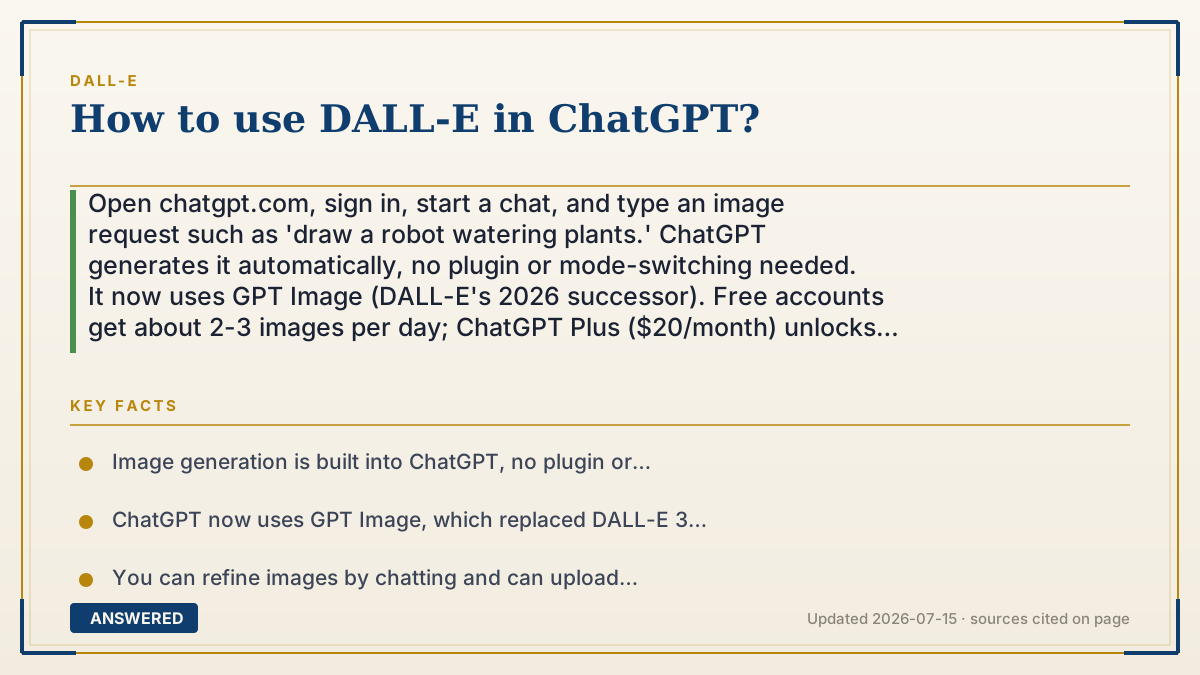
Open chatgpt.com, sign in, start a chat, and type an image request such as 'draw a robot watering plants.' ChatGPT generates it automatically, no plugin or mode-switching needed. It now uses GPT Image (DALL-E's 2026 successor). Free accounts get about 2-3 images per day; ChatGPT Plus ($20/month) unlocks many more.
Why — the first-principles explanation
In ChatGPT, image generation is built into the conversation. You don't open a separate DALL-E tool or toggle a special mode, you simply ask, and ChatGPT recognizes that you want a picture and makes one. This seamlessness is the whole point: the assistant handles the handoff to the image model for you.
Since late 2025 that image model is GPT Image rather than DALL-E 3, but nothing changed in how you use it. You type; it draws. Because it's a chat, you can iterate naturally, ask for a different color, angle, or style in your next message, and it revises. You can also upload a reference image and ask ChatGPT to edit it or make something in a similar style.
The limits depend on your plan. Free users can generate a few images per rolling day, then wait for a reset. Plus ($20/month) and Pro tiers allow far more and generate faster during busy periods. On any plan, better prompts, specific subject, style, lighting, and composition, produce better images, and you can always refine in follow-up messages until it's right.
An example that makes it click
Think of ChatGPT as a friend at a keyboard who also happens to be a great illustrator. You don't hand them special art tools; you just say, 'sketch me a dragon reading a newspaper,' and they draw it, then tweak it when you say 'give the dragon glasses.' The drawing happens right inside the same conversation, no separate room, no special buttons.
How to do it
- Go to chatgpt.com or open the ChatGPT app and sign in.
- Start a new chat and type a clear image request, for example 'create a robot watering plants, cartoon style.'
- Wait for the image, then ask for edits in the same chat ('make it sunset', 'add a cat').
- Optionally upload a reference photo and ask ChatGPT to edit it or match its style.
- Save the image with the download icon; upgrade to Plus if you hit the free daily limit.
Key facts
- Image generation is built into ChatGPT, no plugin or separate DALL-E tool required.
- ChatGPT now uses GPT Image, which replaced DALL-E 3 around December 2025.
- You can refine images by chatting and can upload reference photos to edit.
- Free accounts get roughly 2-3 images per rolling 24 hours (as of July 2026).
- ChatGPT Plus is $20/month and raises image limits and speed.
▶ The 60-second explainer (script)
Want to use DALL-E inside ChatGPT? It's easier than you'd think, because it's built right in. Go to chatgpt.com, sign in, start a chat, and just describe your picture: 'draw a robot watering plants, cartoon style.' ChatGPT knows you want an image and makes one, no plugin, no special mode. And since it's a conversation, you can refine it: say 'make it sunset' or 'add a cat,' and it updates. You can even upload a photo and ask ChatGPT to edit it or match its style. One note for 2026: the model behind the scenes is now GPT Image, which replaced DALL-E 3, but you use it exactly the same way. Free accounts get a couple of images a day; ChatGPT Plus, twenty dollars a month, gives you many more and faster.
What authoritative sources say
People also ask
Do I need to install a DALL-E plugin?
No. Image generation is native to ChatGPT. Just type your request in a normal chat and it creates the image automatically.
Can I edit a photo I upload?
Yes. Upload an image and ask ChatGPT to change it, extend it, or create something in a similar style. GPT Image handles editing well.
Why doesn't it say DALL-E anymore?
OpenAI replaced DALL-E 3 with GPT Image in late 2025. The image button works the same; only the underlying model changed.
Is ChatGPT image generation free?
Yes, on the free plan with a small daily cap of about 2-3 images. Plus and Pro plans allow many more and generate faster.
The same question, asked other ways
- How do I get access to DALL-E?