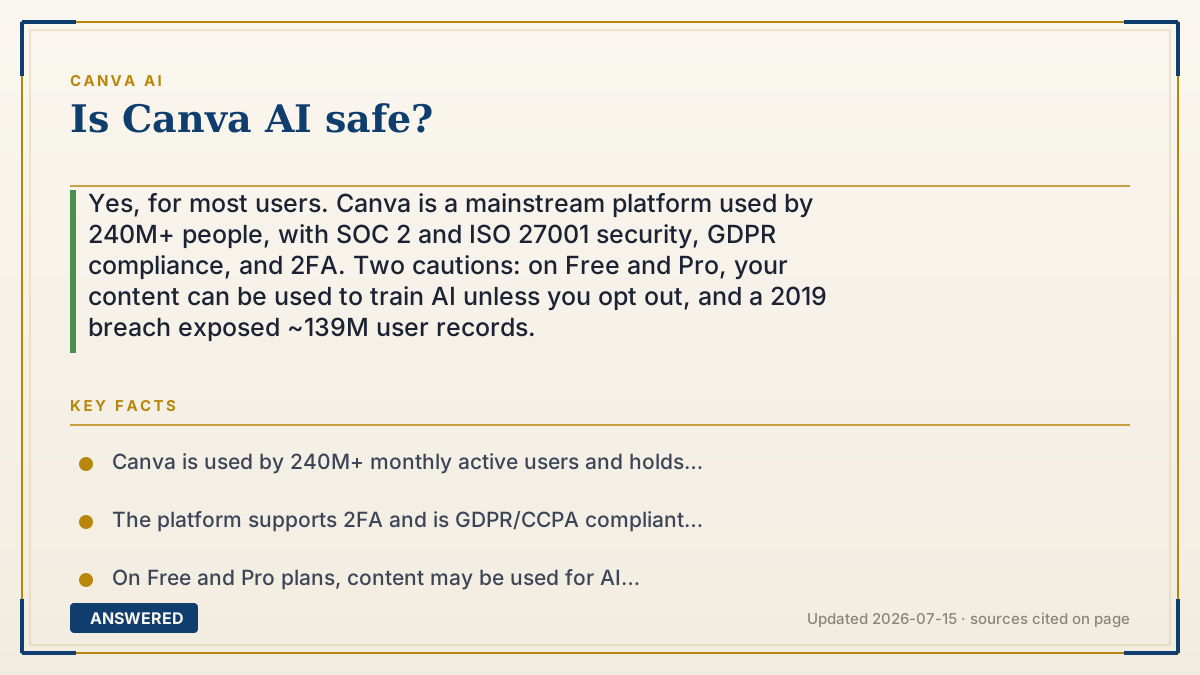
Is Canva AI safe?
Yes, for most users. Canva is a mainstream platform used by 240M+ people, with SOC 2 and ISO 27001 security, GDPR compliance, and 2FA. Two cautions: on Free and Pro, your content can be used to train AI unless you opt out, and a 2019 breach exposed ~139M user records.
Why — the first-principles explanation
"Safe" splits into three questions: Is the company trustworthy? Is your data protected? Is your content private? On the first two, Canva scores well. It's a large, audited business (SOC 2 Type II, ISO 27001 certified) with encryption, two-factor login, and GDPR/CCPA compliance. That's stronger security hygiene than most small AI apps.
The privacy question is where you must pay attention. To improve its models, Canva may use your content for AI training on the Free and Pro plans by default—you can turn this off in settings. On Business and Enterprise, training is off by default. So 'is it safe' partly depends on whether you check that toggle, especially for sensitive or client work.
No platform is risk-free: Canva suffered a 2019 data breach exposing roughly 139 million user records (emails, usernames, hashed passwords). Passwords were hashed, and Canva forced resets, but it's a reminder to use a strong, unique password and 2FA. For everyday design, Canva AI is safe; for confidential material, opt out of training and avoid uploading truly sensitive data.
An example that makes it click
Think of Canva like a big, well-guarded bank. It has cameras, vaults, and guards (encryption, certifications, two-factor locks), so your stuff is well protected. But there's a fine-print sign at the free counter: 'By default, we may study your deposits to improve our service.' You can tell them 'no thanks' by flipping a switch. And even good banks get robbed once in a while—Canva was, back in 2019—so you still use a strong lock on your own box.
How to do it
- Turn on two-factor authentication in Canva account settings.
- Use a strong, unique password (a 2019 breach exposed old credentials).
- Open Settings and, on Free or Pro, switch off using your content for AI training.
- Avoid uploading highly sensitive personal, medical, or confidential client data.
- For teams handling private material, use Canva Business/Enterprise, where AI training is off by default.
- Disclose AI-generated content where required; Canva embeds C2PA provenance metadata automatically.
Key facts
- Canva is used by 240M+ monthly active users and holds SOC 2 Type II and ISO 27001 certifications.
- The platform supports 2FA and is GDPR/CCPA compliant with data encryption.
- On Free and Pro plans, content may be used for AI training by default; you can opt out in settings.
- On Business and Enterprise plans, content is not used for AI training by default.
- A 2019 breach exposed roughly 139 million user records (with hashed passwords); Canva forced resets.
Open the official product site and confirm the current access, plans and terms.
▶ The 60-second explainer (script)
Is Canva AI safe? For most people, yes. Canva is a huge, well-established platform with serious security credentials—SOC 2 and ISO 27001 certifications, encryption, two-factor login, and GDPR compliance. That's better protection than a lot of smaller AI tools. But there are two things worth knowing. First, on the free and Pro plans, Canva can use your designs to help train its AI by default. You can turn that off in your settings, and on Business and Enterprise plans it's already off. So if you're working on private or client stuff, flip that switch. Second, back in 2019 Canva had a data breach that exposed about 139 million user records. Passwords were scrambled and reset, but it's a good reason to use a strong, unique password and turn on two-factor login. Do those two things, and Canva AI is safe for everyday design work.
What authoritative sources say
People also ask
Does Canva use my designs to train its AI?
On Free and Pro, it can by default, but you can opt out in settings. On Business and Enterprise, it doesn't by default.
Has Canva ever been hacked?
Yes. A 2019 breach exposed roughly 139 million user records with hashed passwords. Canva forced password resets afterward.
Is my payment info safe on Canva?
Canva uses encryption and is PCI-compliant for payments. Enable two-factor authentication for extra protection.
Is it safe to upload client work?
For confidential work, opt out of AI training (or use Business/Enterprise, where it's off by default) and avoid uploading highly sensitive data.