Is Cursor AI safe for private code?
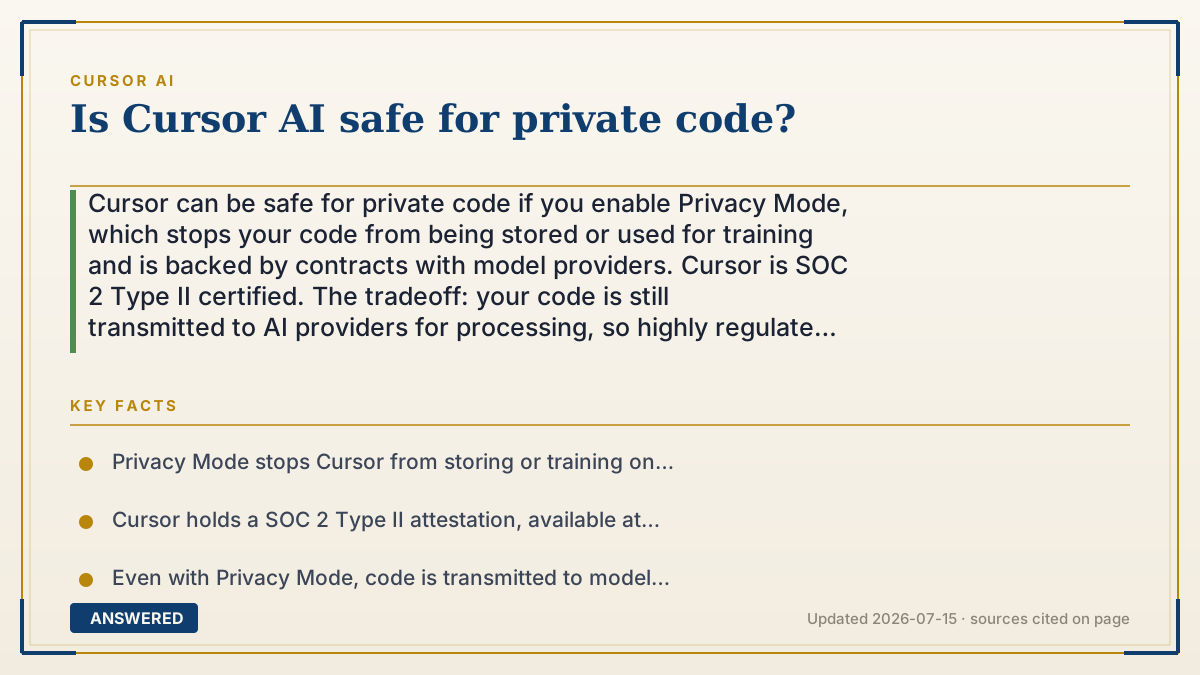
Cursor can be safe for private code if you enable Privacy Mode, which stops your code from being stored or used for training and is backed by contracts with model providers. Cursor is SOC 2 Type II certified. The tradeoff: your code is still transmitted to AI providers for processing, so highly regulated code may need extra controls.
Why — the first-principles explanation
Private code safety comes down to one fact: for the AI to help, your code has to leave your machine. There is no way for a cloud AI to edit code it cannot see. So the real question is not "does my code get sent" (it does) but "what happens to it after it arrives."
Cursor's answer is Privacy Mode. With it enabled, Cursor promises not to store your code or train on it, and enforces this with both technical controls and contractual agreements with its model providers. That means your code is used only to generate a response in the moment, then discarded, rather than kept or fed into future model training.
Backing this up is SOC 2 Type II certification, an independent audit verifying that Cursor actually follows its stated security controls over time, not just on paper. Cursor also states it uses no infrastructure or subprocessors in China and runs annual penetration tests.
The honest limit: this is strong for most private and commercial code, but transmission still happens. For the most sensitive cases, defense, regulated healthcare, or strict IP, teams should use Enterprise controls (access blocklists, org-wide Privacy Mode) and confirm their compliance rules allow sending code to third-party model providers at all.
An example that makes it click
Imagine mailing a confidential document to a translator. Privacy Mode is like using a translator who signs a contract promising to translate it and then shred it, keeping no copy and never studying it to train future translators. SOC 2 is like an outside inspector who checks each year that the translator actually shreds the papers. That's very trustworthy for most business documents. But if the document were top-secret government material, you still might not want it leaving the building at all, no matter how trustworthy the translator. Private code works the same way: safe for most, but the most sensitive code needs extra rules.
How to do it
- Enable Privacy Mode in Cursor's settings before working on private code.
- For teams, enforce Privacy Mode org-wide so new members inherit it automatically.
- Avoid pasting live secrets or credentials into prompts; use placeholders or environment variables.
- Request Cursor's SOC 2 Type II report at trust.cursor.com for your security review.
- On Enterprise plans, set repository, model, and MCP access controls to restrict what the AI can reach.
- Confirm your organization's compliance policy permits sending code to third-party model providers.
Key facts
- Privacy Mode stops Cursor from storing or training on your code, backed by technical and contractual controls.
- Cursor holds a SOC 2 Type II attestation, available at trust.cursor.com.
- Even with Privacy Mode, code is transmitted to model providers to generate responses.
- Cursor states it uses no infrastructure or subprocessors based in China.
- Enterprise plans add repository, model, and MCP access controls plus audit logs.
- Privacy Mode is available to free and paid users and can be enforced org-wide.
Open the official product site and confirm the current access, plans and terms.
▶ The 60-second explainer (script)
Is Cursor safe for private code? Start with one unavoidable fact: for the AI to help, your code has to leave your computer and reach a model provider. There's no way around that with any cloud AI tool. So the real question is what happens to your code once it arrives. Cursor's answer is Privacy Mode. Turn it on, and Cursor promises not to store your code or use it to train models, and it enforces that with contracts with its providers. On top of that, Cursor is SOC 2 Type Two certified, meaning an outside auditor verified it actually follows those security practices. It also keeps no infrastructure in China. For most private and commercial code, that's genuinely safe. The catch: your code is still transmitted for processing. So for the most sensitive work, like defense or regulated healthcare, use Enterprise access controls and make sure your compliance rules even allow sending code to a third party at all.
What authoritative sources say
People also ask
Does Privacy Mode fully protect my private code?
It stops storage and training, but your code is still transmitted to model providers for processing during each request.
Is Cursor OK for proprietary company code?
For most companies, yes, with org-wide Privacy Mode and access controls. Highly regulated code needs extra review.
How do I prove Cursor's security to my team?
Request the SOC 2 Type II report at trust.cursor.com and review the security and data-use policies.
Can I stop Cursor from reaching certain files?
Yes. Use a .cursorignore file, and on Enterprise, repository and model access controls.