Is Cursor AI worth it?
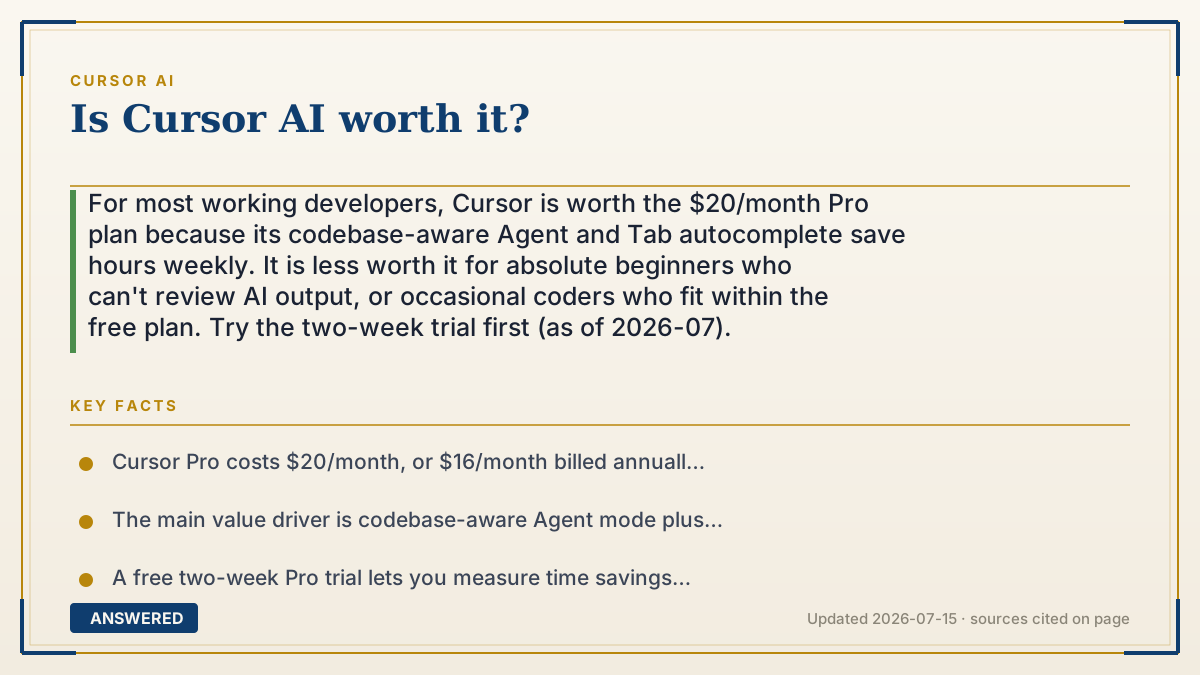
For most working developers, Cursor is worth the $20/month Pro plan because its codebase-aware Agent and Tab autocomplete save hours weekly. It is less worth it for absolute beginners who can't review AI output, or occasional coders who fit within the free plan. Try the two-week trial first (as of 2026-07).
Why — the first-principles explanation
Whether a tool is "worth it" is just a ratio: value gained divided by cost. Cursor's cost is clear ($20/month for Pro). The value comes from how much developer time it saves, and time is the most expensive thing in software.
Cursor's edge over a plain editor plus a chatbot is context. Because it indexes your whole project, it can make changes across many files, understand how your code fits together, and run its own terminal commands to test and fix. That removes the tedious copy-paste loop and the constant re-explaining. For someone who codes daily, saving even 30 minutes a day easily justifies $20 a month.
The value drops in two cases. For a complete beginner, the agent can write code they cannot evaluate, so they may ship bugs they do not understand, which is a hidden cost, not a saving. For an occasional coder, the free plan often covers their needs, so paying adds little.
The rational way to decide is to use the free two-week Pro trial and watch one number: does the agent save you more time than it costs you in cleanup and review? If yes, it is worth it. If the reviewing eats the savings, it is not.
An example that makes it click
Think of Cursor like hiring a helper to assemble furniture. If you build furniture every day, a $20 helper who does most of the assembly and hands you the pieces to double-check is a bargain, you finish twice as fast. But if you only build one shelf a year, the free tools are fine. And if you have never seen a screwdriver, the helper might assemble the shelf wrong and you would not notice until it tips over, so the "help" can cost you more than doing it slowly yourself. The tool is worth it exactly when it saves more time than it creates.
Key facts
- Cursor Pro costs $20/month, or $16/month billed annually (as of 2026-07).
- The main value driver is codebase-aware Agent mode plus fast Tab autocomplete.
- A free two-week Pro trial lets you measure time savings before paying.
- Value is highest for daily, professional developers working in existing codebases.
- Beginners face a hidden cost: accepting AI code they cannot review or debug.
- Occasional coders often stay within the free Hobby plan and gain little from upgrading.
Open the current plans, credits, usage limits and cancellation terms before you subscribe.
▶ The 60-second explainer (script)
Is Cursor worth it? For most working developers, yes. The twenty-dollar Pro plan pays for itself if it saves you even half an hour a day, and its codebase-aware agent usually saves much more. Because Cursor reads your whole project, it edits across many files, runs its own commands, and fixes its own errors, cutting out the tedious copy-paste-into-a-chatbot loop. But it is not worth it for everyone. If you are a total beginner, the AI can write code you cannot check, and shipping bugs you do not understand is a hidden cost. And if you only code occasionally, the free plan probably covers you. The smart move is simple: take the free two-week trial and watch one thing. Does it save you more time than you spend reviewing its output? If yes, pay. If the cleanup eats the savings, skip it.
What authoritative sources say
People also ask
Is Cursor worth it for beginners?
Partly. It's great for learning, but relying on the agent to write code you can't review risks shipping bugs you don't understand.
Is Cursor better than GitHub Copilot?
Cursor's whole-codebase agent is generally more capable for multi-file tasks; Copilot lives inside your existing editor. Try both.
Do I need Pro, or is free enough?
Free works for light use. If you code daily and hit the usage limits, Pro's larger budget is usually worth it.
How do I know if it's worth it for me?
Use the two-week trial and check whether the time saved exceeds the time spent reviewing the AI's output.