Is Lovable down?
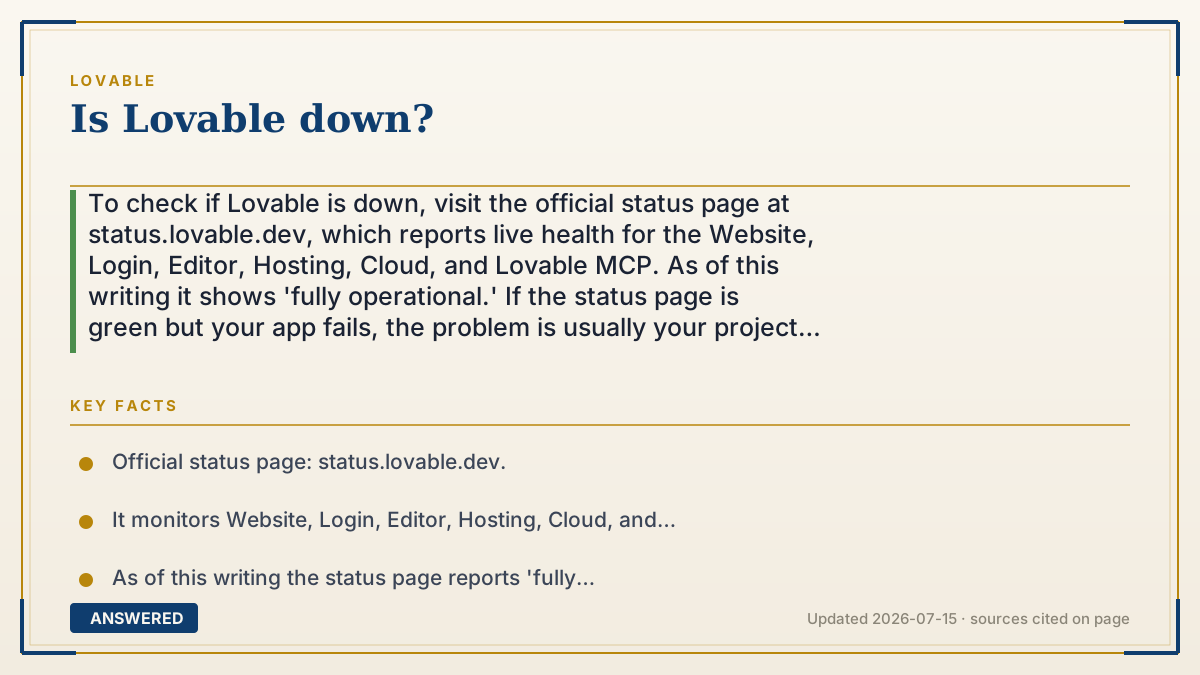
To check if Lovable is down, visit the official status page at status.lovable.dev, which reports live health for the Website, Login, Editor, Hosting, Cloud, and Lovable MCP. As of this writing it shows 'fully operational.' If the status page is green but your app fails, the problem is usually your project or connection, not Lovable.
Why — the first-principles explanation
A web service like Lovable runs on many separate parts—the website, the login system, the editor, the hosting layer, and the Cloud backend. "Is it down" really means "which part is failing, and is it on their side or mine?" That's why Lovable publishes a status page that breaks health out by component.
The status page is the authoritative source because it is fed by Lovable's own monitoring, not by user guesses. Third-party trackers like isdown.app or Downdetector are useful for a second opinion—they aggregate user reports—but they lag and can show false alarms driven by a few loud complaints.
The practical logic: if the status page shows an incident on the component you're using (say, Editor or Cloud), it's their outage and you wait. If everything is green but your app still breaks, the issue is almost certainly local—your internet, a browser extension, an expired session, or a bug in your specific project—so troubleshooting your own setup is the faster path.
An example that makes it click
Think of the status page like the arrivals board at an airport. Before you blame your travel app, you glance at the board: if it says your airline's flights are all delayed, it's the airline's problem and you just wait. If the board says every flight is on time but you still can't board, the issue is your own ticket or gate—not the airport.
Lovable's status page is that board, with a row for each 'airline': Website, Login, Editor, Hosting, Cloud, and MCP. Green rows mean the platform is fine and you should check your own 'ticket.'
How to do it
- Open status.lovable.dev in your browser.
- Check the component you're using: Website, Login, Editor, Hosting, Cloud, or MCP.
- If it shows an incident, wait and subscribe for updates.
- If everything is green, test your own internet connection and reload.
- Try an incognito window to rule out browser extensions or a stale session.
- For a second opinion, check isdown.app/status/lovable or Downdetector for user reports.
Key facts
- Official status page: status.lovable.dev.
- It monitors Website, Login, Editor, Hosting, Cloud, and Lovable MCP.
- As of this writing the status page reports 'fully operational.'
- Third-party trackers (isdown.app, Downdetector) aggregate user reports and can lag.
- A green status page plus a broken app usually points to a local or project-specific issue.
Open the official product site and confirm the current access, plans and terms.
▶ The 60-second explainer (script)
Wondering if Lovable is down? Go straight to the official status page at status dot lovable dot dev. It shows live health for each part of the platform—the website, login, editor, hosting, cloud, and the Lovable MCP. If the component you're using shows an incident, it's on Lovable's side and you just wait for the fix. But here's the key: if the status page is all green and your app still won't work, the problem is almost always local—your internet, a browser extension, an expired login, or a bug in your specific project. Try reloading, open an incognito window, and check your connection. For a second opinion, sites like isdown or Downdetector collect user reports, but the official status page is the source of truth.
What authoritative sources say
People also ask
What is the official Lovable status page?
status.lovable.dev, which reports live health for each platform component.
Lovable's status is green but my app is broken—why?
The issue is likely local: your internet, browser extensions, a stale session, or a bug in your project.
Are Downdetector reports reliable?
They're a useful second opinion but lag behind and can show false alarms from a few user complaints.
Can I get outage alerts?
Yes. You can subscribe to updates on the official status page to be notified of incidents.