Is NotebookLM private?
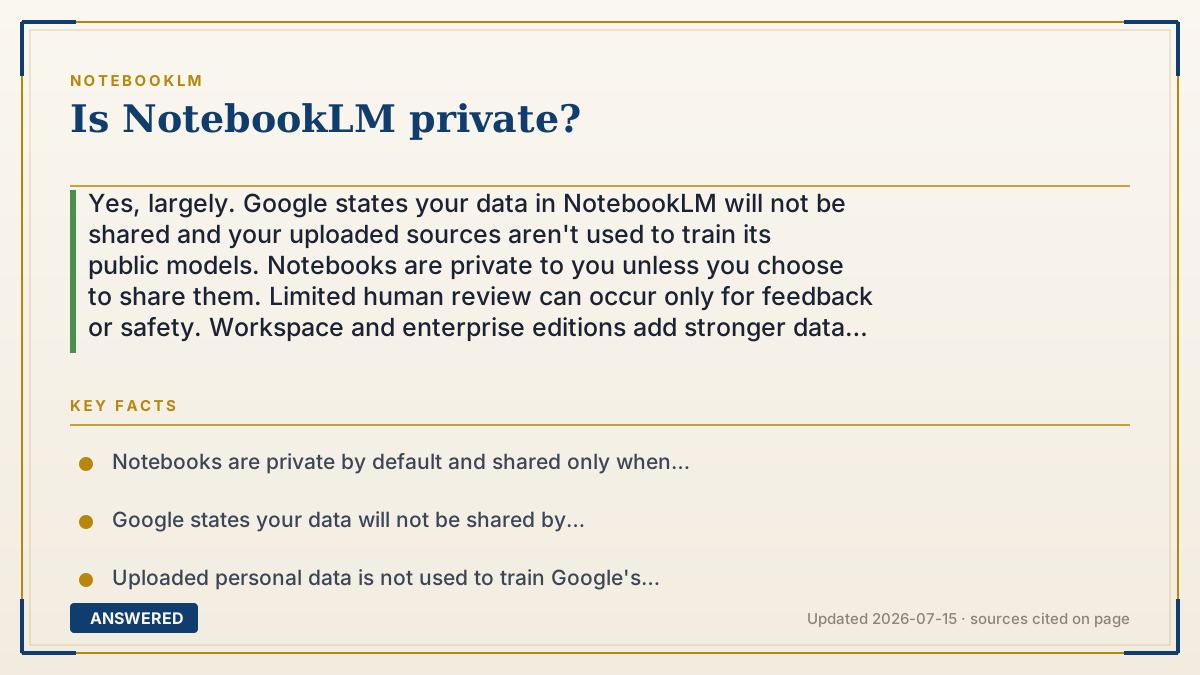
Yes, largely. Google states your data in NotebookLM will not be shared and your uploaded sources aren't used to train its public models. Notebooks are private to you unless you choose to share them. Limited human review can occur only for feedback or safety. Workspace and enterprise editions add stronger data protections.
Why — the first-principles explanation
Privacy in NotebookLM has three layers. First, who can see your notebook: by default a notebook is private to your account, and content becomes visible to others only when you deliberately share it via a link or add collaborators. Sharing is a choice, not the default.
Second, what Google does with your content: Google states your data will not be shared by NotebookLM, and that personal data you upload is not used to train its publicly available models. Your sources exist to answer your questions, not to feed a model other people use.
Third, human access: like most AI products, limited data may be seen by trained reviewers if you submit feedback or if a safety/abuse check is needed, this is review, not training, and is a normal safeguard. For higher assurance, the Workspace and enterprise editions add contractual data protections and admin controls. Because policies evolve, the most reliable source is always the in-product privacy notice at the time you use it.
An example that makes it click
Think of NotebookLM like a private safe-deposit box at a bank. What you put inside is yours, and the bank doesn't copy your papers into a public library. It stays locked unless you hand someone a key.
Only in rare cases, like a fraud check, might a trained staffer glance inside, and even then they're not adding your papers to anyone else's box. If you want the extra-secure vault, that's the business (Workspace) edition.
Key facts
- Notebooks are private by default and shared only when you choose to share them.
- Google states your data will not be shared by NotebookLM.
- Uploaded personal data is not used to train Google's publicly available models.
- Limited human review may occur only for feedback or safety, not for training.
- Workspace and enterprise editions add contractual data protections and admin controls.
Open the official product site and confirm the current access, plans and terms.
▶ The 60-second explainer (script)
Is NotebookLM private? For the most part, yes. Let's break it into three layers. First, who can see your notebook. By default, it's private to your account. Other people can only see it if you deliberately share a link or add collaborators. Sharing is a choice, not automatic. Second, what Google does with your content. Google's help center states your data will not be shared by NotebookLM, and the personal documents you upload are not used to train its public AI models. Your sources are there to answer your questions, not to teach a model everyone else uses. Third, human access. Like most AI tools, a trained reviewer might see limited data if you submit feedback or if there's a safety check, but that's review, not training. And if you need stronger guarantees, the Workspace and enterprise editions add extra contractual protections. One last tip: privacy policies can change, so for anything sensitive, read the in-app privacy notice before you upload.
What authoritative sources say
People also ask
Can other people see my notebooks?
No, not unless you share them. Notebooks are private to your account by default; sharing requires a deliberate action.
Does Google read my documents?
Only limited data may be reviewed by trained staff for feedback or safety; it isn't routinely read or used for training.
Should I upload confidential material?
For highly sensitive data, use the Workspace or enterprise edition and review the current privacy notice first.
Are shared notebooks still private?
Once you share a notebook, the people you share with can view it, so only share with those you trust.