What is Cursor AI?
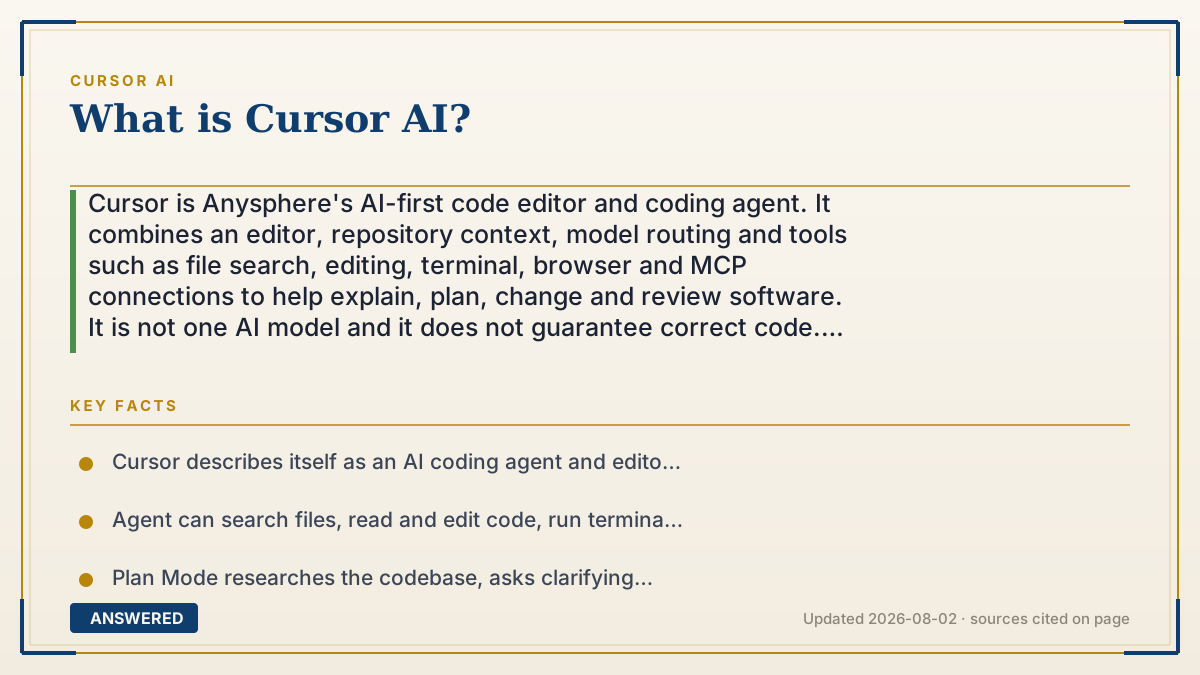
Cursor is Anysphere's AI-first code editor and coding agent. It combines an editor, repository context, model routing and tools such as file search, editing, terminal, browser and MCP connections to help explain, plan, change and review software. It is not one AI model and it does not guarantee correct code. Before sending a repository, check the current plan, usage pool, Privacy Mode, provider retention and Cloud Agent settings.
Why — the first-principles explanation
Cursor is best understood as a product layer around AI models, not as a single model called “Cursor AI.” Its workflow has several separable parts. The editor gives the system a workspace and diffs. Context retrieval finds relevant files, symbols, rules and recent changes; “the whole codebase” is not automatically placed into every prompt. A model then proposes text, code or a plan. Tools can search, edit files, run a terminal command, browse a local app or call an MCP server. Permissions and approvals determine which of those proposals can have side effects. Finally, tests, review and a human owner decide whether the change is acceptable.
That architecture explains both Cursor's usefulness and its limits. A chat window makes you paste context manually; an editor can gather project context and show a multi-file diff. But retrieval can miss a dependency, models can hallucinate a plausible patch, and an agent with terminal or network access can cause damage if permissions are too broad. Cursor's own security documentation therefore separates deterministic controls—approvals, command restrictions, hooks and sandboxing—from non-deterministic steering such as rules and prompts.
Cursor also has a cost and data layer. The product can route work to Cursor models and third-party models, with different usage pools and model rates. Prompts and code context can be sent to model providers; Privacy Mode changes training and retention guarantees, while indexing and Cloud Agents have their own data flows. A sound evaluation therefore measures accepted code per dollar and review minute, not autocomplete volume or a model leaderboard alone.
An example that makes it click
Imagine a payment bug that crosses an API handler, a database schema and a React form. In Cursor, first switch to Plan Mode and ask it to map the request path and list files it needs. Review the plan, keep secrets and production credentials out of the workspace, and use `.cursorignore` for files the agent must not read. Let Agent propose a small diff, approve terminal commands one at a time, run tests and inspect the diff yourself. If a Cloud Agent is used, remember that the repository is copied into an isolated cloud environment for the task. The valuable outcome is a tested, reviewable patch—not the fact that an agent touched three files.
How to do it
- Define the job: explanation, autocomplete, a bounded edit, a multi-file feature, code review or an automated cloud task. Different jobs need different permissions and budgets.
- Start with a small repository task and ask Cursor to explain the entry points, dependencies and tests before asking it to change code.
- Use Plan Mode for work that spans files or systems; review and edit the plan before switching to build mode.
- Control context with repository rules and `.cursorignore`; never assume that “indexing” means the model has a complete or always-current copy of the codebase.
- Turn on Privacy Mode before sending private code, then inspect the selected model and provider retention rules. BYOK does not automatically make the request local because Cursor still uses its backend.
- Keep terminal, browser, network and MCP permissions at the least-privilege level. Treat auto-run and pre-approved tools as risk decisions, not convenience defaults.
- Choose a model pool and plan from expected accepted results: include model usage, on-demand charges, team seats, review time and any data-residency uplift.
- Require tests, linting, security checks and a human review for every change that affects production, authentication, payments, privacy or user data.
- For Cloud Agents or automations, define the repository snapshot, secrets, network access, branch/PR boundary, rollback path and deletion expectations before starting.
- Re-evaluate monthly: model rosters, limits, prices, provider retention and admin controls change faster than a static tutorial.
Key facts
- Cursor describes itself as an AI coding agent and editor made by Anysphere; its Agent combines instructions, tools and a model rather than being a standalone frontier model.
- Agent can search files, read and edit code, run terminal commands, browse the web or a local app, and connect to external systems through MCP, subject to permissions.
- Plan Mode researches the codebase, asks clarifying questions and creates a reviewable implementation plan before building.
- Cursor's model documentation separates a Cursor Models pool from an Other Models pool for third-party models; each model can consume usage at a different rate.
- At the 2026-08-02 publication check, the official pricing/docs pages listed Hobby as free, Pro at $20/month, Pro Plus at $60/month and Ultra at $200/month; plans and limits can change.
- When included usage is exhausted, Cursor documents on-demand usage billed at model rates or an upgrade path; taxes are additional and usage should be checked in the dashboard.
- With Privacy Mode enabled, Cursor says code is not used for training by Cursor or model providers; without it, the Data Use page says codebase data, prompts and editor actions may be stored or used to improve/train models.
- Cursor's data-flow docs say LLM requests send prompts and code context to providers, while optional Cloud Agents store encrypted repository copies temporarily in isolated virtual machines.
- Cursor's security defaults require approval for sensitive actions such as terminal commands and MCP calls; file changes can still be written to disk immediately, so version control and review remain necessary.
- Cursor's Terms say subscriptions renew automatically unless cancelled, and cancellation must be received at least 24 hours before renewal to avoid the next charge.
Open the official product site and confirm the current access, plans and terms.
Choose Cursor by workflow, model budget and data boundary
Test the editor, Agent, model pool, permissions, privacy settings and accepted-result cost together; a coding agent is only as trustworthy as its review and approval loop.
▶ The 60-second explainer (script)
What is Cursor AI? It is Anysphere's AI-first code editor and coding agent—not one magic model. Think of five layers. The editor shows your files and diffs. Context retrieval finds the relevant parts of your repository. A selected model proposes code or a plan. Tools can search, edit, run commands, browse and call MCP services. Then tests and a human decide whether the change is safe. Cursor is powerful because it can work inside the project instead of relying on pasted snippets. It is risky for the same reason: a missed dependency or over-broad permission can create a real defect. Before using it on private code, turn on Privacy Mode, inspect model and provider retention, restrict `.cursorignore`, terminal and MCP access, and include usage plus review time in your cost. The right question is not 'Can Cursor code?' It is 'Can this workflow produce an accepted, tested change within my data and budget boundary?'
What authoritative sources say
People also ask
What is Cursor AI?
Cursor is Anysphere's AI-first code editor and coding agent. It combines a workspace, repository context, selectable models, tool calls and review controls to help developers understand, write, change and test software.
Is Cursor an AI model like ChatGPT?
No. Cursor is an application layer. Its Agent uses a model you select or a routing mode, plus instructions, code context and tools. The model roster and pricing are documented separately and can change.
Can Cursor understand my entire codebase?
It can search and retrieve relevant repository context, but no system guarantees that every dependency, generated file, secret or runtime state is present in every request. Use rules, `.cursorignore`, targeted prompts and tests to close the gaps.
What is Cursor Agent?
Agent is the mode that can research files, propose or apply multi-file edits, run tools and report progress. Use Plan Mode first for larger changes and keep terminal, browser, network and MCP permissions narrow.
Does Cursor run terminal commands automatically?
Terminal commands require approval by default, but settings can allow more automation. Cursor warns that auto-run and other controls are not a complete security boundary; review commands, use least privilege and keep a rollback path.
Does Cursor send my code to third parties?
When AI features are used, Cursor says prompts and code context can be sent to model providers such as OpenAI, Anthropic and Google. Privacy Mode, the selected model, indexing and Cloud Agents change the precise data flow, so read the current provider and team settings.
Does using my own API key keep Cursor local?
No. Cursor's Data Use page says requests using an API key still go through its backend for prompt building. BYOK may change who bills or serves a model, but it is not the same as local-only processing.
Is Cursor free?
Cursor has a Hobby entry tier with limited Agent requests. At the publication check, official pages listed Pro at $20/month, Pro Plus at $60/month and Ultra at $200/month, with separate model usage pools and possible on-demand billing. Verify the live pricing page before subscribing.
What happens when Cursor usage runs out?
Cursor documents two choices: continue with on-demand usage billed at model rates or upgrade to a higher plan. Model choice affects how quickly included usage is consumed, so compare cost per accepted change rather than prompts alone.
Is Cursor safe for a team or private code?
It provides useful controls—Privacy Mode enforcement, approvals, SSO/SCIM on appropriate plans, model and MCP access controls, audit features and optional data residency—but these do not replace a security review. Classify the repository, verify providers and test the exact workflow before rollout.
How do I cancel Cursor?
Cursor's Terms say subscriptions renew automatically and cancellation must be received at least 24 hours before the renewal date to avoid the next charge. Use the billing controls in your account and check the current terms for refunds, taxes and plan-specific conditions.