When do Claude Code limits reset?
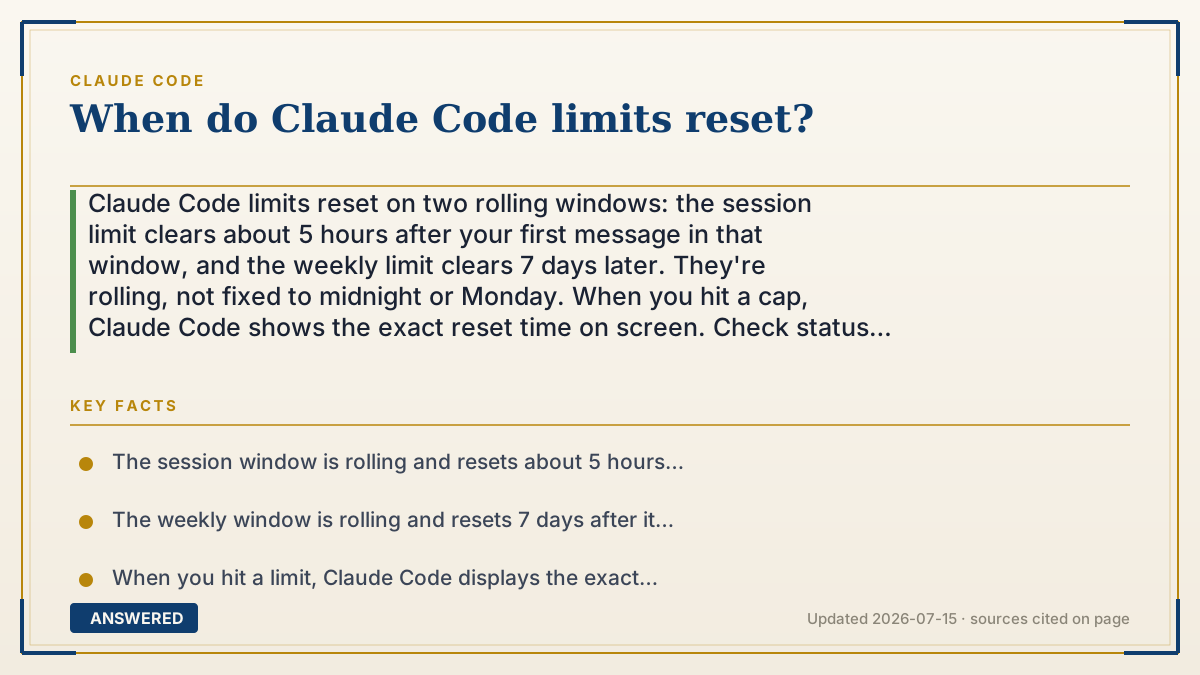
Claude Code limits reset on two rolling windows: the session limit clears about 5 hours after your first message in that window, and the weekly limit clears 7 days later. They're rolling, not fixed to midnight or Monday. When you hit a cap, Claude Code shows the exact reset time on screen. Check status anytime with `/usage`.
Why — the first-principles explanation
The key word is rolling. A rolling window doesn't reset at a fixed clock time like midnight; it resets a set amount of time after you started using it. The 5-hour session window begins with your first message and clears roughly five hours later. The weekly window works the same way over seven days. This design spreads demand out and stops everyone's limits from snapping back at the same moment.
Because the timer is tied to your own activity, there's no universal 'reset day' to memorize. Instead, Claude Code does the bookkeeping for you: when you hit a limit, the message tells you exactly when that window reopens. That's more reliable than guessing, because your personal window depends on when you first sent a request.
These windows are shared across Claude Code, Claude chat, and Cowork, so heavy chat use can eat into your coding allowance and vice versa. Switching models with `/model` won't reset anything, because the window measures your total pull on the models, not any single one. API and Console users don't have these windows at all—they pay per token and are bounded only by rate limits and any spend cap they set.
An example that makes it click
Think of a phone plan that gives you a big bucket of data every 5 hours, refilled 5 hours after you first tap it—not at midnight. If you start browsing at 2 p.m., your bucket refills around 7 p.m. There's also a weekly bucket that refills 7 days after you first used it. You never have to memorize a reset day; the phone just tells you 'refills at 7 p.m.' when you run low. Claude Code works the same way—it shows the exact time your window reopens.
How to do it
- Run `/usage` inside Claude Code to see how full your session and weekly windows are.
- If you hit a limit, read the on-screen message—it states the exact time the window resets.
- Note that the 5-hour window resets ~5 hours after your first message, and the weekly window ~7 days after.
- Don't switch models to bypass it—windows are shared across all models and surfaces.
- Need to keep going now? On Pro/Max, run `/usage-credits` to buy extra usage past the window.
Key facts
- The session window is rolling and resets about 5 hours after your first message in that window.
- The weekly window is rolling and resets 7 days after it began, not on a fixed calendar day.
- When you hit a limit, Claude Code displays the exact reset time on screen.
- Windows are shared across Claude Code, Claude chat, and Cowork; switching models does not reset them.
- API/Console accounts have no reset windows—they pay per token within rate and spend limits.
Open the current official limits, credits and plan rules before relying on the allowance.
▶ The 60-second explainer (script)
When do Claude Code's limits reset? The answer is: on rolling windows, not at midnight. There are two. The session window lasts about five hours and resets roughly five hours after your very first message—so if you start at two in the afternoon, it reopens around seven. The weekly window works the same way over seven days from when it began. Because the timer is tied to when you started, there's no single reset day to memorize. And you don't have to—when you hit a limit, Claude Code shows the exact time the window reopens right on screen. Two things to know: these windows are shared with Claude chat and Cowork, so heavy chatting eats into your coding budget. And switching models won't reset anything, because the window measures your total usage. Want to check before you're blocked? Just run slash-usage anytime.
What authoritative sources say
People also ask
Do Claude Code limits reset at midnight?
No. They're rolling windows. The session limit resets ~5 hours after your first message; the weekly limit ~7 days after it began.
How do I know my exact reset time?
When you hit a limit, Claude Code displays the precise reset time on screen. You can also run `/usage` to check status.
Will switching models reset my limit?
No. The windows are shared across all models and surfaces, so `/model` won't restore access.
Can I keep working after hitting a limit?
On Pro and Max plans, run `/usage-credits` to buy extra usage. API users simply keep paying per token.