How does Microsoft Copilot work?
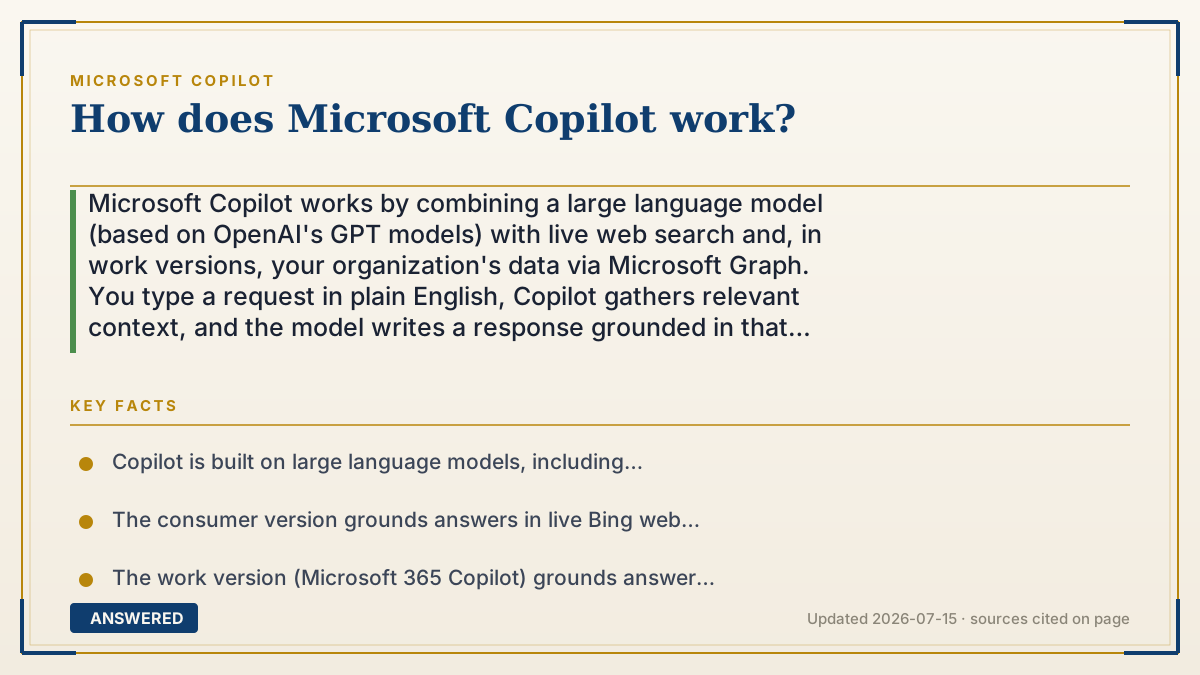
Microsoft Copilot works by combining a large language model (based on OpenAI's GPT models) with live web search and, in work versions, your organization's data via Microsoft Graph. You type a request in plain English, Copilot gathers relevant context, and the model writes a response grounded in that information.
Why — the first-principles explanation
At its core, Copilot runs on a large language model (LLM). An LLM is a program trained on huge amounts of text so it can predict the most likely next word in a sentence. String those predictions together and you get fluent paragraphs, code, or answers. Microsoft licenses and builds on OpenAI's GPT models for this engine.
A raw LLM only knows what it saw during training, which has a cutoff date and no access to your private files. Copilot solves this with a technique often called grounding or retrieval. Before answering, Copilot fetches fresh, relevant information, from Bing web search in the consumer version, or from your emails, documents, and chats via Microsoft Graph in the work version, and feeds that into the model alongside your question. The model then writes an answer based on that supplied context, which is why it can cite current web pages or summarize your specific meeting.
The flow has four steps. First, Copilot reads your natural-language prompt and figures out your intent. Second, it retrieves supporting material (web results or your organizational data you already have permission to see). Third, it sends your prompt plus that material to the LLM. Fourth, it returns the generated response, often with links or citations, and applies safety and compliance filters.
Permissions matter. In the work version, Copilot can only see data you already have access to, so it never surfaces files you could not open yourself. This is why the same Copilot feels like a general web assistant for individuals but a personalized office assistant at work.
An example that makes it click
Imagine hiring a very fast research assistant who has read most of the internet but stopped reading a while ago and has never seen your desk. When you ask a question, the assistant does two things: runs to grab the latest newspaper (web search) or pulls the exact folder from your filing cabinet (your work files), then writes you a one-page answer using both their general knowledge and those fresh papers.
The assistant can only open filing-cabinet drawers you already have a key to. So if you ask about last week's team meeting, they read the meeting notes you can access and summarize them, but they cannot peek at the CEO's private folder you were never given a key for.
Key facts
- Copilot is built on large language models, including OpenAI's GPT models, that predict text word by word.
- The consumer version grounds answers in live Bing web search results.
- The work version (Microsoft 365 Copilot) grounds answers in your organization's data through Microsoft Graph.
- Copilot only accesses data the signed-in user already has permission to view.
- Responses pass through safety, privacy, and compliance filters before you see them.
Open the official product site and confirm the current access, plans and terms.
▶ The 60-second explainer (script)
How does Microsoft Copilot actually work? Under the hood, Copilot runs on a large language model, the same GPT technology from OpenAI, which is trained to predict text word by word. But a raw model only knows what it learned during training and can't see your files. So Copilot adds a crucial step called grounding. When you type a request, Copilot first goes and fetches relevant information: live web results from Bing in the consumer version, or your own emails and documents through Microsoft Graph in the work version. It hands that fresh context to the model, which then writes an answer based on it, often with citations. Importantly, at work, Copilot can only see data you already have permission to open, so it never leaks files you couldn't access yourself. That's the whole trick: a smart language engine, plus real-time context, plus your permissions, equals answers that are current and personalized.
What authoritative sources say
People also ask
What AI model does Copilot use?
Copilot is built on large language models including OpenAI's GPT family, combined with Microsoft's own orchestration and safety layers.
Can Copilot see all my company files?
No. It can only access files and messages you already have permission to view; it respects your existing access rights.
How does Copilot get up-to-date information?
It runs a live web search (Bing) and, in work versions, retrieves your current documents and emails before generating an answer.
Does Copilot think on its own?
No. It predicts likely text based on your prompt and the context it retrieves; it does not have independent goals or awareness.