Can Notion AI transcribe meetings?
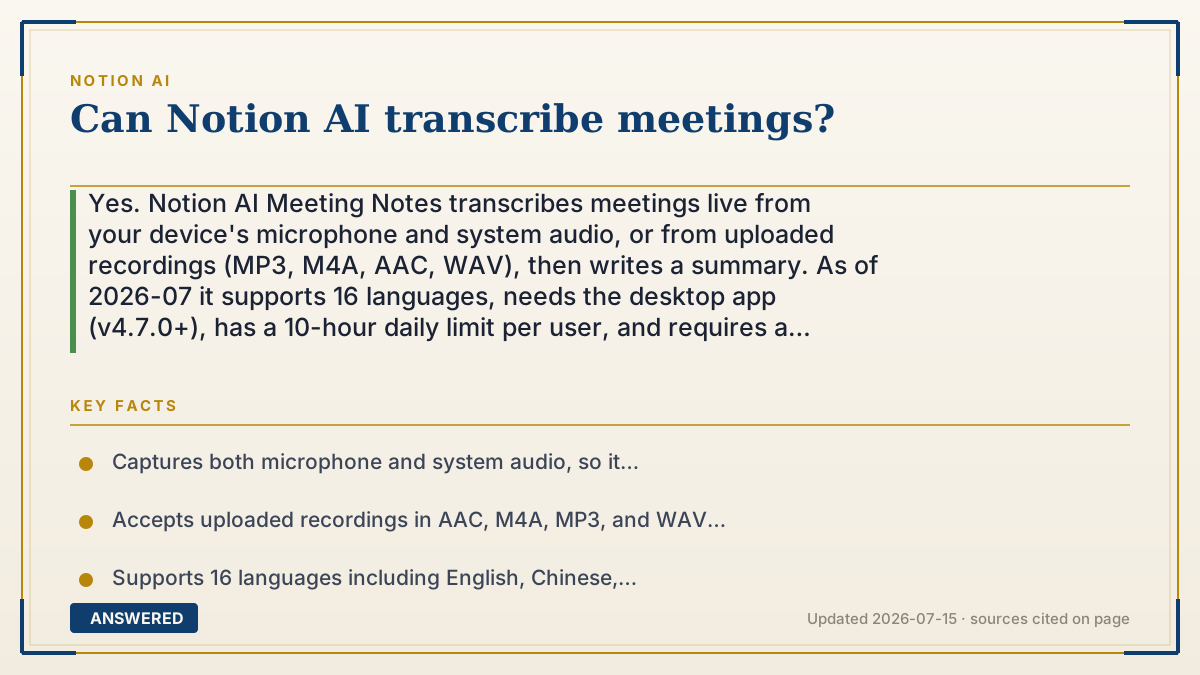
Yes. Notion AI Meeting Notes transcribes meetings live from your device's microphone and system audio, or from uploaded recordings (MP3, M4A, AAC, WAV), then writes a summary. As of 2026-07 it supports 16 languages, needs the desktop app (v4.7.0+), has a 10-hour daily limit per user, and requires a Business or Enterprise plan.
Why — the first-principles explanation
Transcription is a speech-to-text problem: an AI model listens to audio and predicts the words. Notion AI Meeting Notes captures sound two ways at once — your microphone (you and people in the room) and your computer's system audio (people on the video call) — so it can hear both sides of a remote meeting. That combined stream is turned into text in near real time.
Once there is a transcript, a second step kicks in: a language model summarizes it into notes, action items, and key points. This is why the feature is more than a court-reporter transcript — it hands you a usable recap, not just a wall of text. Notion requires at least about 300 transcribed characters (roughly a minute of talking) before it will generate that summary, because a model needs enough content to be useful.
The constraints follow from how it works. It runs in the desktop app because a browser tab cannot reliably grab system audio, and it is capped at 10 hours per user per day to control cost. Speaker labels currently work only in English, since matching voices to names is harder across languages. So yes, it transcribes meetings, but on a paid plan and within these practical limits.
An example that makes it click
Imagine a fast typist wearing two sets of headphones — one hears the people sitting with you, the other plugs into the phone line hearing the callers. They type every word from both, then, when the meeting ends, hand you a neat page: 'Here's what was decided, and here's your to-do list.'
That is Notion AI in a meeting. It listens to your room and your call at the same time, writes down everything, and then boils it into a tidy summary with action items — as long as the meeting lasted at least a minute.
How to do it
- Open the Notion desktop app (version 4.7.0 or newer; macOS 13+ or a current Windows build).
- On a page, type /meet to insert a Meeting Notes block, or start it from the Upcoming events tile on Home.
- Grant microphone and system-audio permission so it can capture both you and remote participants.
- Start the meeting; Notion transcribes live. To transcribe a past meeting, upload an MP3, M4A, AAC, or WAV file into a Meeting Notes block.
- When finished, review the auto-generated transcript and summary, then edit the notes and action items as needed.
Key facts
- Captures both microphone and system audio, so it transcribes in-person and remote participants together.
- Accepts uploaded recordings in AAC, M4A, MP3, and WAV formats.
- Supports 16 languages including English, Chinese, Spanish, French, German, Japanese, and Korean; speaker labels are English-only.
- Requires the desktop app v4.7.0+ and a Business or Enterprise plan (or an eligible mobile subscription with AI).
- Limited to 10 hours of transcription per user per day; needs ~300 characters (about one minute) to generate a summary.
Open the official product site and confirm the current access, plans and terms.
▶ The 60-second explainer (script)
Can Notion AI transcribe your meetings? Yes, and it captures both sides. Its Meeting Notes feature listens to your microphone and your computer's system audio at the same time, so it hears the people in the room and the people on the video call. It turns that into a live transcript, then a second AI step writes a clean summary with key points and action items. To use it, open the Notion desktop app, type slash-meet on a page, and allow microphone and audio access. You can also upload an existing recording — MP3, M4A, AAC, or WAV — and it'll transcribe that too. It supports sixteen languages, though speaker labels are English only, and there's a ten-hour daily limit. One thing to know: it needs a Business or Enterprise plan.
What authoritative sources say
People also ask
Does Notion transcribe remote video calls?
Yes. It captures your system audio alongside your microphone, so it records both in-person and on-call speakers.
Can I upload a recording instead of recording live?
Yes. Drop an AAC, M4A, MP3, or WAV file into a Meeting Notes block and Notion transcribes and summarizes it.
What languages does it support?
Sixteen, including English, Chinese, Spanish, French, German, Japanese, and Korean; speaker labeling is English-only.
Is there a length limit?
There is a 10-hour daily limit per user, and a summary needs at least about one minute of speech.