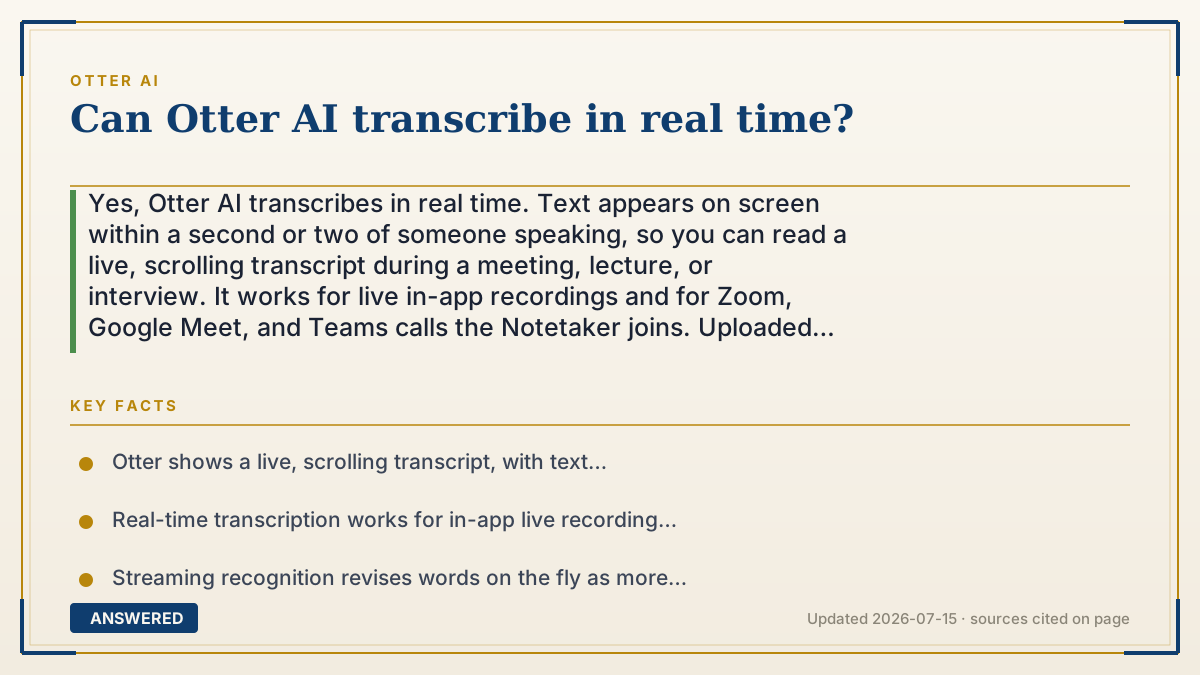
Can Otter AI transcribe in real time?
Yes, Otter AI transcribes in real time. Text appears on screen within a second or two of someone speaking, so you can read a live, scrolling transcript during a meeting, lecture, or interview. It works for live in-app recordings and for Zoom, Google Meet, and Teams calls the Notetaker joins. Uploaded files are transcribed after upload, not live.
Why — the first-principles explanation
Real-time transcription is possible because Otter uses streaming speech recognition. Instead of waiting for the whole recording, the system processes tiny chunks of audio as they arrive and predicts words continuously, revising its guess as more sound comes in. That's why you sometimes see a word appear and then correct itself a moment later: the model is updating its best guess with fresh context.
The short lag, usually a second or two, exists because the model needs a little surrounding audio to disambiguate sounds. English is full of words that sound alike until you hear what follows, so waiting a beat makes the transcript far more accurate than transcribing each syllable in total isolation.
Live transcription only applies to live audio: an in-app recording or a meeting the Notetaker is sitting in. When you upload a file you already have, there's nothing to stream, so Otter transcribes it in a batch after upload, typically finishing in a fraction of the recording's length. Real-time and file transcription use the same engine; the difference is simply whether the audio is arriving live.
An example that makes it click
It's like live TV captions for the deaf: the moment someone on screen speaks, words scroll across the bottom a heartbeat later. You'll occasionally see a caption fix itself as the sentence finishes, because the captioner waited to hear the whole thought. Otter works the same way, showing you the words as the meeting happens, then tidying up as it goes.
How to do it
- Open the Otter app or web recorder and tap the record button to start a live session.
- Watch the transcript scroll on screen within a second or two of each speaker talking.
- For online meetings, let the Notetaker join Zoom, Google Meet, or Teams to transcribe the call live.
- Read along and add live highlights or comments during the meeting if you want.
- Note that uploaded files transcribe after upload in batch, not in real time.
Key facts
- Otter shows a live, scrolling transcript, with text typically appearing 1-2 seconds after speech.
- Real-time transcription works for in-app live recordings and for meetings the Notetaker joins.
- Streaming recognition revises words on the fly as more audio context arrives, improving accuracy.
- Uploaded audio/video files are transcribed in batch after upload, not live.
- Live captions let you read during the meeting and add highlights in the moment.
Open the official product site and confirm the current access, plans and terms.
▶ The 60-second explainer (script)
Can Otter AI transcribe in real time? Yes. As someone speaks, the words show up on screen just a second or two later, so you get a live, scrolling transcript you can read during the meeting itself. This works whether you're recording live in the Otter app or letting Otter's Notetaker sit in on a Zoom, Google Meet, or Teams call. Behind the scenes, Otter uses streaming speech recognition: it processes the audio in tiny chunks as it arrives and keeps updating its best guess, which is why you'll sometimes see a word appear and then fix itself a moment later. That tiny delay actually makes it more accurate. One thing to know: real-time only applies to live audio. If you upload a recording you already made, Otter transcribes it in a quick batch after upload, not live, since there's no live stream to follow.
What authoritative sources say
People also ask
How fast does the text appear?
Usually within one to two seconds of the words being spoken, then it may fine-tune a word or two as the sentence completes.
Can I read the transcript during the meeting?
Yes. The live transcript scrolls on screen as people talk, and you can add highlights or comments in real time.
Does real-time work on Zoom and Teams?
Yes. When Otter's Notetaker joins a Zoom, Google Meet, or Microsoft Teams call, it transcribes the conversation live.
Are uploaded files transcribed in real time?
No. Files you upload are transcribed in batch shortly after upload, typically much faster than the recording's length, but not live.