Does Claude Code work on Windows without wsl?
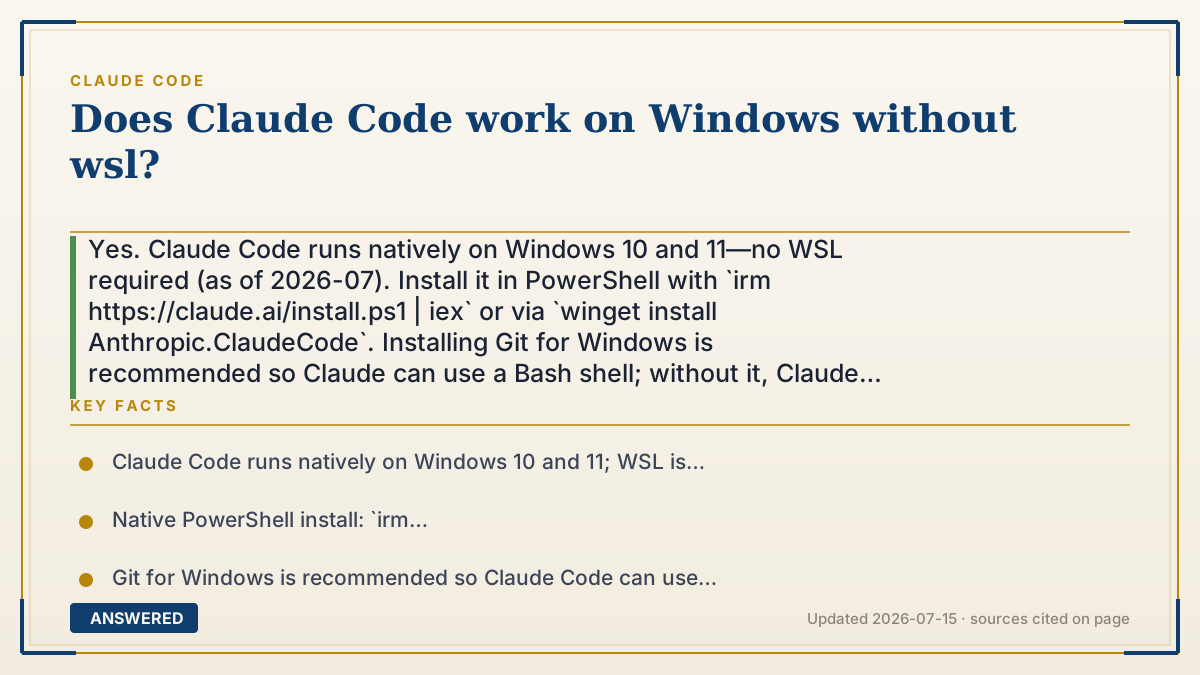
Yes. Claude Code runs natively on Windows 10 and 11—no WSL required (as of 2026-07). Install it in PowerShell with `irm https://claude.ai/install.ps1 | iex` or via `winget install Anthropic.ClaudeCode`. Installing Git for Windows is recommended so Claude can use a Bash shell; without it, Claude Code falls back to PowerShell.
Why — the first-principles explanation
Early on, Claude Code leaned on WSL (Windows Subsystem for Linux) because it expected a Unix-style shell to run commands. WSL is basically a small Linux computer running inside Windows. It works, but it's an extra install and an extra layer for your files to cross.
Anthropic later shipped a native Windows build, which removes that middle layer. The `claude` command now runs directly on Windows, talking to the OS without a Linux translator. That's why the current install docs list a PowerShell command and a WinGet package with no mention of WSL as a prerequisite.
The one thing WSL used to guarantee was a Bash shell, which many project scripts and Claude Code's Bash tool expect. On native Windows, the fix is simpler: install Git for Windows, which bundles a Bash shell. With it, Claude Code uses Bash; without it, Claude Code still works but uses PowerShell as its shell instead. So WSL is now optional—a valid choice if you already live in it, but no longer a requirement.
An example that makes it click
WSL is like hiring a translator because you assumed the new worker only spoke another language. It turns out the worker now speaks Windows natively, so the translator is optional. You just hand them the job directly. The only nice-to-have is a specific toolbox—Git for Windows—that includes the Bash 'wrench' some tasks expect. Without that toolbox they'll grab the PowerShell wrench instead and still get the job done.
How to do it
- Confirm you're on Windows 10 or 11.
- Open PowerShell and run `irm https://claude.ai/install.ps1 | iex` (or `winget install Anthropic.ClaudeCode` in CMD).
- Recommended: install Git for Windows from git-scm.com so Claude Code can use a Bash shell.
- Reopen your terminal, `cd` into a project, and type `claude`.
- Sign in when prompted—no WSL setup needed at any point.
Key facts
- Claude Code runs natively on Windows 10 and 11; WSL is optional, not required (as of 2026-07).
- Native PowerShell install: `irm https://claude.ai/install.ps1 | iex`; WinGet: `winget install Anthropic.ClaudeCode`.
- Git for Windows is recommended so Claude Code can use the Bash tool.
- Without Git for Windows, Claude Code uses PowerShell as its shell tool.
- WSL setups do not need Git for Windows because they already provide a Bash shell.
Open the official product site and confirm the current access, plans and terms.
▶ The 60-second explainer (script)
Does Claude Code work on Windows without WSL? Yes—it runs natively on Windows 10 and 11, no Linux layer required. Here's the backstory. Early versions leaned on WSL, which is basically a small Linux computer running inside Windows, because Claude Code wanted a Unix-style shell. But Anthropic shipped a native Windows build, so now the claude command talks to Windows directly. To install, open PowerShell and run the irm claude.ai install-p-s-1 command, or use winget install Anthropic dot ClaudeCode. One recommendation: install Git for Windows too. It bundles a Bash shell, which some project scripts and Claude's Bash tool expect. If you skip it, Claude Code still works—it just uses PowerShell as the shell instead. So WSL is now optional. If you already work in WSL, great, keep using it. If not, you don't need to install it at all.
What authoritative sources say
People also ask
Is WSL required for Claude Code on Windows?
No. Claude Code runs natively on Windows 10 and 11. WSL is optional.
Do I need Git for Windows?
It's recommended so Claude Code can use a Bash shell. Without it, Claude Code falls back to PowerShell.
How do I install Claude Code natively on Windows?
In PowerShell run `irm https://claude.ai/install.ps1 | iex`, or in CMD run `winget install Anthropic.ClaudeCode`.
Can I still use WSL if I prefer it?
Yes. WSL remains fully supported; it just isn't required anymore. WSL setups don't need Git for Windows.