Does Claude have memory?
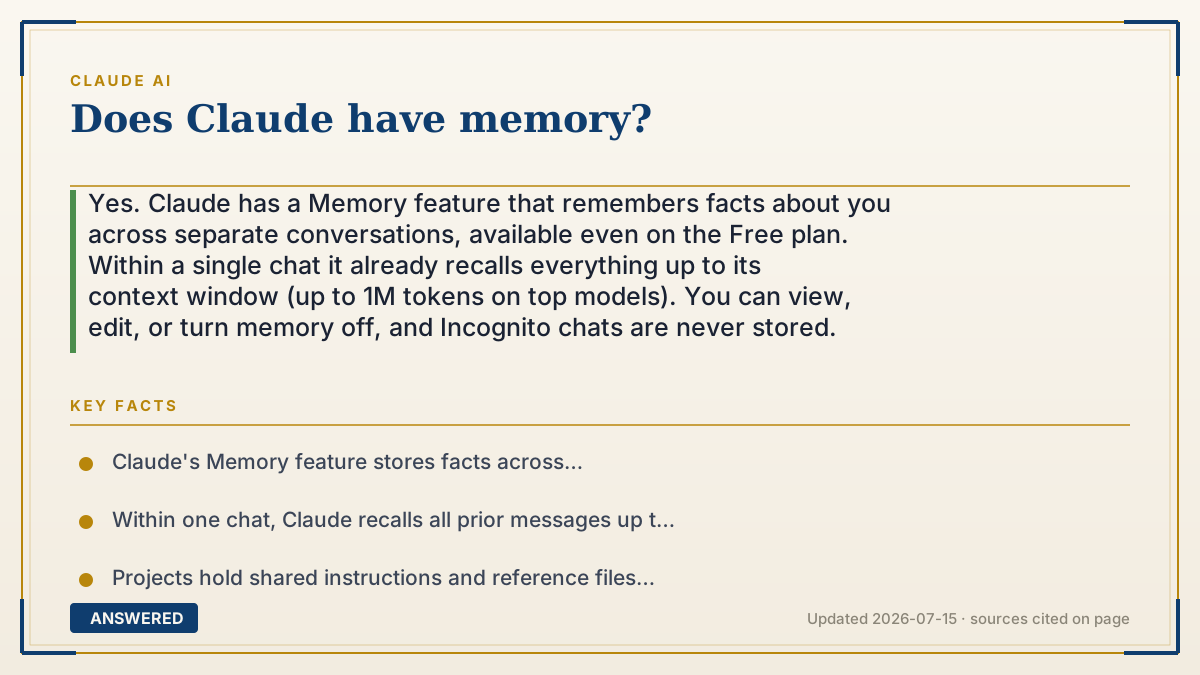
Yes. Claude has a Memory feature that remembers facts about you across separate conversations, available even on the Free plan. Within a single chat it already recalls everything up to its context window (up to 1M tokens on top models). You can view, edit, or turn memory off, and Incognito chats are never stored.
Why — the first-principles explanation
It helps to separate two things people call 'memory.' The first is short-term, in-chat memory. Each time you message Claude, the whole conversation is fed back in as context, so it naturally recalls earlier turns, up to its context window (up to 1M tokens, hundreds of pages, on current top models). This isn't a stored profile; it's just the live conversation being re-read.
The second is long-term, cross-chat memory, and this is what the dedicated Memory feature provides. Because a fresh conversation normally starts blank, Memory gives Claude a place to save durable facts, your name, preferences, ongoing projects, and reuse them in future chats so you don't repeat yourself. Projects do something similar for a defined group of chats by holding shared instructions and reference files.
Crucially, memory is under your control. You can see what Claude has remembered, edit or delete entries, and switch it off entirely. Incognito chats aren't remembered at all, and on consumer plans your data is only used to improve models if you allow it. So the answer is a clear yes, Claude has both in-chat recall and an optional persistent memory, designed so continuity is a feature you opt into rather than something that happens behind your back.
An example that makes it click
Think of a good barista. During your visit they remember you asked for oat milk (in-chat memory). The Memory feature is like that barista also keeping a little notecard with 'oat milk, extra hot' so your next visit is smooth, even weeks later. And you own the notecard: you can read it, cross things out, or throw it away. Order in 'incognito' mode and they don't write anything down at all.
How to do it
- Go to Settings on claude.ai and open the Memory (or personalization) section.
- Turn Memory on to let Claude remember facts across conversations.
- Review the saved entries; edit or delete anything you don't want kept.
- Use Projects to give a group of related chats their own shared knowledge and instructions.
- Switch to Incognito chat for conversations you don't want remembered at all.
Key facts
- Claude's Memory feature stores facts across conversations and is listed even on the Free plan.
- Within one chat, Claude recalls all prior messages up to its context window (up to 1M tokens on top models).
- Projects hold shared instructions and reference files for a group of related chats.
- Users can view, edit, or disable memory, keeping control over what's stored.
- Incognito chats are never remembered and, on consumer plans, aren't used for training.
Try Claude's $0 Free plan first, then compare current usage limits and billing before upgrading.
▶ The 60-second explainer (script)
Does Claude have memory? Yes, in two ways. Within a single conversation, Claude already remembers everything you've said, because it re-reads the whole chat each time, up to its context window, which is a million tokens on the top models. Across separate conversations, there's a dedicated Memory feature. Normally a new chat starts blank, but Memory lets Claude save durable facts, your name, your preferences, your ongoing projects, and reuse them later so you're not repeating yourself. It's available even on the free plan. There's also Projects, which give a group of related chats a shared knowledge base. And you're in charge: you can view what Claude remembered, edit it, delete it, or turn memory off completely. Want a chat that's never stored? Use Incognito mode. Memory is a feature you opt into, not something happening behind your back.
What authoritative sources say
People also ask
Is Claude's memory on by default?
You control it in settings. In-chat recall is automatic, but cross-chat Memory is something you can turn on, review, edit, or switch off.
Can I delete what Claude remembers?
Yes. You can view and delete individual memory entries or disable the feature entirely.
Does the free plan include memory?
Yes. 'Memory across conversations' is listed as a Free-plan feature on Claude's pricing page.
What if I don't want a chat remembered?
Use Incognito mode. Those conversations aren't stored in memory and, on consumer plans, aren't used for training.