How do I create images with AI?
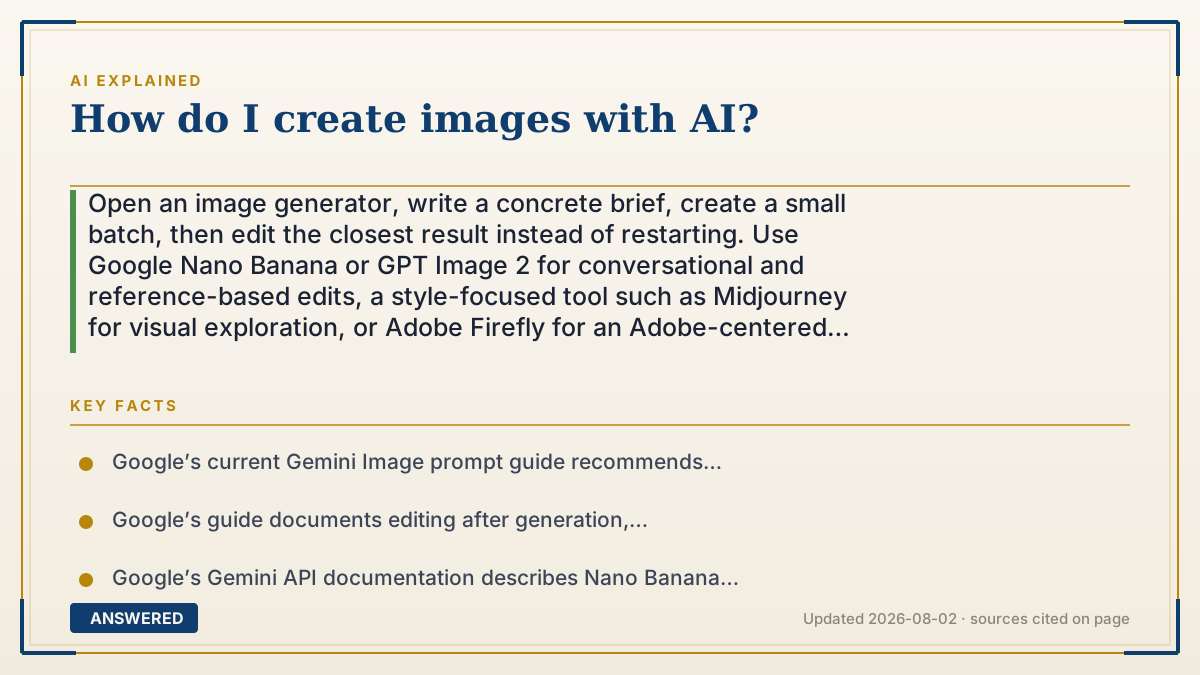
Open an image generator, write a concrete brief, create a small batch, then edit the closest result instead of restarting. Use Google Nano Banana or GPT Image 2 for conversational and reference-based edits, a style-focused tool such as Midjourney for visual exploration, or Adobe Firefly for an Adobe-centered workflow. Before publishing, verify every word, face, logo, source image, usage term and cost per approved asset.
Why — the first-principles explanation
Creating an AI image is a workflow, not a magic sentence. You choose a model and an input surface, describe the brief, inspect several candidates, make targeted edits, then approve and export one asset. Some systems use diffusion-like denoising and others may use different architectures; you do not need to assume one internal mechanism to get a reliable result.
The first decision is task fit. A chat-oriented image model is useful when you want to upload references and keep refining the same scene. A style-focused generator can be useful for rapid visual directions. An Adobe-centered workflow may be preferable when the image must move into Photoshop or a review process. For an API, add latency, limits, version stability and data handling to the brief. “Best” is not a property of the prompt alone.
The second decision is prompt structure. Google’s current prompt guide recommends describing the subject, setting, action, composition and style, then adding lighting, mood, camera or typography details. Start with the scene in natural language, add constraints one at a time, and state what should be present. A prompt is a design brief; it is not a guarantee that every word will be obeyed.
The third decision is iteration. Generate a few candidates, choose the one closest to the acceptance test and change one variable at a time. Upload a reference only when you have permission to use it. For local changes, use an edit or mask when the product supports it, but inspect the boundary: a mask guides the model and may not be followed pixel-perfectly. Keep the original and the prompt history so a good result can be reproduced or corrected.
Text, likenesses and rights need human review. Put exact copy in quotes when the model supports typography, but proofread every character and typeset high-stakes text in a real editor. Check whether you are allowed to use a person’s face, logo or reference image. Content Credentials or SynthID can help record or detect provenance; they do not grant permission, copyright or a commercial license. The U.S. Copyright Office’s AI guidance also treats human authorship as a separate question from merely supplying a prompt.
Finally, price the approved asset, not the first click. Include failed generations, retries, upscaling, editing time, storage, subscription credits and any API calls. A free tier can be ideal for learning but still be a poor production choice if it watermarks exports, exposes sensitive inputs or cannot deliver the required resolution. The reliable loop is brief → prompt → batch → edit → proof → rights check → export.
An example that makes it click
Suppose you need a product hero image for a store. Write the acceptance test first: a 4:5 composition, the exact product shape, an empty area for headline text, no unapproved people or logos, and a web-ready export. Prompt: “A studio product photograph of a matte green insulated bottle on a pale stone plinth, three-quarter view, soft window light from the left, shallow depth of field, generous clean negative space above the bottle for later typography, no extra objects.” Generate four candidates, keep the closest composition, then ask for one change such as “make the bottle label face the camera.” Add the headline in your design editor, inspect the label at full size, confirm the reference and usage rights, and record the tool, model, date and total attempts.
How to do it
- Choose the surface by the job: Gemini/Nano Banana for conversational reference edits, GPT Image for API or mask-based workflows, a style-focused generator for visual exploration, or an Adobe workflow for Creative Cloud production.
- Write an acceptance test before prompting: subject, audience, aspect ratio, resolution, text, references, privacy, export format and commercial use.
- Use this prompt skeleton: “Create a [medium] of [subject] in [setting], [action], [composition/camera], [lighting/mood], [style], with [exact text or layout constraint].”
- Add details in layers. Start with subject, setting, action and composition; then add style, lighting, color, lens or typography instead of dumping unrelated adjectives.
- Upload reference images only when you have permission. Tell the model what each reference controls—identity, product shape, pose, palette or composition.
- Generate a small batch, record the model and plan, and choose the candidate that passes the acceptance test most closely.
- Edit one variable at a time. Use an image edit or mask for a local change, then check that the unchanged subject, hands, logos and edges did not drift.
- Proofread text and faces at full resolution. Typeset important copy in a design editor, and obtain likeness or trademark permission before publishing.
- Export the approved asset, preserve the prompt and provenance metadata when practical, and calculate cost per approved image including retries and human cleanup.
Key facts
- Google’s current Gemini Image prompt guide recommends detailed descriptions and calls out subject, setting, action, composition and style as useful prompt components.
- Google’s guide documents editing after generation, including changing details, reframing, upscaling and changing the visual style; the exact controls depend on the model and product surface.
- Google’s Gemini API documentation describes Nano Banana 2 Lite, Nano Banana 2 and Nano Banana Pro as different image-model options with different speed, quality and control trade-offs.
- OpenAI’s image-generation guide documents reference images, edits, mask-guided edits and multi-turn image workflows; its mask guidance is not guaranteed to follow the exact boundary pixel by pixel.
- Adobe Firefly documents text-to-image, reference-image, object-editing and generative-fill workflows, but plan limits and commercial terms vary by product.
- Many hosted generators can vary between runs, so a small batch plus a fixed acceptance test is more reliable than judging one lucky image.
- C2PA Content Credentials are cryptographically signed, tamper-evident provenance records. They are not DRM and do not by themselves grant a license.
- The U.S. Copyright Office’s AI materials include a report on the copyrightability of generative-AI outputs; a prompt alone does not settle the human-authorship question.
- Free allowances, watermarks, privacy settings, model access and prices change. Record the model, plan and test date instead of publishing a permanent limit.
- Do not upload confidential product photos, client assets or identifiable people until the provider’s retention, training, privacy and likeness rules have been checked.
Turn a prompt into an approved asset
Start with a real brief, compare the current model and plan, then measure approved output cost, rights and export before committing.
▶ The 60-second explainer (script)
How do you create images with AI? Treat it like a small production workflow. First choose the surface by the job: Gemini or Nano Banana for conversational reference edits, GPT Image for API and mask-based edits, a style-focused generator for visual directions, or Adobe Firefly when the work lives in Creative Cloud. Next write an acceptance test: subject, aspect ratio, resolution, text, references, privacy and commercial use. Build the prompt from subject, setting, action, composition, lighting and style. Generate a small batch, keep the closest result and change one variable at a time. Use a reference or mask only when you have permission, and inspect edges because edits can drift. Proofread every word and face; typeset important copy in a real editor. Finally check rights and provenance, preserve the prompt and calculate cost per approved asset, including retries and cleanup. The best prompt is the one attached to a repeatable brief.
What authoritative sources say
People also ask
What is the easiest way to create an AI image?
Open Gemini, ChatGPT or another hosted generator, describe one concrete scene and create a small batch. The easiest path is not always the right production path, so check export, watermark, privacy and usage terms before publishing.
What should I write in an AI image prompt?
Name the subject, setting, action, composition, lighting and style. Add the audience, aspect ratio, exact text and any reference-image instruction. Start with a scene in natural language and add constraints one at a time.
How do I make the same character or product appear consistently?
Use a permitted reference image, say what it controls, and make small edits across a multi-turn session. Test five outputs and measure identity drift; consistency is a capability to verify, not a guarantee.
How do I put accurate words in an AI image?
Put the exact copy in quotes and describe the typography, then proofread the render at full size. For packaging, ads or legal text, typeset the final words in a design editor instead of trusting the generator alone.
Why does the same prompt produce different images?
Many hosted systems can vary between runs because the generation process includes stochastic choices and changing model settings. Create a small batch, keep the model and date, and select against a fixed acceptance test.
Can I use AI images commercially?
Possibly, subject to the provider’s current plan terms, local law, source-image permissions, likeness consent and trademark review. Provenance metadata does not grant commercial permission, and prompt-only output is not automatically protected by copyright.
Can I create AI images for free?
Many providers offer a limited free surface, but allowances, watermarks, model access, queues and privacy vary. Compare the cost of an approved image—not just the word free—and check the current vendor page.
Is it safe to upload my client photos?
Do not assume so. Check retention, training, account access, deletion, region, encryption and likeness rules first. For confidential work, use an approved enterprise or local workflow and keep the original files under your control.
How much does one AI image really cost?
Add subscription allocation, failed generations, retries, upscaling, storage, API calls and human editing, then divide by approved deliverables. Cost per click or per raw generation hides the work needed to ship.
The same question, asked other ways
- How to make AI pictures?
- How to create AI images?
- How to generate AI images?
- How to make AI images?
- How to use AI to create images?
- How to create an AI image?