How do you delete a Character.AI account?
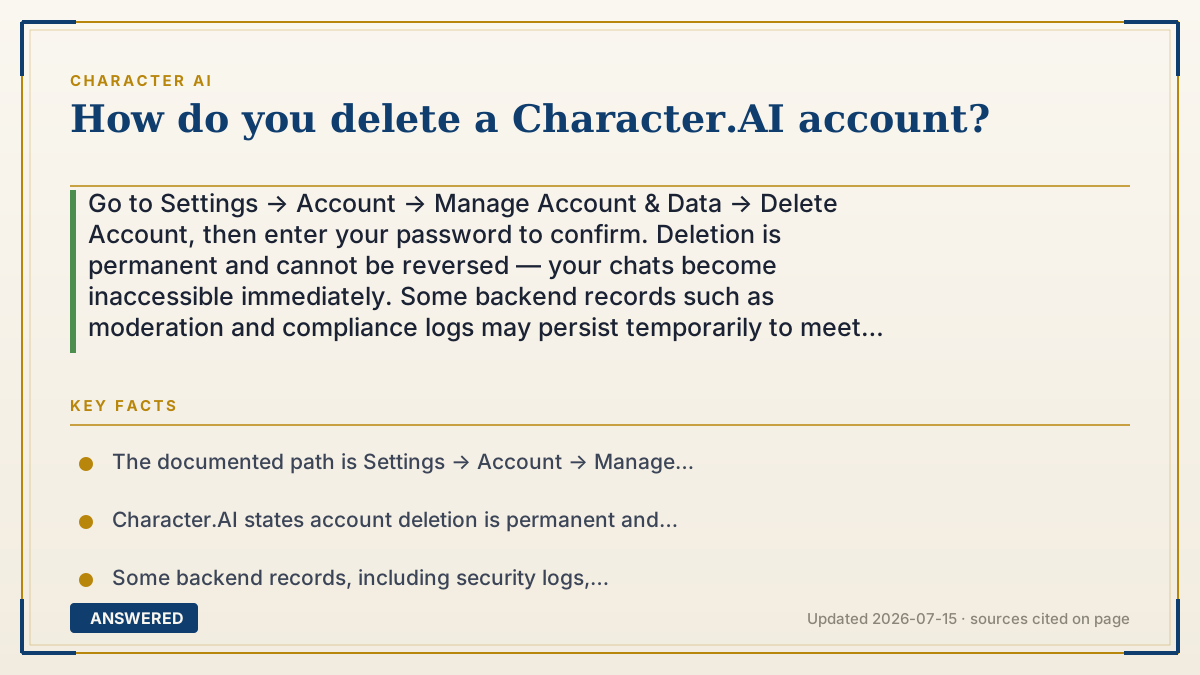
Go to Settings → Account → Manage Account & Data → Delete Account, then enter your password to confirm. Deletion is permanent and cannot be reversed — your chats become inaccessible immediately. Some backend records such as moderation and compliance logs may persist temporarily to meet legal requirements.
Why — the first-principles explanation
Two things worth knowing before you click, because the word "delete" means less than people assume.
First, deletion is a promise about access, not about atoms. When you delete an account, the company revokes your ability to reach the data and starts a cleanup process. It does not reach into every backup tape and scrub you instantly — backups run on rotation, moderation records exist because regulators require them, and compliance logs are legally mandated to outlive the account that generated them. Character.AI's own support material is explicit that some backend records, including security logs, moderation data, and compliance audit records, may remain temporarily. This isn't a Character.AI quirk; it's how every platform of that size works. If your goal is that a specific thing you typed no longer exists anywhere, deleting your account does not accomplish that.
Second, there is no undo. Most consumer apps use a 30-day grace period — Google, Discord, Instagram all soft-delete first. Character.AI's deletion is documented as permanent and irreversible. No cooling-off window, no support ticket that restores it, no recovering the characters you spent months writing. That asymmetry is worth respecting, because the impulse to delete is often emotional and the consequence is not.
Which leads to the practical point most people miss: you probably want one of the smaller deletions. Deleting a persona removes only your user identity text and leaves your bots alone. Deleting a character removes that bot. Deleting a chat removes one conversation. These are separate objects with separate delete buttons. If what you actually want is "stop chatting" or "remove that one embarrassing conversation," account deletion is a sledgehammer aimed at a thumbtack. And if you want your creations preserved, export or copy the character definitions first — once the account is gone, so are they.
An example that makes it click
Closing a bank account isn't the same as erasing the bank's memory of you. You stop having access, the card stops working, the money leaves — but the transaction records sit in a vault for years, because the law says they must.
Account deletion works exactly like that. The door locks behind you. The filing cabinet in the basement doesn't catch fire. And unlike your bank, there's no branch manager who can reopen it if you change your mind tomorrow.
How to do it
- Back up anything you want to keep first: copy your character definitions, greetings, and any chats you care about into a text file. Nothing is recoverable afterward.
- Consider a smaller action instead — delete individual chats, characters, or your persona. These are separate from account deletion.
- Open Character.AI and go to Settings.
- Select Account, then Manage Account & Data.
- Choose Delete Account.
- Enter your password when prompted and confirm.
- Understand the result: access ends immediately and permanently. Some backend security, moderation, and compliance records may be retained temporarily for legal reasons.
- If the delete option fails or is missing, use the Character.AI Help Center's account-issues channel to submit a request rather than repeatedly retrying.
Key facts
- The documented path is Settings → Account → Manage Account & Data → Delete Account, confirmed with your password.
- Character.AI states account deletion is permanent and cannot be reversed — there is no published grace period or restore window.
- Some backend records, including security logs, moderation data and compliance audit records, may remain temporarily to meet legal and platform requirements.
- Deleting a persona does not delete characters you built; personas, characters, chats and accounts are separate objects with separate deletions.
- The Character.AI Help Center's Account Issues section covers login failures, locked accounts, password resets and profile deletion.
Open the official product site and confirm the current access, plans and terms.
▶ The 60-second explainer (script)
To delete your Character.AI account: Settings, then Account, then Manage Account and Data, then Delete Account. Enter your password, confirm. That's it. Now two things you should know before you do it. First: delete means you lose access, not that the data evaporates. Character.AI says some backend records — security logs, moderation data, compliance audits — may stick around temporarily because the law requires it. That's true of every big platform. So if your goal is that one specific thing you typed no longer exists anywhere on Earth, deleting your account does not do that. Second, and this one bites people: there's no undo. No thirty-day grace period like Google or Instagram. It's documented as permanent and irreversible. The characters you spent months writing are gone the moment you confirm. So back them up first — copy your definitions and greetings into a text file. And honestly? Most people asking this don't need it. If you want one embarrassing chat gone, delete that chat. If you want your identity text gone, delete your persona. Those are separate buttons for separate things. Account deletion is a sledgehammer. Make sure you're actually looking at a wall.
What authoritative sources say
People also ask
Can I recover my account after deleting it?
No. Character.AI documents deletion as permanent and irreversible, with no published grace period. Back up anything you want before confirming.
Are my chats really gone?
They become inaccessible to you immediately. Limited backend retention — security, moderation, and compliance records — may continue temporarily for legal reasons.
Do my public characters disappear too?
Deleting your account removes your access to your creations. If you want to keep a character definition, copy the text out before deleting.
What if the delete button doesn't work?
Don't keep retrying. Submit a request through the Help Center's Account Issues channel, which handles locked accounts and profile deletion problems.
Should I delete my persona or my account?
They're different. Deleting a persona removes only your user identity text and leaves your bots and account intact. Choose the smallest action that solves your actual problem.