How does NotebookLM work?
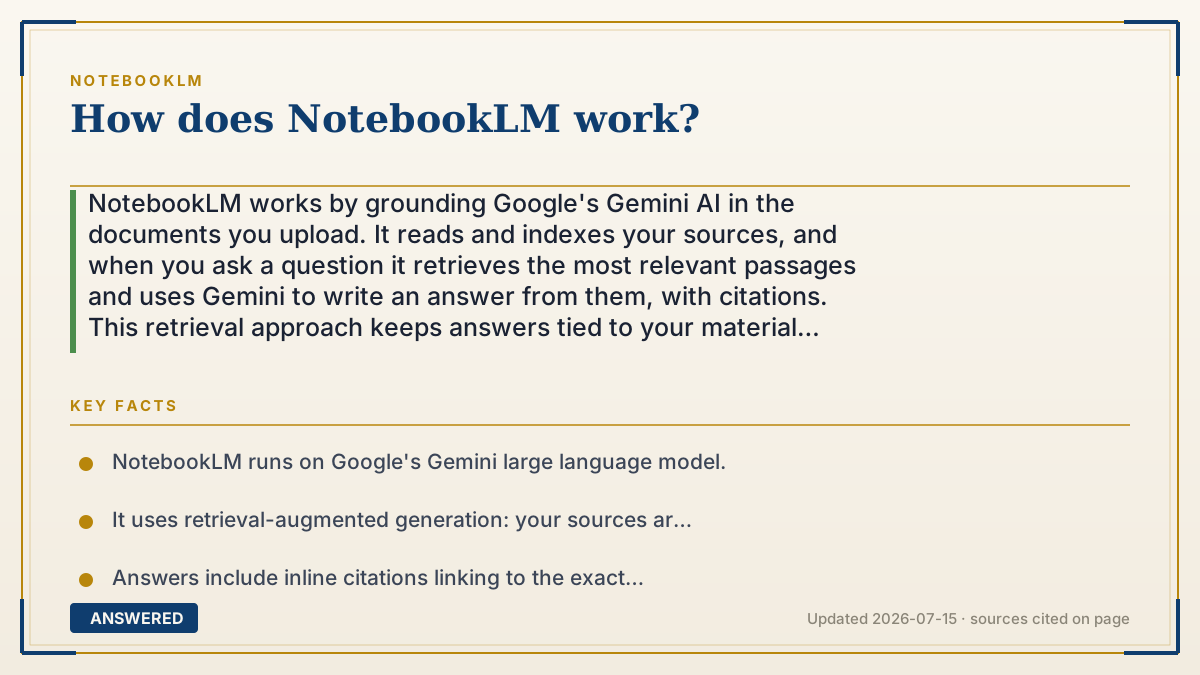
NotebookLM works by grounding Google's Gemini AI in the documents you upload. It reads and indexes your sources, and when you ask a question it retrieves the most relevant passages and uses Gemini to write an answer from them, with citations. This retrieval approach keeps answers tied to your material instead of the open web.
Why — the first-principles explanation
NotebookLM combines two pieces: a large language model (Gemini) and a retrieval system. The model provides language understanding; the retrieval system keeps it honest by feeding it only your sources.
When you upload a document, NotebookLM splits it into chunks and indexes them so passages can be found by meaning, not just keywords. When you ask a question, it searches that index for the chunks most relevant to your question, then hands those chunks to Gemini with an instruction like 'answer using only this text.' Gemini writes the answer, and NotebookLM attaches citations pointing back to the exact chunks used. This pattern is often called retrieval-augmented generation.
That is why NotebookLM behaves so differently from a plain chatbot. It won't answer beyond your sources, it can point to where each claim came from, and it stays reliable on your specific material. The same understanding of your sources also powers its extras, audio overviews, mind maps, flashcards, quizzes, each of which is just Gemini reshaping your indexed content into a new format.
An example that makes it click
Think of an open-book exam. A plain chatbot is a student answering from memory, sometimes confidently wrong. NotebookLM is a student who must keep their finger on the exact line in the book while answering, and cite the page.
So you ask a question, it flips to the relevant lines in your uploaded book, reads just those, writes the answer, and shows you the page, every time.
Key facts
- NotebookLM runs on Google's Gemini large language model.
- It uses retrieval-augmented generation: your sources are indexed, then relevant passages are retrieved to answer.
- Answers include inline citations linking to the exact source passage.
- It only uses your uploaded sources, not the open web, to answer.
- The same indexed sources power audio overviews, mind maps, flashcards, and quizzes.
Open the official product site and confirm the current access, plans and terms.
▶ The 60-second explainer (script)
Here's how NotebookLM actually works under the hood. It combines two things: Google's Gemini AI model, and a retrieval system that keeps that model grounded in your documents. When you upload a source, NotebookLM breaks it into small chunks and indexes them by meaning. Then, when you ask a question, it doesn't answer from memory like a normal chatbot. Instead, it searches your indexed sources for the passages most relevant to your question, hands just those passages to Gemini, and says, in effect, 'answer using only this text.' Gemini writes the answer, and NotebookLM attaches citations pointing to the exact passages it used. This technique is called retrieval-augmented generation, and it's why NotebookLM stays accurate to your material and can always show its work. That same deep read of your sources is what lets it also spin up audio overviews, mind maps, flashcards, and quizzes, all just different ways of reshaping your own documents.
What authoritative sources say
People also ask
What AI model does NotebookLM use?
It runs on Google's Gemini large language models, wrapped in a retrieval system that grounds answers in your sources.
Why does it cite everything?
Because it answers from retrieved passages of your documents, it can link each claim to the exact source text.
Does it search the internet?
No. It answers only from the sources you upload, which is what keeps it accurate to your material.
What is retrieval-augmented generation?
It's when an AI retrieves relevant passages from your data first, then generates an answer using them, rather than from memory.