How much does Stable Diffusion cost?
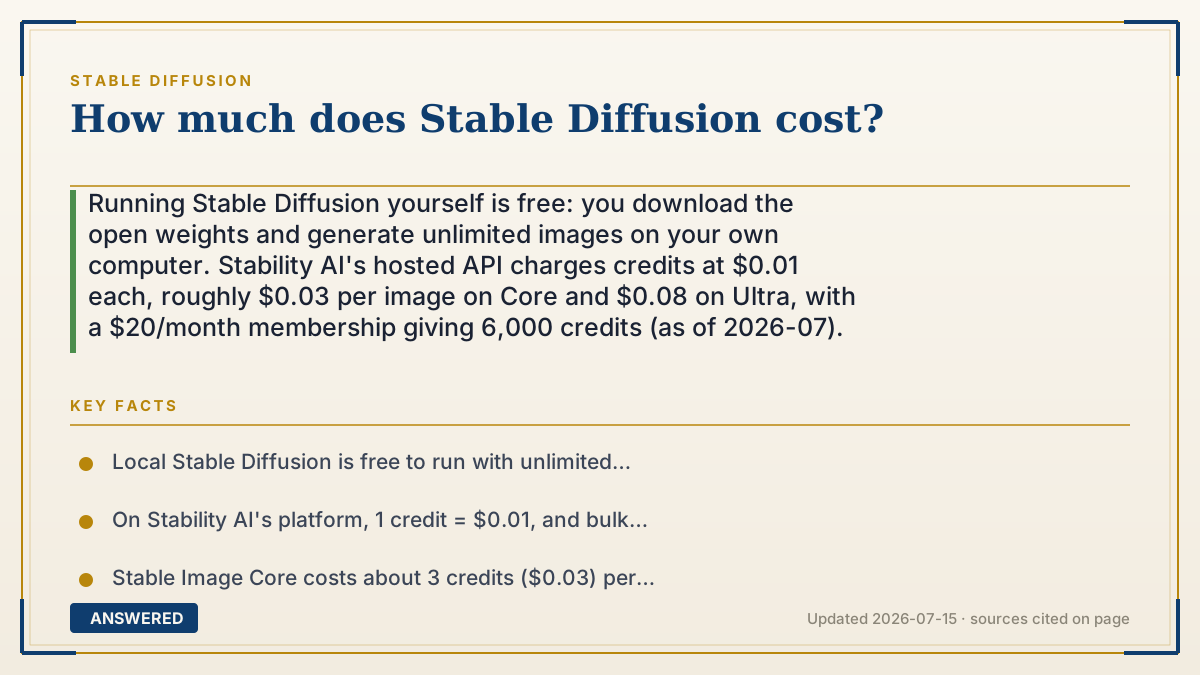
Running Stable Diffusion yourself is free: you download the open weights and generate unlimited images on your own computer. Stability AI's hosted API charges credits at $0.01 each, roughly $0.03 per image on Core and $0.08 on Ultra, with a $20/month membership giving 6,000 credits (as of 2026-07).
Why — the first-principles explanation
Stable Diffusion has two very different price tags because there are two ways to run it. The model weights are open, so the software itself costs nothing. Your real cost depends on whose computer does the math.
If you run it locally, the only cost is hardware and electricity. Once you own a capable GPU, every image is effectively free, and you can generate millions. This is why hobbyists favor local setups: the marginal cost per image is basically the power bill.
If you use Stability AI's hosted API or app, you rent their GPUs and pay per image. Their system uses credits, where 1 credit equals $0.01. As of 2026-07, a bulk pack costs about $10 per 1,000 credits, a Core image is around 3 credits ($0.03), a higher-quality Ultra image is about 8 credits ($0.08), and a $20/month membership includes roughly 6,000 credits. New accounts get a small free credit grant to start. You pay for convenience, no setup, and always-current models.
Third-party services (Google Colab, RunPod, Replicate, DreamStudio clones, mobile apps) sit in between: you rent cloud GPU time by the hour or pay their own per-image markup. The cheapest path for heavy users is local hardware; the cheapest path for occasional users is a hosted API or a free web demo.
An example that makes it click
Imagine a coffee machine. You can buy the machine once and make coffee at home for pennies a cup forever, that is the local GPU route. Or you can walk into a cafe and pay $3 a cup with zero setup, that is the hosted API route.
If you only want two cups a month, the cafe is cheaper because you skip the $800 machine. If you drink five cups a day, buying the machine pays for itself fast. Stable Diffusion works the same way: casual users rent per image, power users own the hardware.
How to do it
- For free unlimited use, install Stable Diffusion locally with AUTOMATIC1111 or ComfyUI on a computer with a supported GPU.
- For light use with no setup, create a Stability AI account and use the free starter credits.
- For steady hosted use, compare pay-as-you-go credits ($10 per 1,000) against the $20/month membership (~6,000 credits).
- Estimate volume: multiply images per month by the per-image credit cost (Core ~3, Ultra ~8) to pick the cheaper plan.
- For occasional experiments, use a free browser demo or a low-cost cloud GPU rented by the hour.
Key facts
- Local Stable Diffusion is free to run with unlimited generations; the only cost is your hardware and electricity.
- On Stability AI's platform, 1 credit = $0.01, and bulk credits cost about $10 per 1,000 (as of 2026-07).
- Stable Image Core costs about 3 credits ($0.03) per image; Stable Image Ultra costs about 8 credits ($0.08).
- The membership plan is about $20/month and includes roughly 6,000 credits.
- New accounts receive a small batch of free starter credits (about 25) to test the service.
Open the current plans, credits, usage limits and cancellation terms before you subscribe.
▶ The 60-second explainer (script)
How much does Stable Diffusion cost? The honest answer is: it can be completely free. The model is open, so if you run it on your own computer, you pay nothing per image and can generate as many as you want, forever, just the electricity. If you don't have a powerful graphics card, you can use Stability AI's hosted service instead. As of July 2026, they charge in credits worth one cent each. A standard Core image is about three cents, a top-quality Ultra image about eight cents, and bulk credits run around ten dollars per thousand. There's also a membership around twenty dollars a month that includes about six thousand credits. New accounts get a handful of free credits to try it out. So the rule of thumb: occasional users should rent per image online, while heavy users save money running it locally on their own GPU.
What authoritative sources say
People also ask
Is there any way to use Stable Diffusion for zero dollars?
Yes. Running it locally on your own GPU is free, and Stability AI gives new accounts free starter credits for the hosted version.
How many images does 6,000 credits make?
At roughly 3 credits per Core image, about 2,000 images; at 8 credits per Ultra image, about 750 images.
Is the membership cheaper than pay-as-you-go?
For steady users, yes. A $20 membership includes about 6,000 credits, which would cost around $60 if bought as pay-as-you-go bulk packs.
Do cloud GPU rentals cost less than the API?
For very high volume, renting a GPU by the hour can be cheaper per image, but you handle setup and pay even while idle.