How to cancel Perplexity subscription?
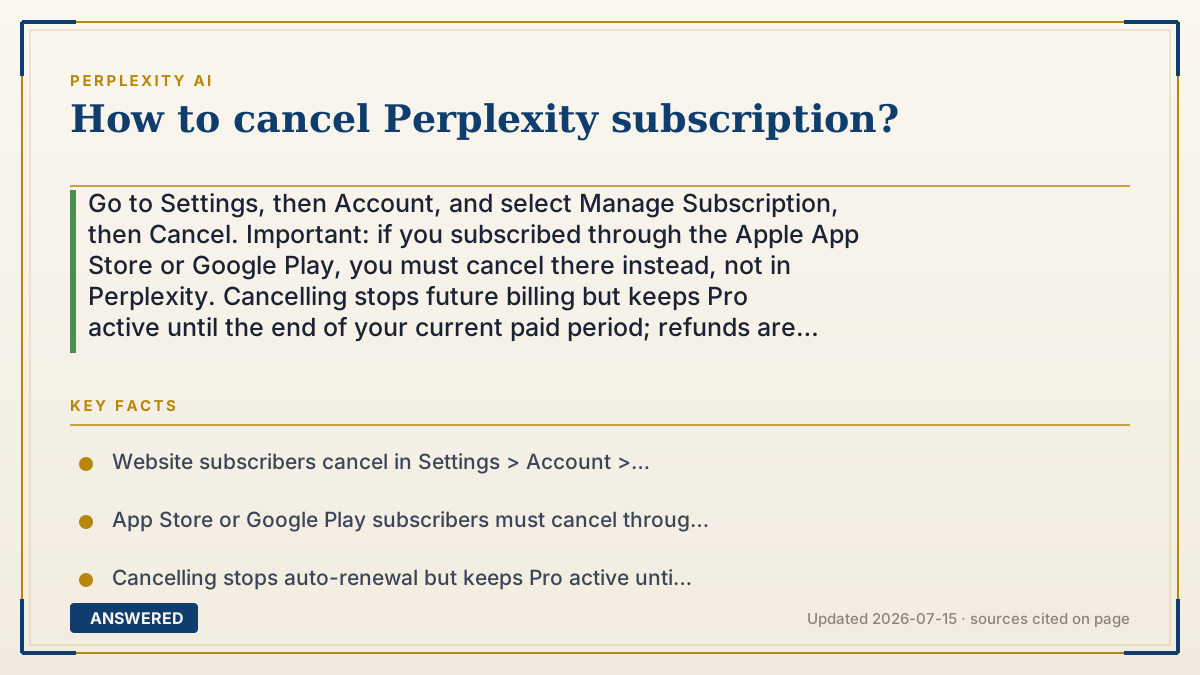
Go to Settings, then Account, and select Manage Subscription, then Cancel. Important: if you subscribed through the Apple App Store or Google Play, you must cancel there instead, not in Perplexity. Cancelling stops future billing but keeps Pro active until the end of your current paid period; refunds are not usually given for time already paid.
Why — the first-principles explanation
The single rule that trips people up is cancel where you paid. A subscription is billed by whoever processed your payment. If you upgraded on the website with a card, Perplexity bills you directly, so you cancel in Perplexity's settings. If you tapped "upgrade" inside the iPhone or Android app, Apple or Google handled the payment, so only they can stop it, cancelling inside Perplexity won't work, and the charges will keep coming.
The second principle is cancel versus refund. Cancelling turns off auto-renewal; it doesn't claw back money you've already paid. Because you prepaid for a month or a year, Perplexity keeps your Pro features running until that paid period ends, then simply doesn't charge again. This is standard for subscriptions and is why cancelling early doesn't usually trigger a partial refund.
The third is timing to avoid surprise charges. Auto-renewal means the next charge fires on your renewal date whether or not you've used the service. So cancel at least a day before renewal to be safe. If you were billed moments ago by accident, refund eligibility depends on Perplexity's policy or the app store's rules, and you'd request it from whoever took the payment.
An example that makes it click
Think of it like a magazine you can subscribe to two ways: straight from the publisher, or through a bookstore's membership program. If you signed up with the publisher, you call the publisher to stop it. If you signed up through the bookstore, calling the publisher does nothing, you have to tell the bookstore.
And either way, you already paid for this month's issue, so it still lands in your mailbox; they just won't send, or bill for, next month. Cancelling is telling them 'no more after this one,' not 'give my money back for the issue I already got.'
How to do it
- First, remember how you subscribed: Perplexity website, Apple App Store, or Google Play.
- If via the website: open Settings, go to Account, click Manage Subscription, then Cancel and confirm.
- If via Apple: open iPhone Settings, tap your name, tap Subscriptions, select Perplexity, and Cancel Subscription.
- If via Google Play: open the Play Store, tap your profile, Payments & subscriptions, Subscriptions, Perplexity, Cancel.
- Confirm you receive a cancellation notice; you keep Pro until the current period ends.
Key facts
- Website subscribers cancel in Settings > Account > Manage Subscription > Cancel.
- App Store or Google Play subscribers must cancel through Apple or Google, not in Perplexity.
- Cancelling stops auto-renewal but keeps Pro active until the end of the paid period.
- Refunds for time already paid are generally not provided.
- Cancel at least a day before your renewal date to avoid the next charge.
Open the vendor's official cancellation guide; the correct steps depend on where you subscribed.
▶ The 60-second explainer (script)
How do you cancel a Perplexity subscription? The most important thing to get right: cancel wherever you paid. If you upgraded on the Perplexity website, it's easy, go to Settings, then Account, click Manage Subscription, and hit Cancel. Done. But if you subscribed through the iPhone or Android app, Apple or Google took your payment, which means you have to cancel there, not inside Perplexity. On iPhone, go to Settings, tap your name, Subscriptions, pick Perplexity, and cancel. On Android, open the Play Store, go to Payments and subscriptions, find Perplexity, and cancel. If you skip this and only click around inside Perplexity, the charges keep coming. Two quick notes: cancelling stops the next payment, but you keep Pro until the end of the period you already paid for, and you usually won't get a refund for that time. So cancel at least a day before your renewal date to avoid being charged again. That's it.
What authoritative sources say
People also ask
Will I get a refund if I cancel Perplexity?
Usually no. Cancelling stops future billing but you keep Pro until the paid period ends; refunds for time already paid are not typical.
Why can't I cancel Perplexity in the app?
If you subscribed via the Apple App Store or Google Play, only Apple or Google can cancel it, through your device's subscription settings.
Do I lose access immediately after cancelling?
No. Your Pro features stay active until the end of the current billing period, then your account reverts to the free plan.