How to customize NotebookLM audio overview?
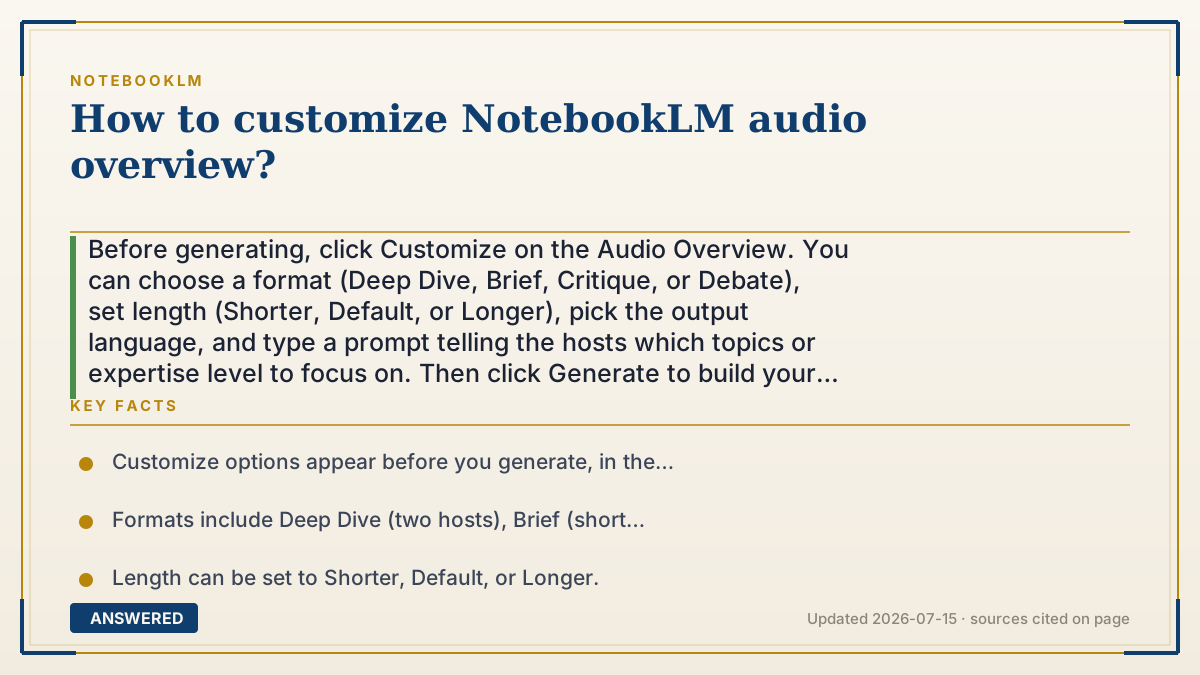
Before generating, click Customize on the Audio Overview. You can choose a format (Deep Dive, Brief, Critique, or Debate), set length (Shorter, Default, or Longer), pick the output language, and type a prompt telling the hosts which topics or expertise level to focus on. Then click Generate to build your customized overview.
Why — the first-principles explanation
Customization works because your instructions are injected into the script-writing stage, before any voices are generated. The AI writes the two-host dialogue according to your choices, then narrates it. So every option you pick is really shaping the script.
The format choices are different script templates: Deep Dive is a full two-host conversation, Brief is a short single-speaker rundown, Critique gives evaluative feedback, and Debate stages opposing viewpoints. The length setting tells the model how much detail to include, and the custom prompt lets you steer content, 'focus on the financial section' or 'explain for a beginner.'
Because all this happens at generation time, you set it before clicking Generate; you can't reshape a finished overview, you generate a new one with different settings. A few controls, notably length and Interactive mode, may currently be English-only, so your options can differ by language.
An example that makes it click
Think of briefing a podcast producer before recording. You say: 'Make it a debate, keep it short, focus on the budget, and explain it like I'm new to this.' The producer writes the script to match, then records it.
NotebookLM's Customize box is that briefing. Fill it in first, press Generate, and the hosts deliver exactly the style, length, and focus you asked for.
How to do it
- Open your notebook and go to the Studio panel.
- Click Audio Overview, then click Customize (before generating).
- Choose a format: Deep Dive, Brief, Critique, or Debate.
- Set the length to Shorter, Default, or Longer (English).
- Optionally set the output language and type a focus prompt (topics or expertise level).
- Click Generate; to change it later, generate a new overview with new settings.
Key facts
- Customize options appear before you generate, in the Audio Overview panel.
- Formats include Deep Dive (two hosts), Brief (short single speaker), Critique, and Debate.
- Length can be set to Shorter, Default, or Longer.
- A custom prompt can steer topic focus and expertise level.
- Length and Interactive mode may be English-only as of 2026-07.
Open the official product site and confirm the current access, plans and terms.
▶ The 60-second explainer (script)
Want to control exactly how your NotebookLM Audio Overview sounds? Here's how to customize it. The key is to do this before you generate, because all your choices shape the script the AI writes. Open the Studio panel, click Audio Overview, then click Customize. First, pick a format. Deep Dive is a full two-host conversation, Brief is a quick single-speaker rundown, Critique gives you constructive feedback, and Debate stages two sides of an argument. Next, set the length, shorter, default, or longer. Then, the most powerful option: type a prompt telling the hosts what to focus on, like 'concentrate on the financial section' or 'explain this for a beginner.' You can also choose the output language. Hit Generate, and about a minute later you get exactly the style, length, and focus you asked for. Remember, you can't reshape a finished overview, so if you want changes, just generate a new one with new settings.
What authoritative sources say
People also ask
What formats can I choose?
Deep Dive (two hosts), Brief (short single speaker), Critique (evaluation), and Debate (opposing views).
Can I tell the hosts what to focus on?
Yes. Use the custom prompt to focus on specific topics or set the expertise level, like beginner or expert.
Can I edit an overview after making it?
No. Customization is applied before generating; to change it, generate a new overview with different settings.
Are all options available in every language?
No. Some controls, like custom length and Interactive mode, may be English-only as of 2026-07.