How to generate videos with Leonardo AI?
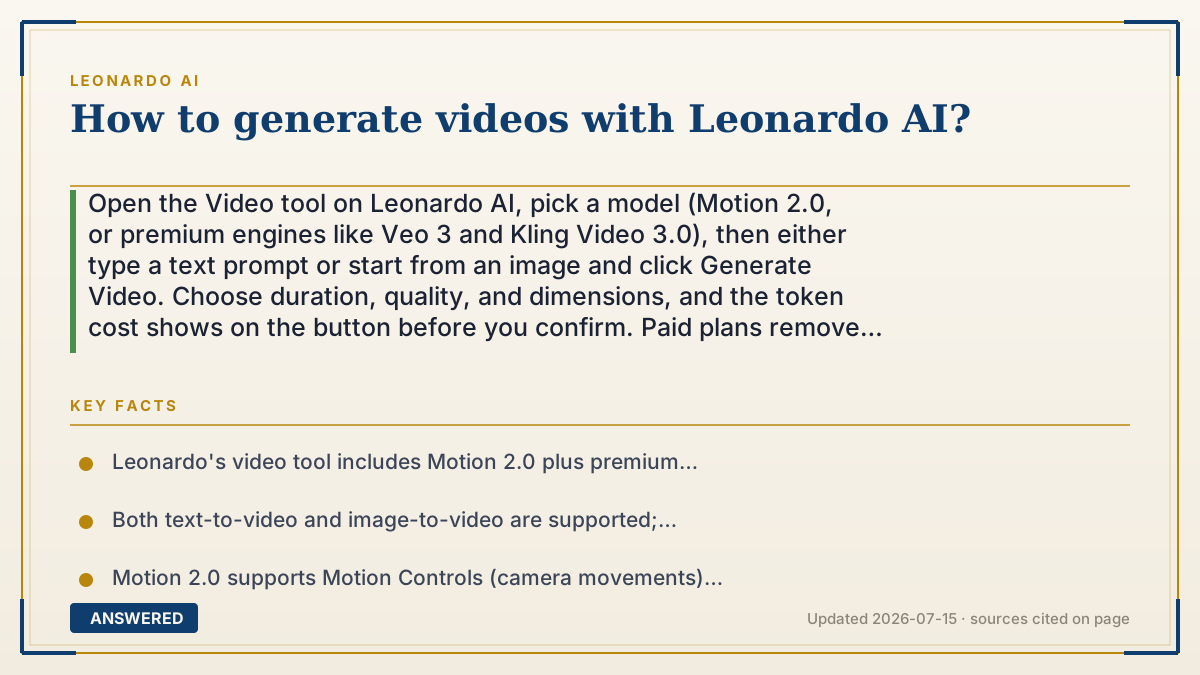
Open the Video tool on Leonardo AI, pick a model (Motion 2.0, or premium engines like Veo 3 and Kling Video 3.0), then either type a text prompt or start from an image and click Generate Video. Choose duration, quality, and dimensions, and the token cost shows on the button before you confirm. Paid plans remove the watermark.
Why — the first-principles explanation
AI video works by turning a still frame into many frames. The model predicts how a scene should move over time — how a cloud drifts, a face smiles, a camera pans — and stitches those predicted frames into a short clip. Because it's generating dozens of images per second of video, it costs far more compute than a single picture, which is why video eats many more tokens than image generation.
Leonardo offers two entry points for the same engine. Text-to-video builds motion from a written description alone. Image-to-video starts from a picture — one you generated or uploaded — and animates it, which gives you tighter control over the look because you've already locked the composition. Image-to-video is usually more predictable; text-to-video is more of a surprise.
The model choice is where quality and cost diverge. Leonardo's own Motion models are cheaper and integrated, while premium third-party engines like Veo 3 and Kling Video 3.0 produce more advanced results (some with automatic audio) but consume tokens at full rate regardless of your plan tier. Settings like duration and resolution scale the cost too — longer, sharper clips cost more — so the smart move is a short, low-res test first, then a final render once you like the motion.
An example that makes it click
Making an AI video is like flipping a paper flipbook. A single drawing is one image; a flipbook needs dozens of slightly different drawings to make the character wave. The AI is the artist drawing every in-between page for you — which is why it takes far more 'ink' (tokens) than one picture.
You can start two ways. Either describe the scene in words and let the artist invent the whole flipbook (text-to-video), or hand the artist a finished drawing and say 'make this one wave' (image-to-video), which keeps the look you already chose. Pick a fancy artist (Veo 3, Kling) for smoother motion and even sound, or the house artist (Motion) to save ink. Test a short flip first, then order the full book.
How to do it
- From the Leonardo homepage, open the Video tool (or the Motion / AI Video Generator section).
- Choose a model in the sidebar — Motion 2.0 for integrated value, or Veo 3 / Kling Video 3.0 for premium quality.
- For text-to-video: enter a descriptive prompt of the scene and the motion you want.
- For image-to-video: hover a generated image and click 'Generate Video', or open an image and select 'Create Video', or upload a PNG/JPEG/WEBP (up to 5MB).
- Set duration, quality, and dimensions, then check the token cost shown on the button.
- Click Generate, then download; upgrade to a paid plan to remove the watermark.
Key facts
- Leonardo's video tool includes Motion 2.0 plus premium models Veo 3 and Kling Video 3.0 (as of 2026-07).
- Both text-to-video and image-to-video are supported; uploads accept PNG, JPEG, or WEBP up to 5MB.
- Motion 2.0 supports Motion Controls (camera movements) and Motion Elements (visual effects).
- Video token cost varies by model and settings and is shown on the button before generating.
- Third-party models (Veo 3, Kling) consume tokens at full rate regardless of plan tier.
- Free users have limited video model access; paid plans remove watermarks.
Open the official product site and confirm the current access, plans and terms.
▶ The 60-second explainer (script)
Here's how to generate video with Leonardo AI. Open the Video tool from the homepage. First, pick a model: Leonardo's own Motion 2.0 is integrated and cheaper, while premium engines like Veo 3 and Kling Video 3.0 give more advanced, smoother results — some even with sound. Now choose your starting point. Text-to-video means you describe the scene in words and let the AI invent the motion. Image-to-video means you start from a picture — one you made or uploaded — and animate it, which gives you more control over the final look. Set your duration, quality, and dimensions. Heads up: video costs a lot more tokens than a still image, because it's really generating dozens of frames per second, and the exact cost shows on the button. Do a short test first, then render the final. Paid plans remove the watermark. Hit Generate and download.
What authoritative sources say
People also ask
Can I make video from a text prompt only?
Yes. Open the Video tool, pick a model, type your scene description, and generate. This is text-to-video; results are more of a surprise than image-to-video.
How much do videos cost in tokens?
More than images, and it varies by model, length, and quality. The exact cost appears on the Generate button before you confirm.
Which video model is best?
Veo 3 and Kling Video 3.0 offer premium quality (Veo can include audio); Motion 2.0 is cheaper and integrated. Third-party engines cost full-rate tokens regardless of plan.
Do free users get watermark-free video?
No. Free users have limited model access and watermarks; paid plans remove the watermark.