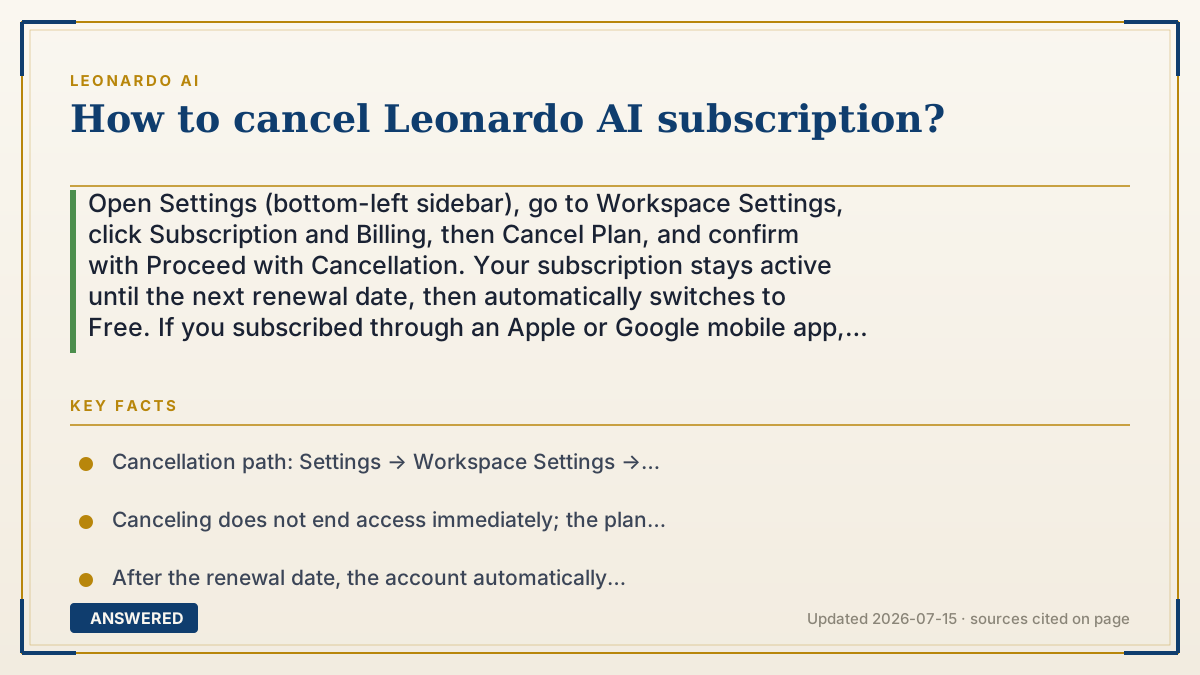
How to cancel Leonardo AI subscription?
Open Settings (bottom-left sidebar), go to Workspace Settings, click Subscription and Billing, then Cancel Plan, and confirm with Proceed with Cancellation. Your subscription stays active until the next renewal date, then automatically switches to Free. If you subscribed through an Apple or Google mobile app, you must cancel in that app store instead.
Why — the first-principles explanation
A subscription is an auto-renewing contract: unless you tell it to stop, the card gets charged again each cycle. Canceling doesn't refund the current period — you already paid for it — so the software's logic is to keep your access alive until the paid time runs out, then flip you to the free tier. That's why 'cancel' means 'don't renew,' not 'shut off now.'
The cancellation lives inside billing settings because that's where the payment relationship is stored. Companies deliberately keep it a few clicks deep, but Leonardo's flow is short and doesn't require contacting support. The confirmation message ('Your plan will change to Free on [date]') exists so you have proof the auto-renew is switched off.
One critical fork: where you bought it decides where you cancel it. If you subscribed on the website, you cancel on the website. But if you subscribed through an iPhone or Android app, Apple or Google — not Leonardo — controls that billing, so you must cancel in the App Store or Google Play subscriptions screen. Canceling in the wrong place is the number-one reason people keep getting charged after they thought they quit.
An example that makes it click
Think of it like a gym membership you prepaid for the month. You tell the front desk on the 10th that you're quitting. They don't kick you out or hand back your money — you keep using the treadmills until the month you paid for ends, and only then does your keycard stop working.
And here's the twist: if a friend originally signed you up through their account (the app store), the gym's front desk can't cancel it — you have to go back to your friend to stop the billing. Cancel at the wrong desk and the charges keep coming.
How to do it
- Log in to Leonardo AI on the web and click the Settings icon in the bottom-left sidebar.
- Open Workspace Settings, then click 'Subscription and Billing'.
- Under 'Your Plan', click 'Cancel Plan'.
- In the popup, click 'Proceed with Cancellation' to confirm.
- Verify the message 'Your plan will change to Free on [date]' to confirm auto-renew is off.
- If you subscribed via an iOS or Android app, instead cancel through your Apple App Store or Google Play subscription settings.
Key facts
- Cancellation path: Settings → Workspace Settings → Subscription and Billing → Cancel Plan → Proceed with Cancellation (as of 2026-07).
- Canceling does not end access immediately; the plan stays active until the next renewal date.
- After the renewal date, the account automatically reverts to the Free plan.
- Unused tokens remain usable until the renewal date, then expire.
- Subscriptions purchased through Apple or Google app stores must be canceled in that store, not on Leonardo's site.
- A confirmation message ('Your plan will change to Free on [date]') verifies the cancellation.
Open the vendor's official cancellation guide; the correct steps depend on where you subscribed.
▶ The 60-second explainer (script)
Here's how to cancel your Leonardo AI subscription. If you signed up on the website, log in and click the Settings gear in the bottom-left corner. Go to Workspace Settings, then Subscription and Billing. Under Your Plan, hit Cancel Plan, and confirm by clicking Proceed with Cancellation. That's it. But know this: canceling doesn't shut you off right away. You keep full access — and your remaining tokens — until your next renewal date, and only then does the account drop to the free plan. No refund for the current period, because you already paid for it. One big warning: if you originally subscribed through an iPhone or Android app, Leonardo can't cancel it — you have to open your Apple or Google account's subscriptions and cancel there. Cancel in the wrong place, and you'll keep getting billed.
What authoritative sources say
People also ask
Will I get a refund when I cancel?
No. Canceling stops future renewals but doesn't refund the current period — you keep access until the renewal date you already paid for.
Do I lose my images after canceling?
Your account and past generations stay; you simply move to the Free plan's limits. Unused tokens expire at the renewal date.
I canceled but I'm still being charged — why?
You likely subscribed through the Apple App Store or Google Play. Those charges must be canceled inside that store's subscription settings, not on Leonardo's website.
Can I resubscribe later?
Yes. Your account remains, and you can upgrade again anytime from Subscription and Billing.