How to get a refund from Runway?
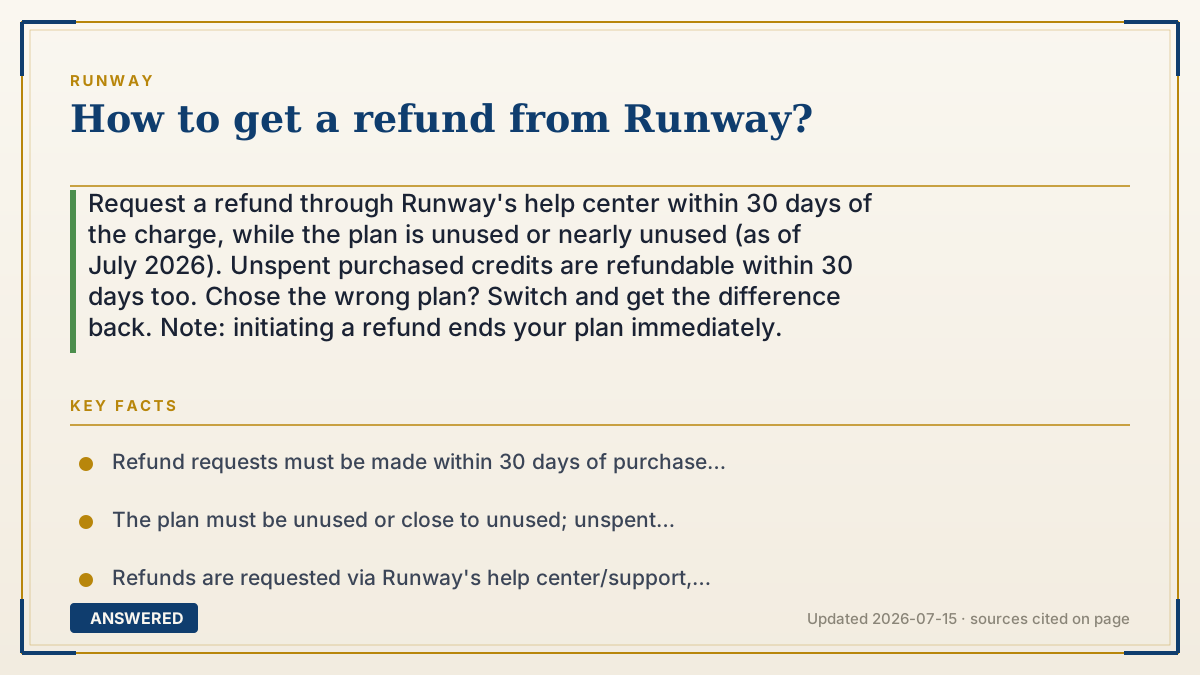
Request a refund through Runway's help center within 30 days of the charge, while the plan is unused or nearly unused (as of July 2026). Unspent purchased credits are refundable within 30 days too. Chose the wrong plan? Switch and get the difference back. Note: initiating a refund ends your plan immediately.
Why — the first-principles explanation
Getting a refund from a digital service is really about proving you didn't consume the value. Runway's compute is spent the moment you generate video, so its refund rules reward promptness and non-use: request within 30 days, with the plan unused or close to unused, and you're in the eligible zone. Wait too long or burn your credits, and there's nothing left to refund.
The request itself is a support action, not a self-service button. Unlike canceling—which you click on your billing page—a refund goes through Runway's help center or support channel, where the eligibility (timing, usage) is checked against the policy. Have your account and payment details ready so the team can match the charge.
Two mechanics decide your strategy. First, initiating a refund terminates the plan right away—you don't keep access to the end of the cycle, so only refund if you're truly done. Second, if the problem is just the wrong billing choice (annual vs. monthly), you don't need a full refund; switching plans returns the difference. Match the tool to the situation: cancel to stop future charges, switch to fix a billing mistake, refund to recover a recent unused payment.
An example that makes it click
Think of returning a just-bought concert ticket. If you bought it a few days ago and never scanned in (unused plan, within 30 days), the box office gives your money back—but the second they process the refund, that ticket is dead; you can't sneak in on your way out. If you accidentally bought the VIP package instead of general admission, they don't refund everything—they swap you down and hand back the price gap. And the request goes to the box-office desk (support), not a vending machine.
How to do it
- Confirm the charge was within the last 30 days and the plan is unused or nearly unused.
- Gather your Runway account email and the payment/charge details.
- Open Runway's help center and go to the 'Requesting a refund' article, or contact support from your account.
- Submit a refund request explaining the situation (accidental charge, unused plan, unspent credits).
- Understand that the plan terminates as soon as the refund is initiated.
- If it's only a wrong-plan choice, switch to the intended plan to receive a refund of the difference instead.
Key facts
- Refund requests must be made within 30 days of purchase or renewal (as of 2026-07).
- The plan must be unused or close to unused; unspent purchased credits are also refundable within 30 days.
- Refunds are requested via Runway's help center/support, not a self-service billing button.
- Initiating a refund terminates the plan immediately.
- A wrong-plan choice can be resolved by switching plans and refunding the difference.
Open the vendor's official refund guide and check eligibility, timing and purchase-channel rules.
▶ The 60-second explainer (script)
Here's how to get a refund from Runway. The key is timing and usage: request within 30 days of the charge, while the plan is unused or nearly unused. Once you've spent your credits making videos, you've used the value, and there's nothing left to refund. Unlike canceling, which is a button on your billing page, a refund goes through Runway's support—head to the help center's refund article or contact support from your account, with your email and charge details ready. Two things to know before you ask. First, the moment Runway initiates the refund, your plan ends immediately—you don't keep access to the end of the cycle. Second, if you just picked the wrong billing period, like annual instead of monthly, you don't need a full refund—Runway will switch you and pay back the difference. So: switch to fix a mistake, cancel to stop future charges, and request a refund to recover a recent, unused payment.
What authoritative sources say
People also ask
Where do I request a Runway refund?
Through Runway's help center refund article or by contacting support from your account—not the billing page.
What's the deadline?
Within 30 days of the purchase or renewal, and the plan must be unused or nearly unused.
Will I keep access after a refund?
No. The plan is terminated as soon as the refund is initiated.
I meant to buy monthly but got charged annually—what now?
Switch to the plan you intended; Runway refunds the difference rather than the whole amount.