How to install Claude Code on Windows?
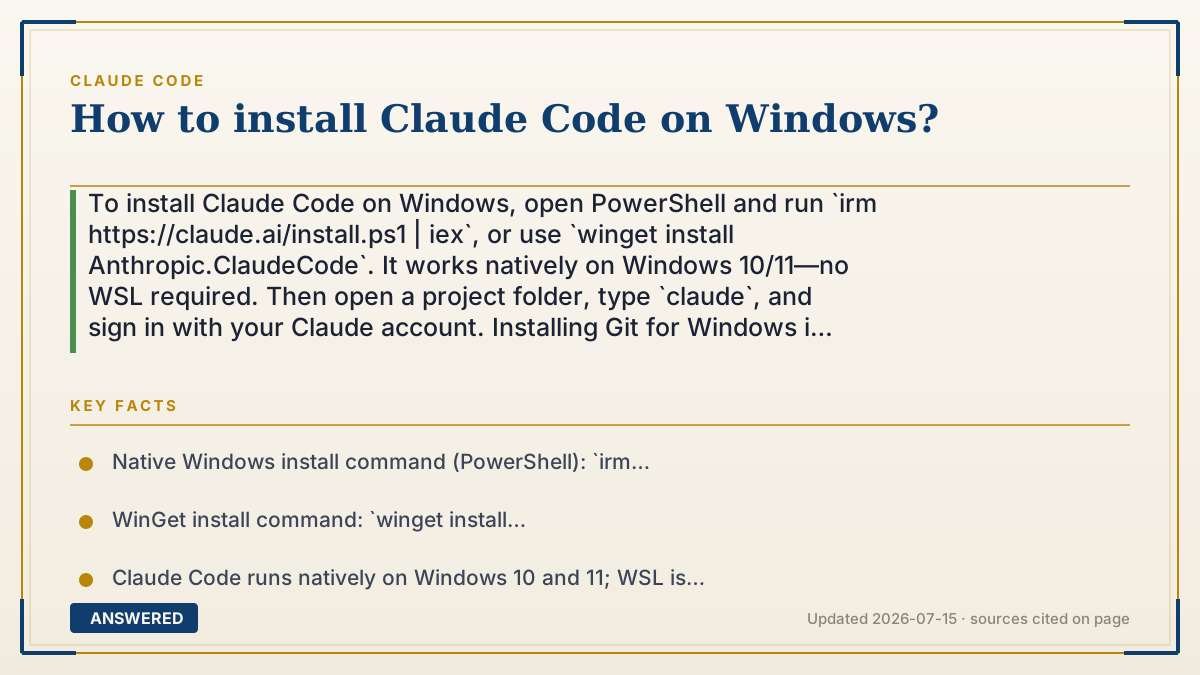
To install Claude Code on Windows, open PowerShell and run `irm https://claude.ai/install.ps1 | iex`, or use `winget install Anthropic.ClaudeCode`. It works natively on Windows 10/11—no WSL required. Then open a project folder, type `claude`, and sign in with your Claude account. Installing Git for Windows is recommended so Claude can run shell commands.
Why — the first-principles explanation
Claude Code is a command-line program, not a windowed app you double-click. That's why every install method ends the same way: a small binary lands on your PC, and you launch it by typing `claude` in a terminal. The install script simply downloads that binary and adds it to your system PATH so the command works from any folder.
Windows gives you two clean paths. The native installer (`install.ps1` via PowerShell) puts Claude Code directly on Windows with no Linux layer in between. A package manager like WinGet does the same download but tracks the version for you so upgrades are one command. Older guides told people to install WSL (a Linux environment inside Windows) first, but that's no longer required—native Windows support is official.
One detail matters: Claude Code sometimes needs a shell to run commands like tests or git. On native Windows it will use PowerShell if nothing else is present, but installing Git for Windows gives it a Bash shell, which many project scripts expect. That's why the docs recommend Git for Windows even though it isn't strictly mandatory.
An example that makes it click
Imagine getting a new label-maker. The box (the installer) drops the machine on your desk and plugs it into the wall (your PATH) so it's ready anywhere in the office. You don't need to remodel the room first—that's what the old 'install WSL' step was. Now you just power it on by saying its name, 'claude,' and start printing. Adding Git for Windows is like giving it an extra ink cartridge so it can handle every job you throw at it.
How to do it
- Open Windows PowerShell (your prompt shows `PS C:\>`).
- Run the native installer: `irm https://claude.ai/install.ps1 | iex` — or, in Command Prompt, use WinGet: `winget install Anthropic.ClaudeCode`.
- Recommended: install Git for Windows from git-scm.com so Claude Code can use a Bash shell.
- Close and reopen your terminal so the new `claude` command is picked up.
- Move into a project folder: `cd your-project`.
- Type `claude` and press Enter, then sign in with your Claude (Pro/Max/Team) or Console account when prompted.
Key facts
- Native Windows install command (PowerShell): `irm https://claude.ai/install.ps1 | iex`.
- WinGet install command: `winget install Anthropic.ClaudeCode`.
- Claude Code runs natively on Windows 10 and 11; WSL is not required (as of 2026-07).
- Git for Windows is recommended so Claude Code can use the Bash tool; otherwise it falls back to PowerShell.
- Native installs auto-update in the background; WinGet installs update with `winget upgrade Anthropic.ClaudeCode`.
Open the official product site and confirm the current access, plans and terms.
▶ The 60-second explainer (script)
Installing Claude Code on Windows takes about a minute, and you do not need WSL anymore. Open PowerShell—your prompt starts with P-S—and run: irm, space, the claude.ai install-dot-p-s-1 URL, piped to iex. That downloads Claude Code and adds it to your PATH. Prefer a package manager? In Command Prompt, run winget install Anthropic dot ClaudeCode instead. One tip: install Git for Windows too, so Claude can use a Bash shell for tests and git commands. Once it's done, close and reopen your terminal, move into your project folder with cd, and simply type claude. It'll ask you to sign in with your Claude Pro, Max, or Console account, and you're coding. Native installs even update themselves in the background, so you stay current automatically.
What authoritative sources say
People also ask
Do I need WSL to run Claude Code on Windows?
No. Claude Code runs natively on Windows 10 and 11. WSL is optional, not required.
PowerShell says '&&' is not valid—what went wrong?
You ran a Command Prompt command in PowerShell. Use the `irm ... | iex` command in PowerShell, or switch to CMD for the curl command.
How do I update Claude Code on Windows?
Native script installs auto-update in the background. WinGet installs update with `winget upgrade Anthropic.ClaudeCode`.
Why install Git for Windows?
It gives Claude Code a Bash shell, which many project scripts expect. Without it, Claude Code uses PowerShell as the shell.