How to make a song in Suno with your own voice?
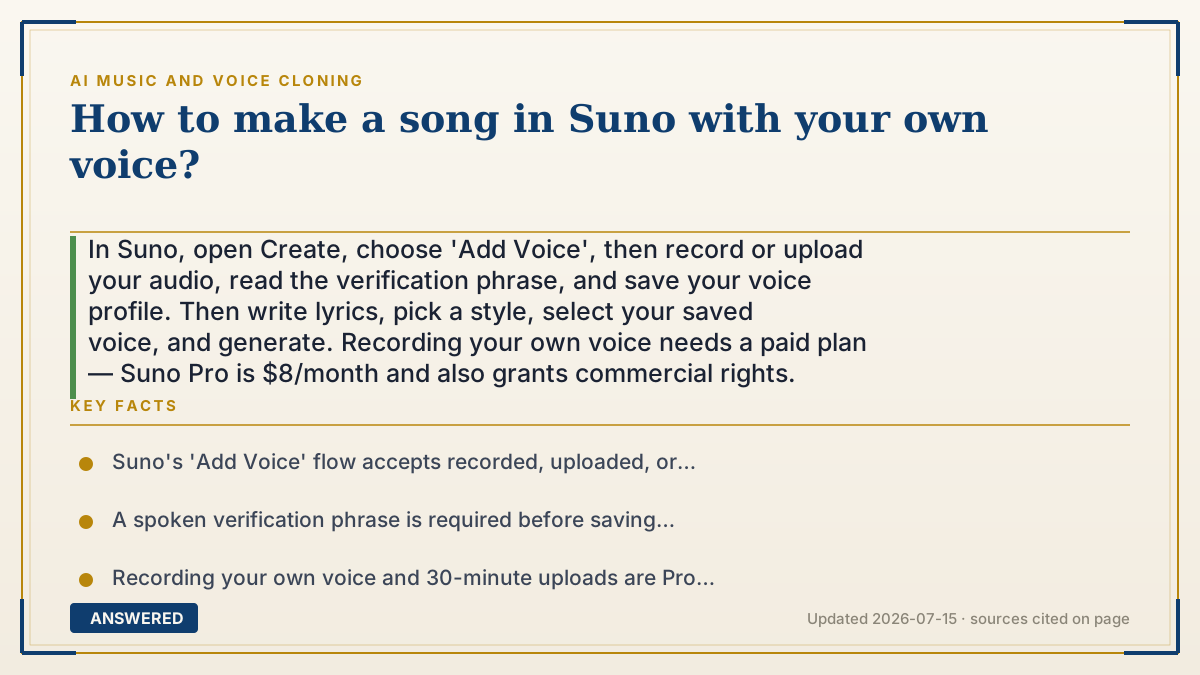
In Suno, open Create, choose 'Add Voice', then record or upload your audio, read the verification phrase, and save your voice profile. Then write lyrics, pick a style, select your saved voice, and generate. Recording your own voice needs a paid plan — Suno Pro is $8/month and also grants commercial rights.
Why — the first-principles explanation
Suno separates the task into teaching and singing. First you teach Suno your voice by creating a voice profile; then you tell it what to sing.
Teaching works through the Add Voice flow. You give Suno a sample — recorded live, uploaded, or pulled from a song in your library — and it builds a model of your timbre and range. Suno adds a verification phrase you read aloud: this both sharpens the model and confirms the voice is one you're allowed to use, which is how the platform enforces its consent rule. Acapella (voice-only) samples work best because there's no instrumental for the model to untangle.
Singing is the generation step. You provide lyrics and a style prompt, and Suno composes music and sings your words in your saved voice. The reason this works 'even if you can't sing' is that Suno generates the melody and pitch itself — your profile only supplies the voice, not the performance. Note the plan gates: recording your own voice and uploading up to 30 minutes are Pro features ($8/month), while the free tier caps uploads at 8 minutes and grants no commercial rights.
An example that makes it click
It's like training a karaoke machine to sound like you, then handing it your poem. First you talk and sing into it so it learns your voice — Suno even asks you to read a set sentence to be sure it's really you. Then you type your words and pick a vibe, and the machine writes the tune and sings your poem in your voice. You never had to hit a single note yourself.
How to do it
- Open Suno, go to Create, and choose 'Add Voice'.
- Pick an input: record live, upload a file, or select from your song library (acapella preferred).
- Preview the clip, then read the provided verification phrase.
- Name and save your voice profile.
- Write your lyrics, set a style or genre, and give the song a title.
- Make sure your saved voice is selected, then generate; upgrade to Pro ($8/month) for recording, 30-minute uploads, and commercial rights.
Key facts
- Suno's 'Add Voice' flow accepts recorded, uploaded, or library audio.
- A spoken verification phrase is required before saving a voice profile.
- Recording your own voice and 30-minute uploads are Pro features ($8/month).
- The free plan caps uploads at 8 minutes and grants no commercial use.
- Suno generates the melody itself, so you don't need singing skill.
▶ The 60-second explainer (script)
Here's how to make a song in Suno with your own voice. Open Suno, go to Create, and choose Add Voice. You can record yourself live, upload a file, or pick from your library — a voice-only clip works best. Suno then asks you to read a short verification phrase to confirm the voice is yours and to sharpen the model. Save and name your profile. Now write your lyrics, choose a style, add a title, make sure your voice is selected, and hit generate. Suno writes the melody and sings your words in your voice — so it works even if you can't sing a note. One tip: recording your own voice and longer uploads are Pro features at eight dollars a month, which also unlocks commercial rights.
What authoritative sources say
People also ask
Do I need a paid plan to use my own voice in Suno?
To record your own voice and upload up to 30 minutes, yes — that's a Pro feature at $8/month. The free plan caps uploads at 8 minutes.
Can Suno make a song if I can't sing?
Yes. Suno generates the melody itself; your voice profile only supplies the voice, not the performance.
What sample works best for the voice profile?
A clean, acapella (voice-only) clip, because there's no instrumental for the model to separate.
Why does Suno ask me to read a phrase?
The verification phrase improves the voice model and confirms you're cloning a voice you control.