How to make AI sing a chorus?
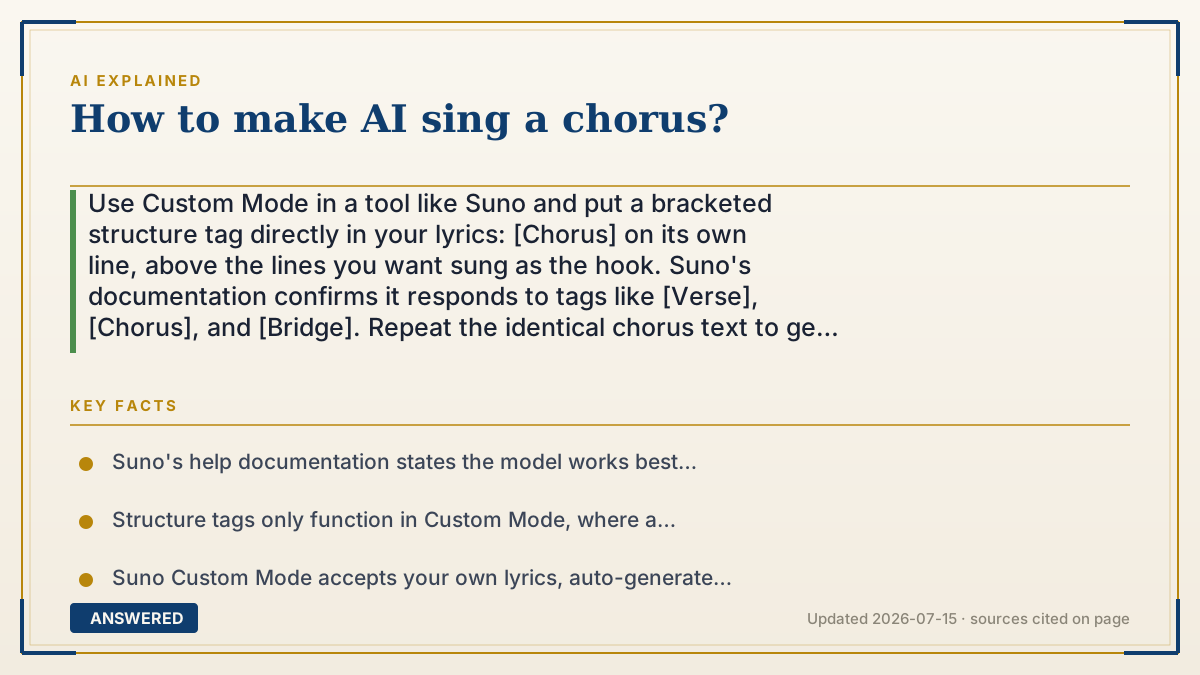
Use Custom Mode in a tool like Suno and put a bracketed structure tag directly in your lyrics: [Chorus] on its own line, above the lines you want sung as the hook. Suno's documentation confirms it responds to tags like [Verse], [Chorus], and [Bridge]. Repeat the identical chorus text to get a repeating hook.
Why — the first-principles explanation
A chorus is not a musical setting you switch on — it is a structural role. What makes a chorus feel like a chorus is that it returns, it is usually higher and louder than the verse, the melody is simpler and more singable, and the words repeat. Music AI models learned this from millions of songs, so they already know the pattern intimately. Your job is not to teach them what a chorus is. Your job is to tell them where one goes.
That is why bracketed tags work. When you type `[Chorus]` on its own line, you are giving the model a section label it saw constantly in its training data, always attached to the same musical behavior — lift, density, hook. Suno's own help documentation says the model works best when guided with structure tags such as [Verse], [Chorus], and [Bridge]. The tag is not sung. It is a stage direction, and the model reads it as "the next lines get the chorus treatment."
The second principle is repetition creates the hook. A chorus that appears once is just a section. What lodges in a listener's head is the same words and the same melody coming back two or three times. So paste the exact same chorus text under each [Chorus] tag — not a reworded version. Identical text signals the model to reuse the melody. Changing a word invites it to write a new line, and you lose the hook.
The third principle is that this only works in Custom Mode. Simple prompt mode hands the model a description and lets it invent the lyrics and structure itself — your tags never enter the picture because you never wrote lyrics. Custom Mode is where a lyrics box exists, and that box is the only place a structure tag has any effect. Most people who say "the tags don't work" typed them into the wrong field.
An example that makes it click
Think of the tags as sticky notes on a script you hand to a singer. You don't write "sing louder now with more energy and make this the memorable part" — you just write CHORUS at the top of that page. Any working singer instantly knows what to do, because they've seen a thousand scripts marked that way.
And if you want the audience humming it on the way home, you don't hand the singer a slightly different chorus each time. You hand them the same page, three times. Same words, same tune. That repetition is the whole trick — it's why you can still sing the chorus of a song you haven't heard in ten years, but not the second verse.
How to do it
- Open Suno (or a similar tool) and switch to Custom Mode — the mode with a separate lyrics box. Structure tags have no effect in simple prompt mode.
- Write or paste your lyrics into the lyrics field.
- Add [Verse] on its own line above your verse lines, and [Chorus] on its own line above your hook lines.
- Copy the identical chorus text under every [Chorus] tag. Same words = same melody = a real hook.
- Use a typical structure to start: [Verse] / [Chorus] / [Verse] / [Chorus] / [Bridge] / [Chorus].
- Keep chorus lines short and plain — few syllables, simple words. Dense lyrics fight singability.
- Set the style field for the sound you want (genre, tempo, vocal tone), separate from the lyrics.
- Generate, then regenerate. Output varies between runs; the same lyrics can yield a much stronger chorus on a second attempt.
- Refine with the Song Editor if your tool has one, rather than regenerating the whole track.
Key facts
- Suno's help documentation states the model works best when guided with structure tags such as [Verse], [Chorus], and [Bridge] placed in the lyrics.
- Structure tags only function in Custom Mode, where a dedicated lyrics field exists; simple prompt mode generates its own structure.
- Suno Custom Mode accepts your own lyrics, auto-generated lyrics, hummed melodies, or short audio clips as input (as of 2026-07).
- Bracketed tags are read as directions and are not sung as lyrics in the output.
- Repeating identical chorus text under each [Chorus] tag is what drives melodic repetition; reworded text prompts a new melody.
- Commercial rights, output ownership, and usage limits vary by plan — check the tool's current terms before publishing or monetizing.
▶ The 60-second explainer (script)
Want the AI to actually sing a chorus? Type this in your lyrics: open bracket, Chorus, close bracket — on its own line, right above the lines you want as the hook. That's it. Suno's own docs say the model works best when you guide it with structure tags like Verse, Chorus, and Bridge. Here's why that works. A chorus isn't a setting you flip on. It's a role. It comes back, it's louder and higher than the verse, the melody's simpler, the words repeat. The model learned that from millions of songs — it already knows what a chorus is. You're not teaching it. You're telling it where one goes. The tag isn't sung. It's a stage direction. Now the part people get wrong: repetition is the hook. Paste the exact same chorus text under every Chorus tag. Same words, same melody, and it sticks in your head. Change a word and the model writes you a new line — hook's gone. And the number one reason people say tags don't work? Wrong mode. This only happens in Custom Mode, the one with a lyrics box. Simple prompt mode invents its own lyrics, so your tags never even show up. Last tip: keep chorus lines short. Few syllables, plain words. Dense lyrics fight singability. Then regenerate a couple times — same lyrics, and run two might give you a way better hook.
What authoritative sources say
People also ask
Why is my [Chorus] tag being sung out loud?
That usually means it is inside a lyric line rather than on its own line, or you are in a mode without a real lyrics field. Put the tag alone on its own line in Custom Mode.
How do I make the chorus repeat?
Paste the exact same chorus text under each [Chorus] tag. Identical text prompts the model to reuse the melody; reworded text produces a new one.
Can I control how the chorus sounds?
Indirectly. Genre, tempo, and vocal tone belong in the style field, not the lyrics. The lyrics field controls structure and words.
Do other tags work?
Suno documents [Verse], [Chorus], and [Bridge]. Community users experiment widely with other tags, but only the documented ones are officially supported behavior.
Can I sell a song with an AI chorus?
It depends on the tool's plan and terms, which change often. Check your provider's current commercial-use terms before releasing or monetizing anything.