How to translate a video with HeyGen?
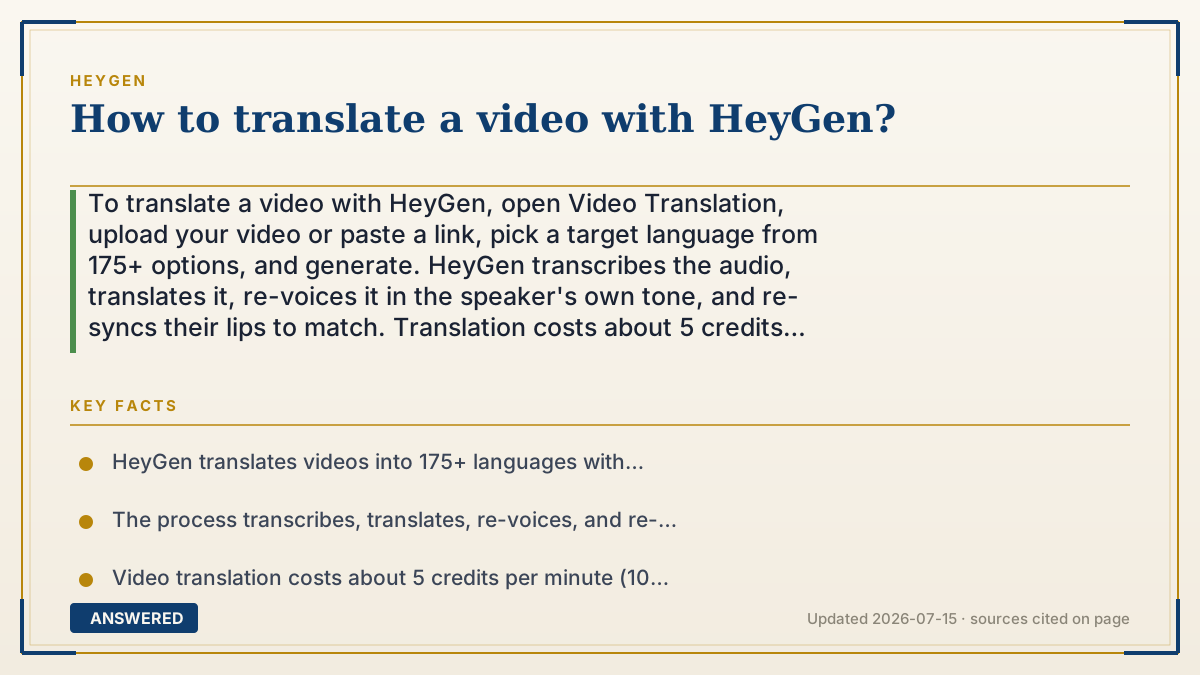
To translate a video with HeyGen, open Video Translation, upload your video or paste a link, pick a target language from 175+ options, and generate. HeyGen transcribes the audio, translates it, re-voices it in the speaker's own tone, and re-syncs their lips to match. Translation costs about 5 credits per minute of video.
Why — the first-principles explanation
HeyGen video translation chains together four AI steps that used to be four separate jobs. First, speech-to-text transcribes what's said. Second, a translation model converts that text into the target language. Third, text-to-speech speaks the translation, often keeping the original speaker's voice via cloning. Fourth, a lip-sync model redraws the mouth so it matches the new audio.
That last step is what makes HeyGen different from subtitles or ordinary dubbing. In a normal dub, the actor's lips still form the old language, so it looks off. HeyGen re-animates the mouth, so the person appears to have actually spoken the translated words. Combined with voice preservation, the result reads as if the speaker is natively fluent in the new language.
Because each step uses computation, translation is metered at about 5 credits per minute (10 for a higher-precision mode). This is why a 4-minute video costs roughly 20 credits. Quality depends on clean source audio and clear on-screen speech; background noise or multiple overlapping speakers make transcription and lip-sync harder, so the best inputs are single-speaker videos with crisp audio.
An example that makes it click
HeyGen video translation is like hiring a four-person crew that works in seconds. One person listens and writes down every word (transcription). A second rewrites it in Spanish (translation). A third speaks it aloud in your own voice (re-voicing). And a fourth, the clever one, repaints your lips so they move for the Spanish words, not the English ones. The result: a video where you look and sound like you naturally speak Spanish, even though you only ever recorded it in English.
How to do it
- Open the Video Translation tool in HeyGen.
- Upload your video file or paste a supported video link.
- Select the target language from 175+ options (and confirm the source language).
- Choose whether to preserve the original voice via cloning.
- Click Translate/Generate and wait while HeyGen transcribes, translates, and re-syncs.
- Preview the lip-sync and audio, then download or export the translated video.
Key facts
- HeyGen translates videos into 175+ languages with context-aware lip-sync.
- The process transcribes, translates, re-voices, and re-lip-syncs the original speaker.
- Video translation costs about 5 credits per minute (10 credits/minute for precision mode).
- The speaker's original voice can be preserved across the translated languages.
- Best results come from single-speaker videos with clean, clear audio.
Open the official product site and confirm the current access, plans and terms.
▶ The 60-second explainer (script)
How do you translate a video with HeyGen? Open the Video Translation tool, upload your video or paste a link, pick a target language from over a hundred seventy-five options, and hit generate. But here's what's actually happening under the hood, because it's clever. HeyGen runs four AI steps in a row. First it listens and transcribes every word. Second it translates that text into your target language. Third it speaks the translation out loud, and it can keep the original speaker's own voice. And fourth, the magic step, it redraws the speaker's lips so they move for the new language instead of the old one. That's why it doesn't look like a badly dubbed movie, the mouth actually matches. It costs about five credits per minute, so a four-minute video is roughly twenty credits. For the best result, use a single-speaker video with clean audio, because background noise makes both transcription and lip-sync harder.
What authoritative sources say
People also ask
Does HeyGen keep my original voice when translating?
Yes. It can preserve the speaker's own voice and tone across the translated languages using voice cloning.
How much does video translation cost?
About 5 credits per minute of video, or 10 credits per minute in higher-precision mode.
Does it fix the lip movement?
Yes. HeyGen re-animates the speaker's mouth to match the translated audio, so it doesn't look dubbed.
What makes a good source video?
A single speaker with clean, clear audio and no background noise or overlapping voices.
The same question, asked other ways
- How do I translate a youtube video with HeyGen?