How to get started with HeyGen?
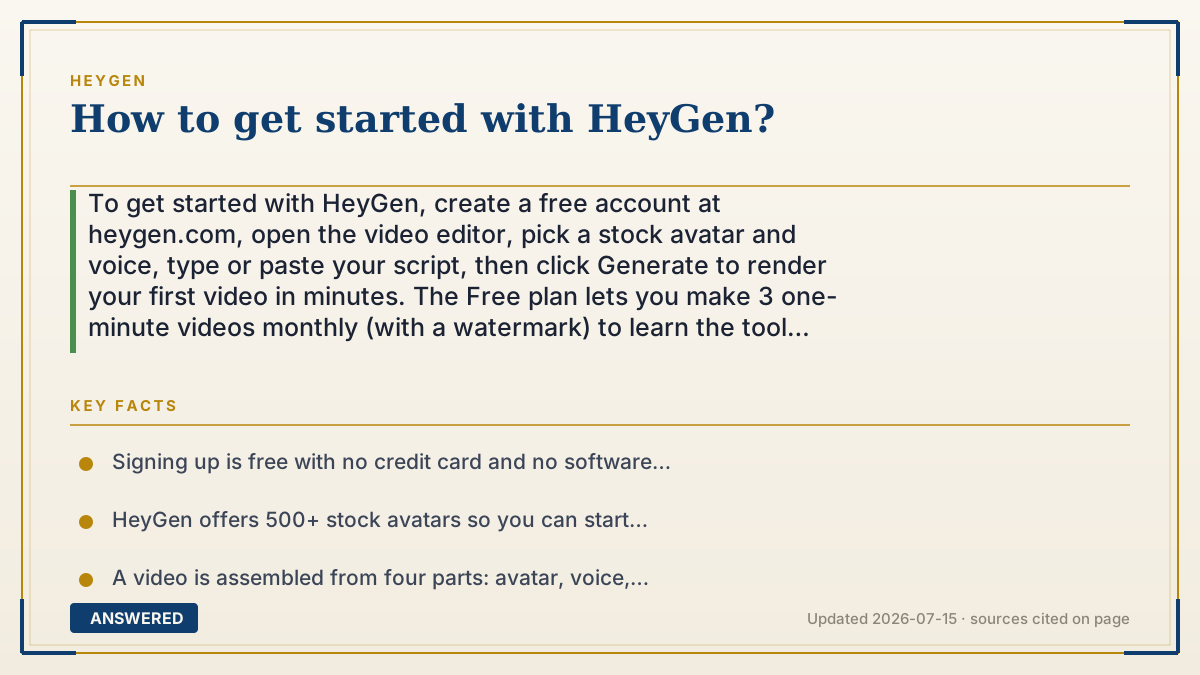
To get started with HeyGen, create a free account at heygen.com, open the video editor, pick a stock avatar and voice, type or paste your script, then click Generate to render your first video in minutes. The Free plan lets you make 3 one-minute videos monthly (with a watermark) to learn the tool before upgrading.
Why — the first-principles explanation
HeyGen is built around a template-first workflow, so getting started means assembling parts rather than creating from scratch. The four building blocks are an avatar (the face), a voice, a script (the words), and a background or template (the scene). Once you understand that a video is just these four pieces combined, the interface stops feeling complicated.
The reason the free-first path works is that HeyGen removes every upfront barrier: no credit card, no software to install, and a library of 500+ ready-made avatars so you don't have to build your own to begin. Your first video can be made entirely from stock parts, which means you can judge the output quality in your first ten minutes.
The smart learning order is stock before custom. Make a couple of videos with a stock avatar and voice to learn how scripts, timing, and generation work. Only then invest in a custom avatar or cloned voice, which take training time and (for cloning) a paid plan. This way you confirm HeyGen fits your needs on the free tier before spending money or effort personalizing it.
An example that makes it click
Getting started with HeyGen is like making a sandwich at a build-your-own counter. The ingredients are already laid out: pick a face (avatar), pick a voice, write what it should say (script), and choose a background. You don't bake the bread or raise the vegetables, you just assemble. Your first 'sandwich' can be made entirely from the counter's stock ingredients in a few minutes, and only later, if you love it, do you bring your own special ingredient: a custom avatar of yourself.
How to do it
- Go to heygen.com and sign up free with email or Google, no credit card needed.
- Open the video editor and choose 'Create Video'.
- Pick a stock avatar from the 500+ library and select a voice and language.
- Type or paste your script into the text box.
- Choose a template or background if you want a styled scene.
- Click Generate, wait a few minutes, then preview and download your MP4.
- Once comfortable, explore custom avatars, voice cloning, or video translation.
Key facts
- Signing up is free with no credit card and no software to install.
- HeyGen offers 500+ stock avatars so you can start without building your own.
- A video is assembled from four parts: avatar, voice, script, and background/template.
- The Free plan allows 3 videos per month, up to 1 minute each, with a watermark.
- First videos typically render in a few minutes.
Open the official product and verify the active account, workspace and data settings before you begin.
▶ The 60-second explainer (script)
Want to get started with HeyGen? It's easier than it looks, because you're assembling a video, not creating one from scratch. Here's the whole thing. First, go to heygen dot com and sign up free, no credit card, nothing to install. Then open the editor and click Create Video. Now you assemble four building blocks: pick a face from the five hundred plus stock avatars, choose a voice and language, type or paste your script, and pick a background or template. Hit Generate, wait a few minutes, and you've got a downloadable video. That's it. My tip: start with stock avatars for your first couple of videos so you learn how scripts and timing work, all on the free plan, which gives you three one-minute videos a month. Only after you know you like it should you invest time in a custom avatar of yourself or a cloned voice. Learn free first, personalize later.
What authoritative sources say
People also ask
Do I need to install anything to use HeyGen?
No. HeyGen runs in your web browser; you just sign up and start in the online editor.
Can I start without a credit card?
Yes. The Free plan requires no payment details and lets you make 3 videos a month.
What do I need for my first video?
Just a script. Pick a stock avatar and voice, paste your text, and click Generate.
Should I build a custom avatar right away?
No. Learn the workflow with stock avatars first, then invest in a custom avatar or cloned voice.