How to turn off AI mode on Google?
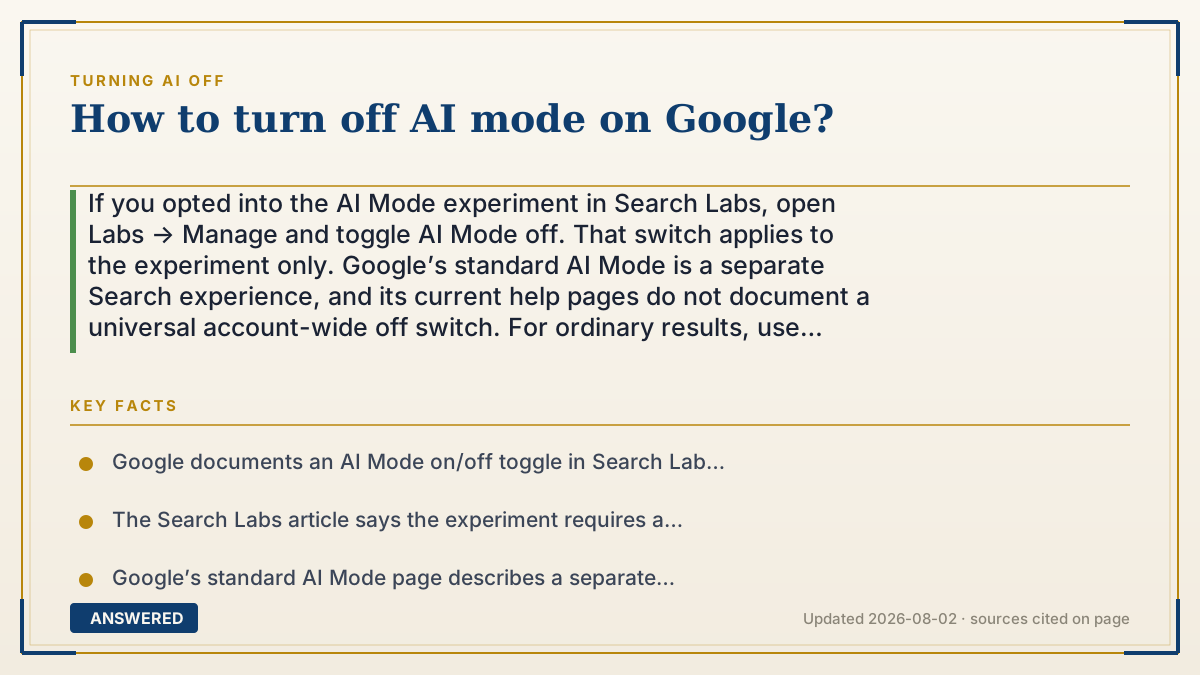
If you opted into the AI Mode experiment in Search Labs, open Labs → Manage and toggle AI Mode off. That switch applies to the experiment only. Google’s standard AI Mode is a separate Search experience, and its current help pages do not document a universal account-wide off switch. For ordinary results, use the Web filter for text-based links; AI Overviews are separate and also cannot be turned off.
Why — the first-principles explanation
“AI Mode” can mean two different things. Search Labs has an opt-in AI Mode experiment with a Manage toggle. Google’s regular Search also has an AI Mode experience with its own availability, history and personalization behavior. A Labs switch is scoped to the experiment; it should not be presented as a master switch for every AI feature in Search.
If you joined the Search Labs experiment, Google documents the path: sign in to a personal Google Account, keep Incognito off, open Search Labs, choose Manage and toggle AI Mode off. The Labs help page says the experiment has eligibility and availability requirements, including account type, age, language, device and region. If the experiment is not listed, the documented evidence does not tell us why; it may not be available, you may not be enrolled, or the account/interface may be different. Check the current help page rather than guessing that it graduated.
Standard AI Mode is a separate product surface. Google describes it as an evolving Search experience that can answer with follow-up questions and web links, and says availability varies by country, territory and language. Its help page explains how to access, use and manage history, but does not document a universal switch that removes the standard AI Mode entry point. Do not promise a permanent browser URL, extension or account setting that Google has not documented.
If your actual goal is plain links for a particular query, use the Web filter after searching. Google says the filter contains text-based links and that filters and their order are dynamic. This avoids an AI Overview for that result view, but it is not the same as turning off AI Mode or every Google AI feature.
Privacy and personalization are separate controls. Search Services History can include generative AI responses, while Personalized Recommendations can affect personalized AI responses; Google says those settings are rolling out and may still appear through Web & App Activity for some accounts. Workspace administrators can also control access to Search and account features. Change the control that matches the product and record the account, region, device and date.
An example that makes it click
Think of two different memberships. The Search Labs AI Mode experiment is an opt-in trial with a documented leave button. Standard AI Mode is a Search surface available only under Google’s rollout and eligibility rules. Leaving the trial does not remove the standard surface, just as using the Web filter for one search does not change your account’s AI settings.
How to do it
- Identify the surface: AI Mode experiment in Search Labs, standard AI Mode in Search, an AI Overview, or a history/personalization setting.
- For the Search Labs experiment, sign in to a personal Google Account in a normal browser window with Incognito off.
- Open Search Labs from the Google page, choose Manage, find AI Mode and toggle it off. If the experiment is not listed, do not infer a universal reason; check Google’s current availability and eligibility help.
- Return to ordinary Search and test the behavior you wanted to change. The Labs toggle applies to the experiment, not necessarily standard AI Mode.
- For plain links on a particular query, run the search and choose the Web filter. Google says its filter position is dynamic, so check More or All if needed.
- Do not use an undocumented URL parameter, extension or browser shortcut as if it were an official account-wide control.
- If your concern is data or personalization, review Search Services History and Personalized Recommendations separately; these settings do not remove AI results by themselves.
- If the account is managed by an employer or school, ask the Workspace administrator which Search, history or personalization controls are available.
- Recheck after a Google interface or rollout change and keep the help-page date, account type, language, region and device with any instruction you publish.
Key facts
- Google documents an AI Mode on/off toggle in Search Labs for users who opted into that experiment.
- The Search Labs article says the experiment requires a personal Google Account and has account, age, language, device and regional availability requirements.
- Google’s standard AI Mode page describes a separate evolving Search experience; a Labs toggle should not be treated as a universal standard-Search off switch.
- Google says AI Overviews are a core Search feature that cannot be turned off; AI Mode and AI Overviews are separate surfaces.
- Google’s Web filter contains text-based links, but filter names and order are dynamic and may vary by query, device or account.
- Search Services History can include generative AI responses, while Personalized Recommendations can affect personalized AI responses; neither is a universal AI-removal switch.
- Workspace account policies and Google’s rollout can change which controls appear.
- A missing Labs toggle is evidence only that the documented experiment control is not currently visible; it is not proof that a feature graduated or that a hidden switch exists.
Choose the control, then compare alternatives
Use Google’s documented scope first; then compare privacy, features, limits and plans before moving a workflow to another tool.
▶ The 60-second explainer (script)
How do you turn off AI Mode on Google? First identify which AI Mode you mean. If you opted into the Search Labs experiment, sign in to a personal Google Account, keep Incognito off, open Search Labs, choose Manage and toggle AI Mode off. That control applies to the experiment only. Google’s standard AI Mode is a separate Search experience, and its current help page does not document a universal account-wide off switch. For plain links on one query, use the Web filter. AI Overviews, Search history and personalization are separate controls. If a switch is missing, check account, region, language, device and administrator status instead of guessing or relying on an undocumented URL.
What authoritative sources say
People also ask
How do I turn off AI Mode in Search Labs?
Sign in to a personal Google Account with Incognito off, open Search Labs, choose Manage and toggle AI Mode off. The control applies only when the experiment is available and enrolled for your account.
Why can’t I find AI Mode in Search Labs?
Google’s help page lists account, age, language, device and regional requirements. You may not be enrolled or eligible, or the interface may differ during rollout. The missing toggle does not by itself prove that AI Mode graduated.
Does turning off the AI Mode experiment remove standard AI Mode?
Not necessarily. Google documents the Labs experiment and standard AI Mode as separate Search experiences. Treat the Labs toggle as scoped to the experiment.
Does turning off AI Mode remove AI Overviews?
No. Google says AI Overviews are a core Search feature that cannot be turned off. Use the Web filter for text-based links on an individual search.
Can I permanently remove the AI Mode tab from Google?
Google’s current help pages do not document a universal account switch, permanent URL or extension that removes every standard AI Mode entry point. Use the documented Labs control when applicable and the Web filter for individual searches.
Why do I have to be signed in and keep Incognito off?
Google’s Labs instructions require a signed-in personal account and Incognito off for the experiment flow. A managed Workspace account may have different availability or administrator controls.
Will turning off Search history stop AI Mode?
No. Search Services History and Personalized Recommendations govern saved activity and personalization. Google describes them as separate settings, not a universal switch that removes AI Mode or AI Overviews.
What should I do if Google’s setting changes?
Check the current Google Help page and record your account type, language, region, device and date. Avoid publishing an old URL parameter or treating one account’s interface as universal.
The same question, asked other ways
- How to disable AI mode on Google?
- How to remove AI mode from Google?
- How do you disable AI Mode in Google Search?
- How to get rid of AI mode on Google?
- How do you turn off AI Mode in Google Search?
- How do I turn off AI Mode in Google Search?
- How to turn off Google AI mode?
- How do I turn off browser AI mode?
- How do I stop AI mode from being my default mode?