How to use Gamma AI to create presentations?
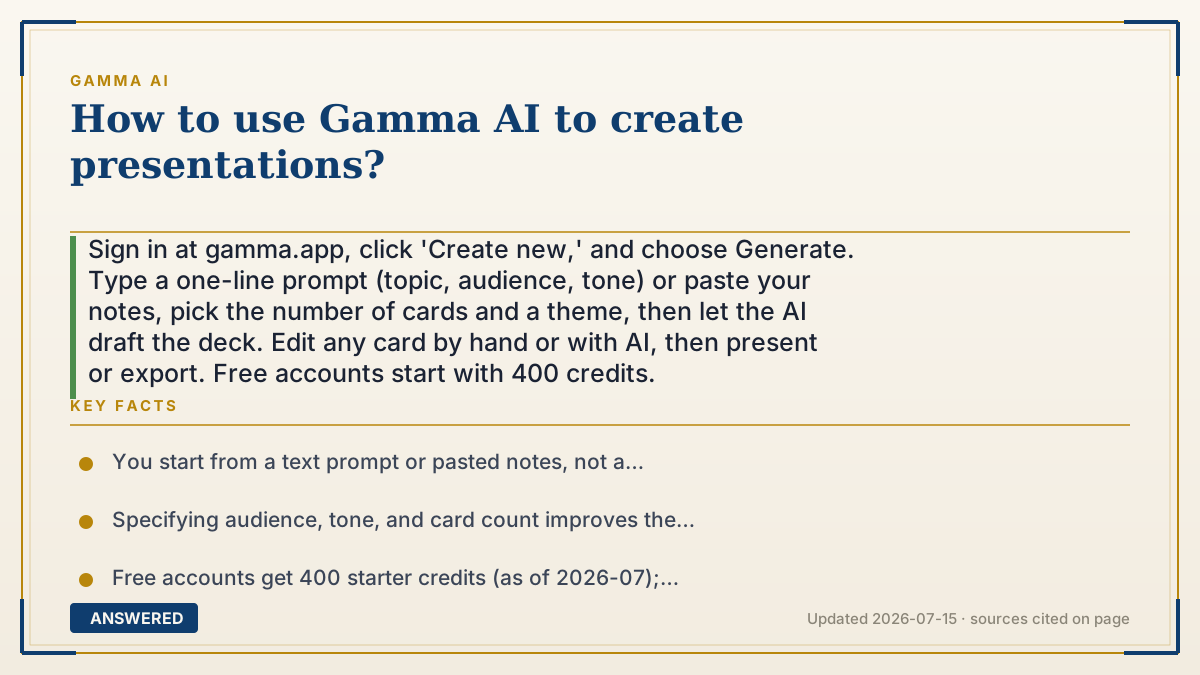
Sign in at gamma.app, click 'Create new,' and choose Generate. Type a one-line prompt (topic, audience, tone) or paste your notes, pick the number of cards and a theme, then let the AI draft the deck. Edit any card by hand or with AI, then present or export. Free accounts start with 400 credits.
Why — the first-principles explanation
Gamma flips the normal slide-making order. Traditionally you make a blank slide, then fill it. Gamma starts from meaning: you describe the goal, a language model writes the structure and words, and only then does the design engine lay it out. Your job shifts from builder to editor.
The quality of your prompt drives the result. Because the AI is guessing your intent, spelling out audience, purpose, tone, and length gives it the constraints it needs. Vague prompts produce generic decks; specific prompts (an investor pitch for a solar startup, 8 cards, confident tone) produce usable ones.
Everything after generation is refinement. You keep the cards you like, retype or AI-edit the ones you don't, restyle with a theme, and add your own images. This is why Gamma feels fast, you're never staring at a blank slide, you're always editing a draft that already exists.
An example that makes it click
It's like ordering a custom pizza instead of making dough from scratch. You tell the kitchen 'medium, thin crust, pepperoni, extra cheese' (your prompt), and a full pizza comes out in minutes. Then you pick off one topping or add chili flakes (editing the cards). You didn't knead any dough, you just described what you wanted and tweaked the result.
How to do it
- Go to gamma.app, sign in, and click 'Create new.'
- Choose 'Generate,' then pick Presentation.
- Write a clear prompt: topic, audience, tone, and how many cards you want.
- Select the number of cards and a theme, then click Generate to get a draft.
- Refine each card by typing or using the AI edit button to expand, shorten, or restyle.
- Add or swap images, then present in the browser or export to PowerPoint or PDF.
Key facts
- You start from a text prompt or pasted notes, not a blank slide.
- Specifying audience, tone, and card count improves the AI draft.
- Free accounts get 400 starter credits (as of 2026-07); generation costs credits.
- Cards are fully editable after generation by hand or with AI.
- Finished decks export to PowerPoint, PDF, PNG, or a shareable link.
Open the official product and verify the active account, workspace and data settings before you begin.
▶ The 60-second explainer (script)
Here's how to make a presentation with Gamma AI in five quick steps. One: go to gamma.app, sign in, and click 'Create new.' Two: choose Generate, then Presentation. Three, and this is the important one, write a clear prompt. Don't just say 'marketing.' Say 'marketing plan for a new coffee shop, for investors, confident tone, eight cards.' The more detail, the better the draft. Four: pick your number of cards and a theme, and hit Generate. In seconds you get a full deck with words, layout, and images already done. Five: refine it. Retype any card, or use the AI edit button to make a section shorter, longer, or restyled. Swap in your own images if you like. When it looks good, present it right in the browser or export to PowerPoint or PDF. Free accounts start with 400 credits, so you can build your first deck today.
What authoritative sources say
People also ask
Do I need a paid plan to make a presentation?
No. The free plan's 400 credits are enough to generate your first decks; paid plans add more monthly credits and remove the watermark.
How long should my prompt be?
One or two clear sentences is ideal: name the topic, audience, tone, and number of cards.
Can I start from my own outline?
Yes. Paste your notes or outline and Gamma will turn them into designed cards.
How many cards can I generate at once?
Free allows up to 10 per generation; Plus 20, Pro 60, and Ultra up to 75 (as of 2026-07).