How to export Gamma presentation to powerpoint?
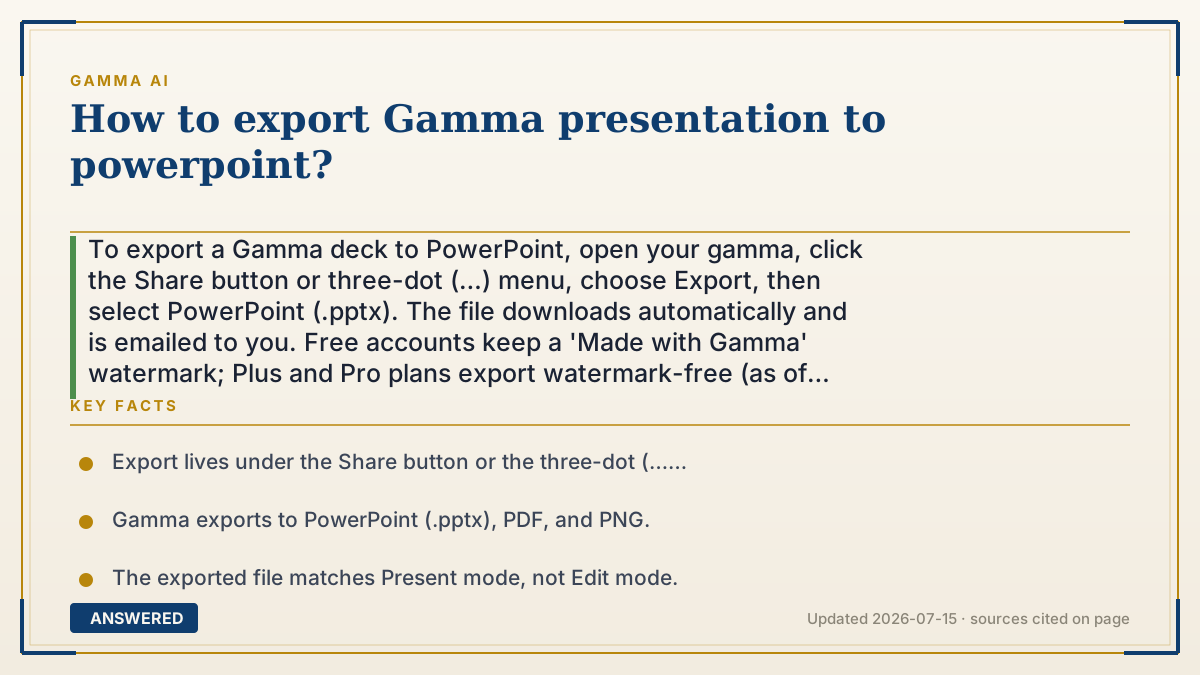
To export a Gamma deck to PowerPoint, open your gamma, click the Share button or three-dot (…) menu, choose Export, then select PowerPoint (.pptx). The file downloads automatically and is emailed to you. Free accounts keep a 'Made with Gamma' watermark; Plus and Pro plans export watermark-free (as of 2026-07).
Why — the first-principles explanation
Gamma builds decks as flexible web cards, not native PowerPoint slides, so exporting is really a conversion: Gamma re-renders each card into a fixed 16:9 slide that PowerPoint understands. Because it maps a flexible format onto a rigid one, the export matches Present mode, not the scrollable edit view.
That conversion is why some effects shift. Gradient headings, frosted-glass backgrounds, and interactive embeds don't have exact PowerPoint equivalents, so they may flatten to images or look slightly different. Knowing this, keep critical text as text (not baked into an image) so it stays editable in PowerPoint.
The watermark rule is a business lever: free exports carry 'Made with Gamma' as free advertising, and paying removes it. The subscription applies per workspace, so the deck must live in your paid workspace for the clean export to work.
An example that makes it click
It's like translating a comic strip into a printed book. Your Gamma cards are the flexible comic panels; PowerPoint is the fixed book page. Gamma copies each panel onto a same-size page (16:9), and it comes out looking like your 'present' view. A few fancy speech-bubble effects might print a little differently, and unless you've paid, the back cover still says 'Made with Gamma.'
How to do it
- Open the gamma you want to export in your browser.
- Click 'Share' in the top-right, or the three-dot (…) menu.
- Choose 'Export,' then select 'PowerPoint (.pptx).'
- Wait a moment: the .pptx file downloads automatically and a copy is emailed to you.
- To export without the watermark, make sure the deck is in a Plus or Pro workspace first.
Key facts
- Export lives under the Share button or the three-dot (…) menu.
- Gamma exports to PowerPoint (.pptx), PDF, and PNG.
- The exported file matches Present mode, not Edit mode.
- Free accounts get a 'Made with Gamma' watermark; Plus and Pro remove it.
- Some effects (gradient headings, frosted backgrounds) may render differently in .pptx.
Open the official product site and confirm the current access, plans and terms.
▶ The 60-second explainer (script)
Need your Gamma deck as a PowerPoint file? It takes about ten seconds. Open your gamma, then click the Share button in the top-right corner, or the three-dot menu. Choose Export, and pick PowerPoint, the .pptx option. Your file downloads automatically, and Gamma also emails you a copy. One thing to know: Gamma builds decks as flexible web cards, so the export is a conversion into fixed slides. What you get matches your Present view, not the editing view, and a few fancy effects like gradient headings or frosted backgrounds might look slightly different in PowerPoint. Also, free accounts get a small 'Made with Gamma' watermark on exports. To remove it, your deck needs to be in a Plus or Pro workspace before you export. That's it: Gamma to PowerPoint, done.
What authoritative sources say
People also ask
Can I export to PowerPoint on the free plan?
Yes, but the .pptx will include a 'Made with Gamma' watermark. Upgrade to Plus or Pro to remove it.
Will my animations transfer to PowerPoint?
Basic layouts transfer, but Gamma-specific effects like gradient headings or interactive embeds may look different or flatten to images.
Where does the file go?
It downloads to your device automatically, and Gamma also emails you a copy.
Why does my export look different from editing?
Exports match Present mode, not Edit mode, because cards are re-rendered as fixed 16:9 slides.