How to remove made with Gamma watermark?
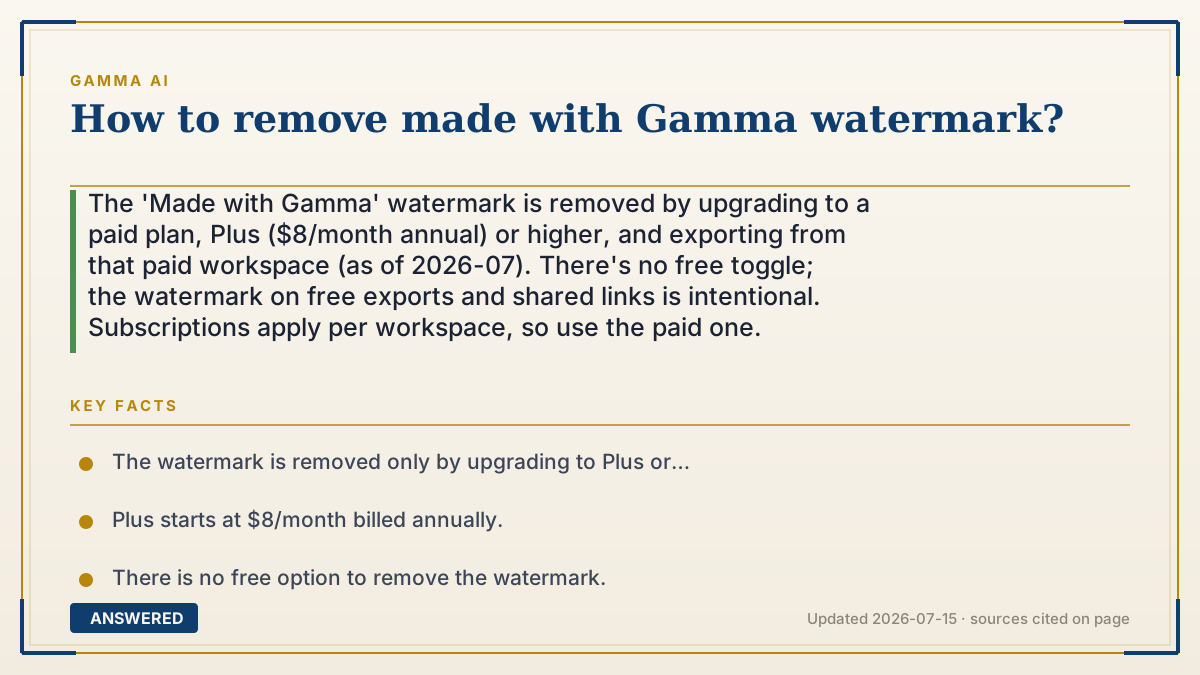
The 'Made with Gamma' watermark is removed by upgrading to a paid plan, Plus ($8/month annual) or higher, and exporting from that paid workspace (as of 2026-07). There's no free toggle; the watermark on free exports and shared links is intentional. Subscriptions apply per workspace, so use the paid one.
Why — the first-principles explanation
The watermark isn't a setting you forgot to switch off, it's the price of the free tier. Every 'Made with Gamma' badge on a shared deck or export is free marketing that brings new users in. Removing it is one of the primary reasons the paid plans exist, so the only real 'remove' button is upgrading.
A key gotcha is per-workspace billing. Your subscription attaches to a specific workspace, not just your login. If a deck was created in a free workspace, exporting it may still stamp the watermark even after you pay, the deck must live in the paid workspace to come out clean.
Avoid the 'tricks': cropping the watermark in an image editor, or third-party removers, break layouts or violate the terms and don't touch shared-link branding. The reliable, supported path is Plus or above.
An example that makes it click
It's like a free photo-printing kiosk that prints its logo in the corner of every picture. There's no secret button to hide it, the logo is how the free kiosk pays for itself. To get clean prints, you buy the membership. And you have to actually run your photos through the members' machine (the paid workspace), not the free one, or they'll still come out stamped.
How to do it
- Open Settings and go to the Billing or Upgrade section.
- Choose Plus or a higher plan and complete the subscription.
- Make sure your presentation lives in the upgraded (paid) workspace; move it if needed.
- Re-export via Share then Export in PDF, PowerPoint, or PNG.
- Confirm the downloaded file and any shared link no longer show 'Made with Gamma.'
Key facts
- The watermark is removed only by upgrading to Plus or higher (as of 2026-07).
- Plus starts at $8/month billed annually.
- There is no free option to remove the watermark.
- Subscriptions apply per workspace; the deck must be in the paid workspace.
- Removal covers exports and shared links from the paid workspace.
Open the current official limits, credits and plan rules before relying on the allowance.
▶ The 60-second explainer (script)
How do you remove the 'Made with Gamma' watermark? Let's be straight: there's no hidden free toggle. That watermark is how the free plan pays for itself, every shared deck advertises Gamma. The only supported way to remove it is to upgrade to a paid plan. Plus, at about eight dollars a month billed annually, removes it, and so does every plan above. Now, one gotcha trips people up. Gamma subscriptions apply per workspace, not just per login. So if you created a deck in a free workspace and then upgraded a different one, your export might still show the watermark. The fix: make sure the presentation actually lives in your paid workspace, move it over if you need to, then re-export. And please skip the shortcuts like cropping it out or third-party removers; they break your layout, don't fix shared links, and can violate the terms. Upgrade, use the paid workspace, re-export, clean deck.
What authoritative sources say
People also ask
Can I remove the watermark for free?
No. Removal requires upgrading to Plus or higher; there's no free toggle.
Which plan removes it?
Plus ($8/month annual) and every plan above remove 'Made with Gamma.'
I upgraded but still see the watermark, why?
Subscriptions apply per workspace. Move the deck into your paid workspace, then re-export.
Can I just crop it out?
Not reliably. Cropping breaks layouts and doesn't remove branding from shared links; upgrading is the supported fix.