Is Canva background remover free?
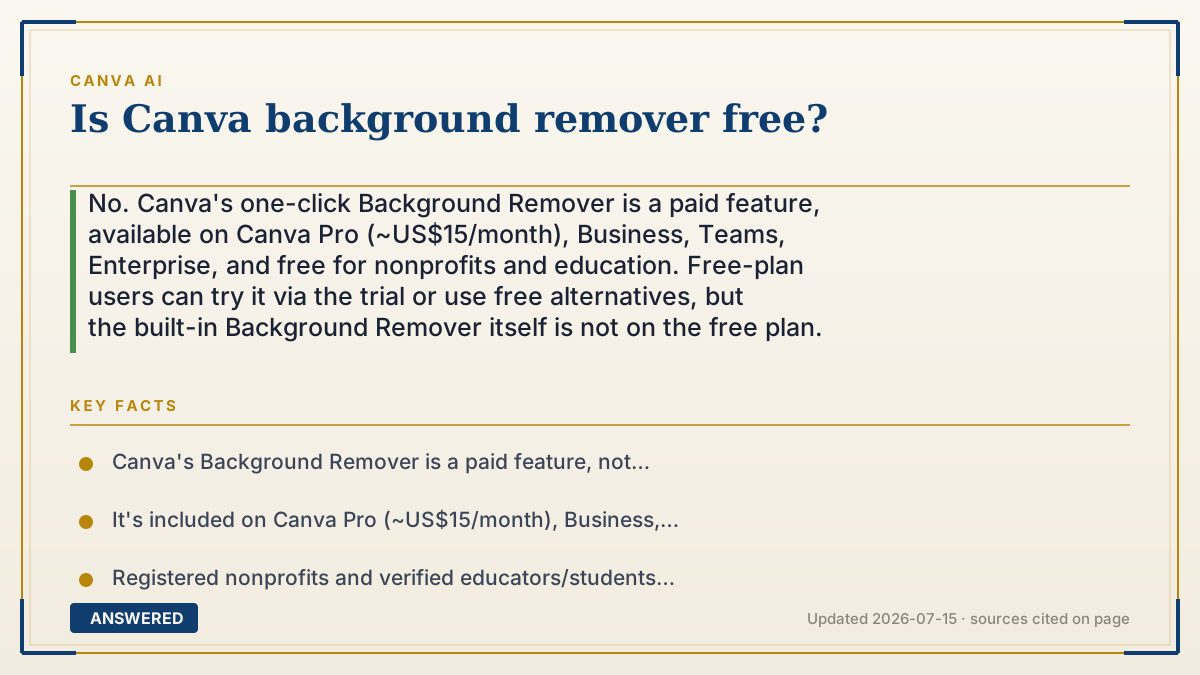
No. Canva's one-click Background Remover is a paid feature, available on Canva Pro (~US$15/month), Business, Teams, Enterprise, and free for nonprofits and education. Free-plan users can try it via the trial or use free alternatives, but the built-in Background Remover itself is not on the free plan.
Why — the first-principles explanation
Canva puts Background Remover behind the paywall because it's a high-value, high-usage feature—one of the top reasons people upgrade. It solves a task that otherwise needs Photoshop skill or a paid cutout service, so Canva reserves it as a headline Pro perk. The logic is simple: give away enough to hook you, charge for the tools professionals rely on daily.
Technically, Background Remover runs an image-segmentation model that identifies the subject's edges and masks out everything else in one click. That's genuinely useful for product photos, headshots, and stickers, which is exactly why it's a paid draw rather than a free giveaway. Its value to sellers and marketers is high, so its position on the pricing ladder is deliberate.
There are honest free routes: the Canva Pro trial (usually 30 days) unlocks it temporarily, and nonprofit/education accounts include it. Outside Canva, free background-removal tools exist and you can import the cut-out image. But if you want it inside Canva permanently without qualifying for a free program, a paid plan is the path.
An example that makes it click
Think of Canva like a print shop with a free self-serve corner. You can design flyers for free all day, but the fancy machine that instantly cuts a person out of a photo? That one's behind the counter, and using it is part of the paid membership.
You can borrow it during a free trial week, and teachers and charities get a free pass. Otherwise, you either join the membership or use a different cut-out machine down the street and bring your picture back.
How to do it
- Check your plan: Background Remover is included on Pro, Business, Teams, and Enterprise.
- On Free, start the Canva Pro trial (usually 30 days) to use it temporarily.
- If eligible, use Canva for Nonprofits or Education for free access to it.
- To use it: select a photo, open Edit, and click Background Remover for a one-click cutout.
- Prefer free? Use an external free background-removal tool, then import the cut-out image into Canva.
- Decide if the feature alone justifies Pro (~US$15/month, cheaper annually).
Key facts
- Canva's Background Remover is a paid feature, not available on the standard Free plan.
- It's included on Canva Pro (~US$15/month), Business, Teams, and Enterprise.
- Registered nonprofits and verified educators/students get it free via Canva's programs.
- The Pro free trial (commonly 30 days) unlocks it temporarily.
- It uses one-click image segmentation to isolate a subject from its background.
Check whether a free tier or trial is available, then confirm current credits and limits.
▶ The 60-second explainer (script)
Is Canva's Background Remover free? Short answer: no. That handy one-click tool that instantly cuts a person or product out of a photo is a paid feature. You'll find it on Canva Pro—about fifteen dollars a month—as well as Business, Teams, and Enterprise plans. Why isn't it free? Because it's one of the biggest reasons people upgrade. It replaces fiddly Photoshop work or a paid cutout service, so Canva keeps it as a premium perk. But there are honest ways to use it without paying full price. The Canva Pro free trial, usually thirty days, unlocks it temporarily—just cancel before it bills. And if you're a registered nonprofit or a verified teacher or student, you get it free through Canva's programs. If none of those fit, you can also use a free background-removal tool elsewhere and import the cut-out image into Canva. But the built-in remover itself lives behind the paywall.
What authoritative sources say
People also ask
Can I remove backgrounds on the Canva free plan?
Not with the built-in Background Remover, which is paid. Use the Pro trial, a nonprofit/education account, or an external free tool and import the result.
Which plans include Background Remover?
Canva Pro, Business, Teams, and Enterprise, plus free access for eligible nonprofits and schools.
How do I use Background Remover?
Select a photo, open the Edit menu, and click Background Remover for an automatic one-click cutout.
Is there a free trial?
Yes. The Canva Pro trial (commonly 30 days) unlocks Background Remover; cancel before it bills to avoid charges.