Is Canva magic studio free?
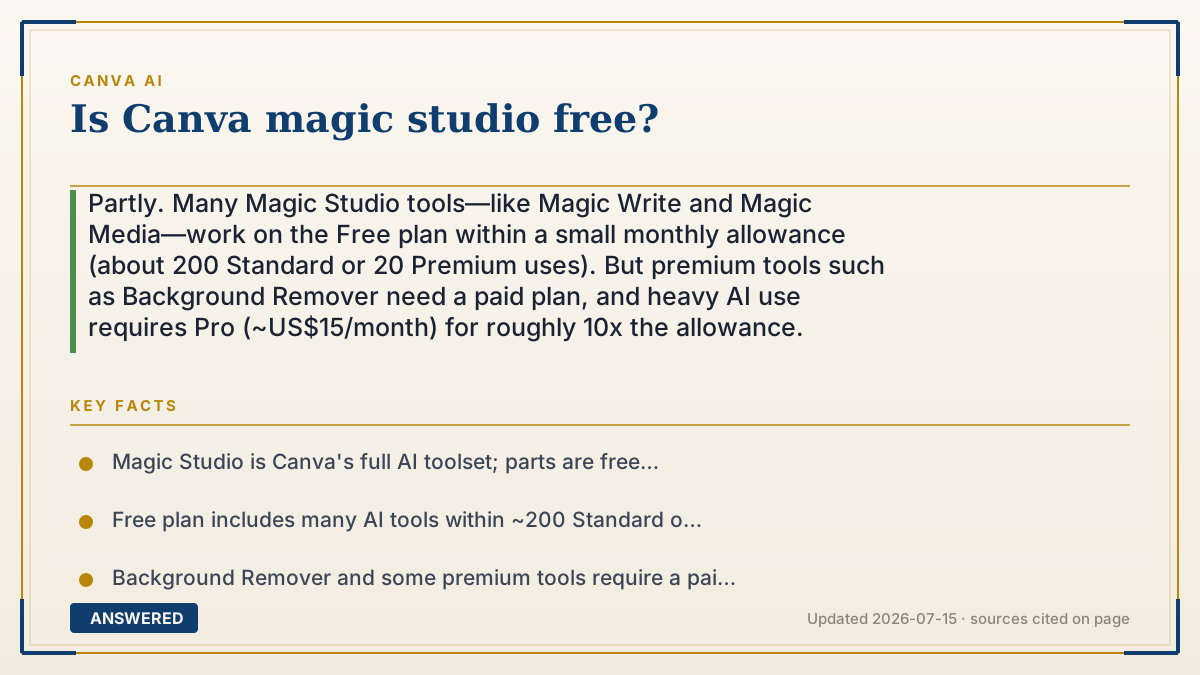
Partly. Many Magic Studio tools—like Magic Write and Magic Media—work on the Free plan within a small monthly allowance (about 200 Standard or 20 Premium uses). But premium tools such as Background Remover need a paid plan, and heavy AI use requires Pro (~US$15/month) for roughly 10x the allowance.
Why — the first-principles explanation
Magic Studio is Canva's suite of AI tools, and 'free' isn't one answer because the suite is split two ways: which tools you can open, and how much you can run them. On Free you can access most everyday AI tools, but a few premium ones are locked, and everything shares a small monthly allowance.
The reason is cost control. Each AI run costs Canva GPU time, so the Free tier is a genuine sample: enough to try Magic Write, generate a handful of images, and edit a few photos, but not enough for heavy daily use. Premium tools like Background Remover are gated entirely because they're top upgrade drivers. So 'free' depends on the specific tool and how often you use it.
Upgrading to Pro mostly raises the ceiling—about ten times the allowance—and unlocks the paid-only tools. That's the pattern across Canva: free to explore the whole idea, pay when you outgrow the sample or need the professional-grade features. For casual creators, free Magic Studio is real and useful; for frequent or professional work, the paywall shows up quickly.
An example that makes it click
Magic Studio's free tier is like a theme park with a free-admission day. You can walk in and ride most of the rides a set number of times—say 20 spins total. A couple of the biggest attractions (Background Remover) stay roped off for season-pass holders. Have a blast for free, but if you want unlimited rides and the VIP attractions, you buy the pass.
Each month, free-admission day comes back around and your ride tickets refill—so casual visitors keep coming for free.
How to do it
- Create a free Canva account and open a design.
- Use free-tier Magic Studio tools: Magic Write (text) and Magic Media (images).
- Track your allowance—Free gives ~200 Standard or ~20 Premium uses per month.
- Expect premium tools (like Background Remover) to prompt an upgrade.
- For heavy use or paid-only tools, upgrade to Pro (~US$15/month) for ~10x the allowance.
- Nonprofits and educators can access premium Magic Studio features free through Canva programs.
Key facts
- Magic Studio is Canva's full AI toolset; parts are free and parts are paid.
- Free plan includes many AI tools within ~200 Standard or ~20 Premium uses/month.
- Background Remover and some premium tools require a paid Pro or Business plan.
- Canva Pro (~US$15/month) raises the allowance to ~2,000 Standard/200 Premium uses.
- The allowance resets on your billing date each month.
Check whether a free tier or trial is available, then confirm current credits and limits.
▶ The 60-second explainer (script)
Is Canva Magic Studio free? The honest answer is: partly. Magic Studio is Canva's whole collection of AI tools, and 'free' depends on two things—which tools you use and how often. On the free plan, you can actually use a lot of Magic Studio: Magic Write for text, Magic Media for images, and several photo-editing tricks. But they all share a small monthly allowance—roughly 200 text uses or about 20 image uses. And a few premium tools, like the one-click Background Remover, are locked behind a paid plan entirely, because they're big reasons people upgrade. Why the limits? Every AI run costs Canva real computing power, so the free tier is a sample, not a buffet. The good news: your allowance refills every month, so casual users get real value for free. But if you use AI heavily or need the premium tools, Canva Pro—about fifteen dollars a month—gives you roughly ten times the allowance and unlocks everything.
What authoritative sources say
People also ask
Which Magic Studio tools are free?
Most everyday ones—Magic Write and Magic Media—work on Free within your monthly allowance. Background Remover and some premium tools are paid.
How much Magic Studio do I get free each month?
About 200 Standard uses or 20 Premium uses, from one shared pool that resets on your billing date.
Do I need Pro to use Magic Studio?
No for basic use, yes for heavy use or paid-only tools. Pro gives ~10x the allowance and unlocks premium features.
Is Magic Studio free for teachers?
Canva for Education gives verified teachers and students free access to premium features, including much of Magic Studio.