Is invideo AI free?
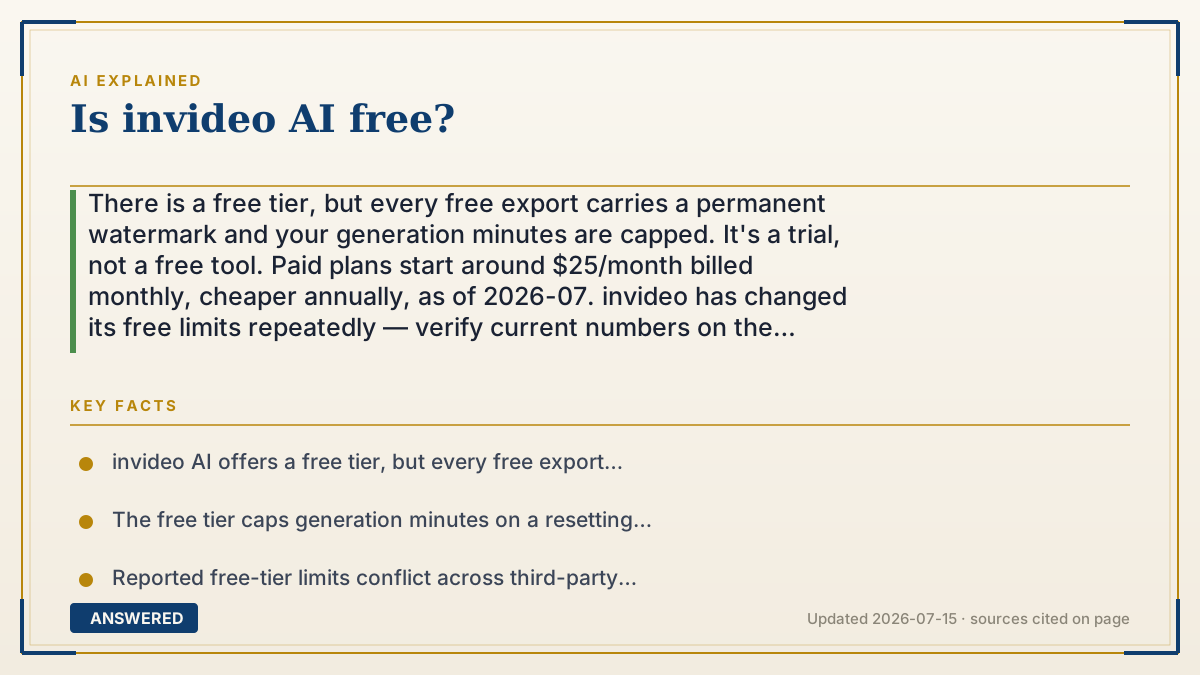
There is a free tier, but every free export carries a permanent watermark and your generation minutes are capped. It's a trial, not a free tool. Paid plans start around $25/month billed monthly, cheaper annually, as of 2026-07. invideo has changed its free limits repeatedly — verify current numbers on the official pricing page.
Why — the first-principles explanation
Understand the cost structure and the pricing stops being confusing. When invideo generates a video, it spends real money per second of output — GPU time for the video model, licensed stock footage, and text-to-speech. Unlike normal software, where one more user costs nearly nothing, every free video you make is a direct bill somebody pays. That's why AI video tools never offer the unlimited free tier you get from a photo editor. They physically can't.
So the free tier has to be a sample, and it's engineered as one. Two levers do the work. The watermark makes free output unusable for anything public — which is the entire point, because if free exports were publishable, nobody with a real use case would upgrade. And the generation-minute cap limits how much compute you can burn. Notice these levers are independent: the watermark blocks value, the cap blocks volume. You need to clear both, and only paying clears them.
Now the honest part, which most articles about this won't tell you. The exact free limits have changed repeatedly, and current third-party sources contradict each other — some report roughly 10 generation minutes per week, others 10 per month; some say 4 exports, others 10. That disagreement isn't sloppiness on any one site's part; it reflects a product that has genuinely revised its free tier more than once, with old blog posts frozen at old numbers and never updated. Treat any specific free-tier figure you read anywhere — including here — as a snapshot that may already be stale. The pricing page is the only source that's current by definition.
What's structurally stable, and safe to plan around: a free tier exists; free exports are watermarked and the watermark can't be removed; generation minutes are capped and reset on a cycle; and paid plans unlock watermark-free export plus a monthly pool of generation minutes. As of 2026-07, entry paid pricing is around $25/month billed monthly, with a meaningful discount for annual billing. Invideo also states that all paid plans include access to 200+ image, video, audio, and music models.
One trap worth naming: the meter that matters is generation minutes, not exports. Ten minutes total is one 10-minute video or ten 1-minute videos — and iterating burns it fast, because every regenerated attempt spends minutes whether you keep it or not. People run out during revision, not production.
An example that makes it click
Free invideo is the sample tray at a bakery. The cube of cake is real cake — you can taste exactly what you'd be buying. But you can't feed it to guests, and you can't take twenty.
The watermark is the toothpick stuck through it. It doesn't hurt the taste at all. It just makes it obviously a sample, so you can't pass it off as a cake you baked. And the minute cap is the guy watching the tray. Two cubes, that's it.
Why so stingy? Because unlike a website, each cube costs the baker real money — GPU time, licensed footage, voice synthesis. There's no such thing as a free slice here. That's also why the tray's rules keep changing: the baker keeps recalculating what he can afford to give away.
How to do it
- Sign up for the free plan to evaluate the tool — the output quality is identical to paid, so it genuinely tells you whether invideo suits your project.
- Assume the watermark is permanent on free exports. It's baked into the file, cannot be removed, and stays visible for the whole video. Any 'watermark remover' promising otherwise is either a scam or a terms violation.
- Track generation minutes, not exports. That's the meter that runs out. Ten minutes is one 10-minute video or ten 1-minute videos — the total is what's capped.
- Plan for iteration cost: every regeneration spends minutes whether you keep the result or not. Most people exhaust the free tier during revisions, not on final videos.
- Script tightly before generating. Write and refine your text first, outside the tool, so your generation minutes go toward output rather than exploration.
- Check the official pricing page for current free-tier limits before you commit. Third-party sources disagree (10 minutes weekly vs monthly, 4 exports vs 10) because invideo has revised these repeatedly — only the pricing page is current by definition.
- If you upgrade, compare monthly against annual: entry pricing is roughly $25/month billed monthly as of 2026-07, with annual billing meaningfully cheaper.
- Try the free tier of two or three competing AI video tools before subscribing to any. The watermark limits publishing, not evaluation, so comparison shopping costs you nothing but time.
Key facts
- invideo AI offers a free tier, but every free export carries a watermark that is baked into the file and cannot be removed.
- The free tier caps generation minutes on a resetting cycle; exports and minutes are separate limits.
- Reported free-tier limits conflict across third-party sources as of 2026-07 (approximately 10 generation minutes weekly versus monthly; 4 versus 10 exports), reflecting repeated changes to the free plan — verify on the official pricing page.
- Entry-level paid pricing is approximately $25/month billed monthly as of 2026-07, with annual billing offered at a discount.
- invideo states that all paid plans include access to 200+ image, video, audio, and music models, and its pricing page separates Individual from Team & Enterprise categories.
- Generation minutes are consumed by every attempt, including regenerations you discard — the practical reason free users run out during iteration.
Check InVideo's current free plan
Open the official pricing page to verify current credits, exports, watermarks and renewal terms.
▶ The 60-second explainer (script)
Is invideo AI free? Yes and no — and the 'no' is the part that matters. There is a free tier, and the video quality is identical to paid. But every free export carries a watermark that's baked into the file and can't be removed. So free output is fine for testing and useless for publishing. That's not an oversight. That's the design. Here's why. Unlike normal software, where an extra user costs nothing, every video invideo generates burns real money — GPU time, licensed stock footage, voice synthesis. So an unlimited free tier is physically impossible. The free plan has to be a sample tray. Two levers enforce it: the watermark blocks value, and the generation-minute cap blocks volume. You have to clear both, and only paying does. Now the honest bit. The exact free limits have changed repeatedly, and the sources out there contradict each other — some say ten minutes a week, others ten a month; some say four exports, others ten. That's not one site being sloppy. It's a product that keeps revising its free tier while old blog posts stay frozen. So treat any number you read, including mine, as possibly stale. Check the pricing page. As of July 2026, paid starts around twenty-five dollars a month billed monthly, cheaper annually. One trap: the meter that runs out is generation minutes, not exports. And every regeneration spends minutes whether you keep it or not. Most people burn the free tier on revisions, not on finished videos.
What authoritative sources say
People also ask
Can I remove the invideo watermark on the free plan?
No. It's baked into the exported file and stays visible for the whole video. Removing it requires a paid plan — any tool promising free watermark removal is either a scam or a terms-of-service violation.
How many videos can I make for free?
It depends on the current cap, which invideo has changed repeatedly — third-party sources disagree on whether the allowance is weekly or monthly. Check the official pricing page. The meter is generation minutes, so 10 minutes could be one long video or ten short ones.
How much does invideo AI cost?
As of 2026-07, entry paid pricing is around $25/month billed monthly, with annual billing meaningfully cheaper. Verify current figures on invideo's pricing page before committing — pricing changes.
Why do I keep running out of free minutes so fast?
Because regenerations count. Every attempt spends generation minutes whether you keep the result or discard it, and AI video usually takes several tries. Script and refine your text outside the tool first.
Is the free version good enough to evaluate the tool?
Yes — output quality is the same as paid, so you can genuinely judge whether it fits your project. It just can't be published because of the watermark. Try two or three competing tools' free tiers before subscribing to any.