Is Pika AI free?
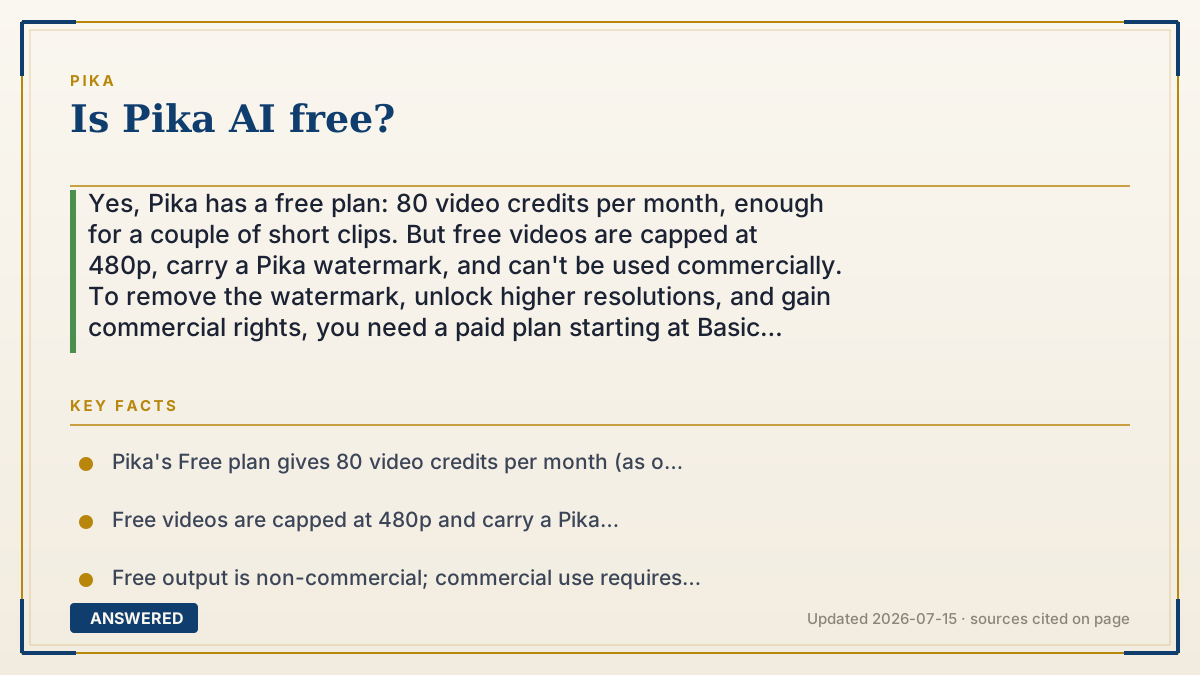
Yes, Pika has a free plan: 80 video credits per month, enough for a couple of short clips. But free videos are capped at 480p, carry a Pika watermark, and can't be used commercially. To remove the watermark, unlock higher resolutions, and gain commercial rights, you need a paid plan starting at Basic ($8/month billed yearly).
Why — the first-principles explanation
Free AI tools are almost always a funnel, not a gift. Generating video costs real GPU money, so Pika gives away a small monthly allowance to let you try it, betting that regular users will upgrade. The free tier is deliberately sized to demonstrate the product, not to sustain daily production.
The limits map directly to that goal. 80 credits covers only a handful of short clips before you run dry until next month. The 480p cap keeps free output looking sample-grade rather than publish-ready. And the watermark plus non-commercial license means free videos advertise Pika and can't be monetized — two soft nudges toward paying.
So "is it free?" is really two questions. For trying Pika, playing with prompts, or making the occasional personal clip — yes, genuinely free, no card required to start. For publishing or selling — no, because the watermark, resolution cap, and commercial lock only lift on a paid plan. The cheapest of those, Basic, is $8/month billed yearly.
An example that makes it click
It's like a free sample counter at a bakery. You can walk up and eat a small cube of cake for free, as many times as they'll refill the tray that day — that's real, it costs you nothing. But you can't take a whole cake home, and you definitely can't resell the samples. If you want a full, boxed cake with your name on it, you pay. Pika's free plan is the sample tray: great for tasting, not for running a business.
How to do it
- Go to pika.art and sign up for a free account.
- Use your 80 monthly credits to generate short clips at 480p.
- Preview whether Pika fits your needs before paying anything.
- If you need no watermark, higher resolution, or commercial use, upgrade to Basic ($8/mo) or higher.
- Watch your monthly reset date for a fresh batch of free credits.
Key facts
- Pika's Free plan gives 80 video credits per month (as of 2026-07).
- Free videos are capped at 480p and carry a Pika watermark.
- Free output is non-commercial; commercial use requires a paid plan.
- The cheapest paid plan is Basic at $8/month billed yearly.
- Free users cannot buy extra credits; the balance refills monthly.
Check whether a free tier or trial is available, then confirm current credits and limits.
▶ The 60-second explainer (script)
Is Pika AI free? Yes — with limits. Pika gives you a free plan that includes eighty video credits every month, which is enough for a couple of short clips to test the tool. No credit card needed to start. But here's the catch. Free videos are capped at 480p resolution, they come stamped with a Pika watermark, and you're not allowed to use them commercially. That's by design — the free plan is a taste, meant to get you hooked, not to run a business on. If you want clean, watermark-free videos in higher resolution that you can actually publish or sell, you'll need a paid plan. The cheapest is Basic, at eight dollars a month billed yearly. So for playing around and personal projects, Pika is genuinely free. For professional work, you'll pay.
What authoritative sources say
People also ask
Do I need a credit card to use Pika for free?
No. You can sign up and use the 80 free monthly credits without entering payment details.
How many free videos can I make?
It depends on length and settings, but 80 credits typically covers a couple of short clips per month.
What are the free plan's biggest limits?
480p resolution, a Pika watermark, non-commercial use only, and no ability to buy extra credits.
How do I upgrade from free?
Go to the pricing page and choose a paid plan; Basic at $8/month billed yearly is the cheapest.